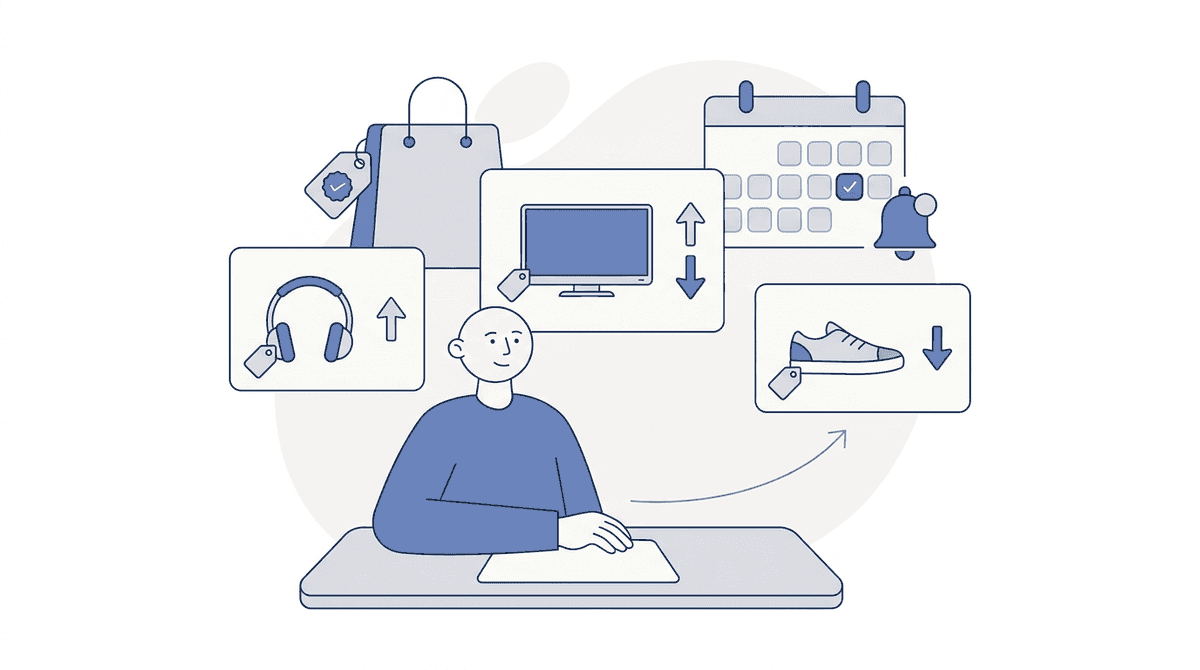
It's a Tuesday in mid-November, two weeks before Black Friday. Your biggest competitor just moved its "Early Black Friday" page live, and the pricing lead at your store is clicking through 40 product pages in a spreadsheet, typing the new prices by hand. By the time the sheet is done, three of those prices have moved again and a free-shipping banner has appeared that nobody wrote down.
That's the week most retail teams try to track competitor Black Friday prices: late, by hand, and on the wrong pages. This playbook fixes the order. It covers which pages to watch, what to record besides the price, a week-by-week plan from now to Cyber Monday (November 30, 2026), and how to tell a real markdown from one measured against a price nobody paid.
Short answer, if you only read this far: pick 20 to 50 products where you and a competitor sell the same SKU, add their product pages and their deals hub to a page monitor now, and shorten the check from every 6 hours to every hour on the key pages from Thanksgiving week on. The history you collect before the event is what lets you judge a discount on the day.
Want to try it on your own competitors? Start monitoring in the Briefpanel app → Free credits to start, no card.
What the data shows: the money moves in five days, and discounts run deep
Adobe's final numbers for 2025 make the case for watching closely. US shoppers spent $11.8 billion online on Black Friday (up 9.1% year over year) and $14.25 billion on Cyber Monday. The five days from Thanksgiving to Cyber Monday, which Adobe calls Cyber Week, came to $44.2 billion.
The same report lists peak Cyber Monday discounts off the listed price: 31% for electronics, 28% for toys, 25% for apparel, 23% for computers, 22% for TVs and 19% for appliances and furniture.
Two things follow for a pricing team:
- A competitor's price can change several times in those five days. A check once a day can miss a doorbuster that lasted six hours.
- A 25% gap is normal, not an emergency. If your category's peak discount runs near 30%, a competitor at 20% off isn't a reason to cut. What matters is the gap on the same SKU, after shipping.
Nobody publishes how often retailers reprice during Cyber Week, so be suspicious of any figure you read. Your own history from this year will be the best number you have for next year.
What to track on a competitor's Black Friday pages
The price is one field of six. Teams that only log the price end up matching a $199 offer that was really $199 plus $25 shipping, or a price that only applied with a code.
| Field | Why it matters | Where it hides |
|---|---|---|
| Sale price | The number you compare | Product page, deals hub |
| Compare-at or "was" price | Shows how deep they claim the cut is | Struck-through price |
| Stock status | A sold-out doorbuster stops being a threat | "Out of stock", "Sold out online" |
| Shipping and pickup terms | Changes the real price | Banner, cart, product page note |
| Promo code or bundle | The price may need a code or a second item | Site-wide banner, product badges |
| Deal window | Tells you when the price ends | "Ends Sunday", countdown timers |
Watch two kinds of page:
- Product pages for overlapping SKUs. Same brand, same model number. These are the ones you'll actually match or not match.
- The deals hub. "Black Friday deals" or "Cyber Monday deals" pages list what a competitor chose to push. New items appearing there tell you their strategy before any single price does.
If you sell branded goods with a minimum advertised price (MAP) policy, watch for prices below MAP on authorized resellers too. Your brand rep will want the dated evidence.
A week-by-week plan from now to Cyber Monday
Two weeks out: build the baseline
Choose the products. Start with 20 to 50 overlapping SKUs where you have margin to move and real traffic. Add each competitor product page and their deals hub to your monitor, and let it record the regular price for the next two weeks. That baseline is what makes every later decision faster. It's shorter than the 30-day window used below, and that's fine for this year; next year, start in late October and you'll have the full month.
Decide your rules now, while things are calm. For example: "Match on the top 10 SKUs if the gap after shipping is over 5%. Hold on everything else." A rule written in November saves a meeting on Black Friday morning.
Thanksgiving week: shorten the interval
Leave the baseline pages on the default check, every 6 hours. From Monday, November 23, shorten the main competitor pages to every hour (the fastest option is every 30 minutes). Early deals often go live before the holiday, and the first move tells you whether a competitor is going deep on your category or ignoring it.
Send alerts to a shared channel your pricing and merchandising people both read. One person's inbox at 11 p.m. on Thanksgiving is where alerts go to die.
Black Friday through Cyber Monday: act, then write down why
On the day, the work is fast decisions on a short list. Each alert should tell you the product, the old price, the new price and what else changed (stock, shipping). Make the call against the rule you wrote, log it, and move on.
On Tuesday, December 1, pull the history. Which competitor moved first, which SKUs they cut, how long each price lasted. That's next year's plan, already written.
How to tell a real discount from a fake one
A "was $399, now $199" tag is only as honest as the $399. The FTC's Guides Against Deceptive Pricing say a former price used in a comparison should be "the actual, bona fide price at which the article was offered to the public on a regular basis for a reasonably substantial period of time." A price raised for a week so the markdown looks larger fails that test.
This matters for your own pricing too. If you plan to show a compare-at price on Black Friday, you'll want proof of what you charged before.
The practical check is the one a history gives you for free:
- Compare the Black Friday price with the lowest price of the previous 30 days. If you started tracking this month, use the lowest price since your first reading. If the sale price is no lower than that, the "discount" is marketing.
- Look for a price rise in the weeks before the event. A product that jumped 20% two weeks before Black Friday and "dropped" back is a common pattern. Your history only shows a rise that happened after you started tracking, which is the best reason to start early.
- Read the shipping line. A low price with paid shipping can cost the shopper more than your price with free shipping.
You don't need to call out a competitor for any of this. You need to know when their headline discount is weaker than it looks, so you don't cut your margin to match it.
How Briefpanel tracks Black Friday prices
You add a competitor's product page or deals hub as a source. Briefpanel reads the page on a schedule and tracks each product as its own item, with a typed history: the field that moved (price, stock, title), the previous value and the current one, and when it changed. On a deals hub, new products show up as new items and removed ones as removed, so you see what a competitor added to the sale without reading the whole page.
What that looks like during Cyber Week:
- An alert that names the change, such as "27-inch gaming monitor: $79.99 → $72.99", sent by email, browser notification, Slack or Discord. You choose drops, rises or both.
- A dated price history per product, which is your 30-day baseline for the "real discount" check above.
- A cadence you set per page. Every 6 hours by default, and every hour or every 30 minutes for the pages that matter on the day.
- Daily or weekly digests for the pages you only want to review after the weekend.
Woot and Target are among the stores Briefpanel already tracks. For any other store, paste the product link and see what the first check reads.
Cost: billing is by credit, pay as you go, with no subscription. A check uses one credit for every page it reads, up to a fixed ceiling per check. A single product page costs one credit per check; a deals hub that follows its product pages costs more, and the source's settings show what one check costs. Current free credits and packs are in the pricing section.
Briefpanel reads public pages. It won't see a price that only appears in a logged-in cart or a member app, and it won't decide whether to match. That call stays with your team.
Set it up before the first early deal
- Open the Briefpanel app and add one competitor product page as a source. Check that the first read shows the price you see.
- Add the rest of your overlapping SKUs, then each competitor's deals hub.
- Keep the default 6-hour interval for now, and shorten it to every hour on the pages that matter from Monday, November 23.
- Add an instruction so the alerts match how you triage. A template:
Track each product as an item with its sale price, "was" price, stock status and shipping terms. Alert me on price drops over 5%, on stock going out or coming back, and on new products added to the deals page. Ignore banner and layout changes.
- Send alerts to the channel your pricing team watches over the holiday.
For the rest of the year, the guide to monitoring competitor pricing changes covers a steady weekly routine.
FAQ
How do I track competitor Black Friday prices without a scraper?
Use a page monitor on the competitor's product pages and deals hub. It checks each page on a schedule and sends the old and new price when it moves. You skip building and fixing a scraper, which tends to break exactly when a store redesigns its sale pages.
When should I start monitoring competitor prices for Black Friday?
As early as you can: 30 days before gives you a full month of history, and two weeks is the minimum. You need a baseline of regular prices to judge the sale price, and early deals often start before Thanksgiving week. Starting on the day gives you prices with nothing to compare them to.
How often should I check competitor prices during Cyber Week?
Every hour on your top SKUs and the main deals hub, and every 6 hours or once a day on the rest. Short doorbusters can start and end within a few hours, so a slower check can miss them. Each extra check uses credits, so save the short interval for pages that would change a decision.
How can I tell if a competitor's Black Friday discount is real?
Compare the sale price with the lowest price of the previous 30 days (or since you started tracking), not with the "was" price on the tag. If the product's price went up in the weeks before, the advertised discount is partly measured against that rise. A dated price history answers this in a minute.
Should I match every competitor price drop?
No. Match on the SKUs you chose in advance, when the gap after shipping is large enough to lose the sale. Matching everything hands your margin to whichever competitor moves first.
Go into Black Friday with a baseline
The teams that price well on Black Friday aren't faster typists. They started watching two weeks earlier, wrote their match rules down, and let the alerts bring the changes to them.
Start monitoring a competitor's Black Friday prices in the app →
See Briefpanel for price monitoring →
Related guides
- How to monitor competitor pricing changes without living in 20 tabs
- Competitor and supplier price monitoring: prices and stock availability
- How to monitor competitor pricing and packaging changes
- Competitive monitoring for marketers
Sources
- Adobe — Adobe: Cyber Monday Hits Record $14.25 Billion in Online Spending with Over $1 Billion Driven by Buy Now Pay Later (December 2, 2025)
- Legal Information Institute, Cornell Law School — 16 CFR § 233.1 Former price comparisons