Competitors don't announce pricing tweaks with confetti.
They quietly adjust tiers, add "limited-time" bundles, reposition value props, or slide new features into higher plans. By the time you notice, your next sales call, campaign, or renewal strategy could already be behind.
That's why competitor pricing monitoring has become a lightweight superpower for founders, product marketers, and revenue teams — especially in SaaS and fast-moving eCommerce.
This guide covers everything you need to know: why pricing intelligence matters, the tools available today, and a practical workflow to turn competitor changes into actionable insights using BriefPanel.
Why competitor pricing changes matter more than ever
A pricing page is more than numbers. It's a competitor's live strategy document — and it changes more often than you'd think.
Yet most teams still watch it with sporadic manual checks or a spreadsheet nobody trusts.
Here's what a pricing page can reveal:
- Market positioning: Are they going upmarket or downmarket?
- Feature bundling strategy: What's included at each tier?
- Discount patterns: When do they run promotions?
- Growth signals: New enterprise tier? They're scaling up.
- Churn concerns: Sudden discounts? They might be struggling.
The challenge isn't access to information — it's the time and noise involved in catching meaningful changes early, before they impact your pipeline.
The hidden cost of missing competitor updates
Let's put this in perspective. Imagine your main competitor:
-
Drops their starter price by 20% — and you don't find out for three weeks. By then, you've lost deals to "better value."
-
Adds a feature you've been promoting as a differentiator — and your sales team keeps pitching it as unique.
-
Launches an annual-only discount — and your prospects start asking why you don't offer the same.
These aren't hypotheticals. They happen constantly in competitive markets. The teams that win are the ones who know first.
Ready to stop missing competitor price changes? See how BriefPanel monitors prices →
The old ways (and why they break fast)
1. Manual checking + spreadsheets
This works for one competitor and one product.
It fails when:
- your niche has 5–10 serious players,
- pricing gets updated monthly (or weekly),
- different teams need the information,
- you're trying to track more than just price (features, positioning, copy).
You end up with:
- stale notes nobody trusts,
- missed updates that cost deals,
- duplicated effort across teams,
- and that classic "I think they changed something last month" uncertainty.
Time cost: 2–4 hours per week for a thorough competitive review. That's 100–200 hours per year — for one person.
2. Google Alerts
Google Alerts can notify you when new results related to a keyword show up in Google Search. It's great for brand mentions, press releases, or news-oriented tracking.
But it's not designed to:
- watch a specific pricing page for changes,
- highlight what changed on the page itself,
- filter out non-critical updates like footer tweaks,
- or give you any context about why a change matters.
In short: useful for broader signals, weak for precise pricing diffs.
3. Browser bookmarks + calendar reminders
Some teams set up a "competitor check" calendar event. Every Monday, someone opens 10 tabs and scans for changes.
The problems:
- It's tedious and easy to skip.
- You can't remember what the page looked like last week.
- There's no record of historical changes.
- It doesn't scale beyond one person.
The more advanced options
4. Dedicated price intelligence suites
Tools like Price2Spy, Prisync, and Competera are built for rigorous eCommerce price monitoring, historical reporting, and even dynamic repricing workflows.
These platforms excel when you need:
- Large-scale product matching across thousands of SKUs
- MAP (Minimum Advertised Price) monitoring for brand compliance
- Automated repricing based on competitor movements
- Historical price charts for trend analysis
But for many SaaS teams — or smaller catalogs — they can feel like:
- too heavy (enterprise onboarding, complex dashboards),
- too eCommerce-specific (SKU-based, not page-based),
- expensive ($200–$1,000+/month for meaningful coverage),
- and more complex than necessary for simple competitive watching.
5. General website change monitoring tools
This category includes platforms like Visualping, Distill, Wachete, ChangeTower, and others often listed among top website change monitoring tools.
They're typically easy to set up and good for broad "watch this page" cases:
- Visualping: Visual diff screenshots, email alerts, good for marketing teams.
- Distill: Browser extension + cloud monitoring, element-level selection.
- Wachete: Scheduled checks with email/Slack notifications.
If you prefer full control and self-hosting, changedetection.io is a popular open-source option for tracking content changes and alerts.
The common gap across all these approaches is what happens after a change is detected:
- You still have to read the diff.
- Interpret what it means.
- Summarize it for stakeholders.
- Share it with the right people.
- Decide if it's actionable.
That's where BriefPanel aims to be meaningfully different.
Want the price field that moved instead of raw diffs? See how BriefPanel handles competitor intelligence →
Where BriefPanel fits best
BriefPanel is built around a simple promise: Turn website changes into typed fields, with the previous and current value.
Instead of just saying "something changed," it tracks each plan on a pricing page as its own item, with its own history:
- New, changed, or removed. Every check says which plans appeared, which ones were withdrawn, and, on a change, which field moved (price, billing period, a limit, an included feature) with the value before and after.
- Detail from each plan's page. When plans link to pages of their own, a check can follow them and read details the pricing table leaves out.
- AI Instructions. When you add a page, you tell BriefPanel what to track: prices, limits, features, compliance language, or whatever you care about.
- Less noise as you go. "Update Sensitivity" sets how small a change must be to count. On any update, "Don't show updates like this" teaches that source what you don't care about: matching updates stay in the history but stop notifying you.
- A plan's price history, on request. Ask the Assistant tab "How has Competitor A's Pro plan price moved this year?" It answers from your tracked items, cites them, and can draw that price history as a line chart.
- Data out of the app. Export a source's current plans as CSV for a battlecard or a spreadsheet, or read the same history through the REST API and MCP server.
- Delivery your team already reads. Instant email, a daily or weekly digest, push notifications, or Slack and Discord through a webhook.
- Frequency per page. Every 30 minutes, every hour, every 6 hours, or every 24 hours.
Who it's built for
BriefPanel is especially strong for:
- Competitive intelligence leads keeping a decision-ready history of each competitor's plans
- Product marketing and product teams building and maintaining battlecards and packaging decisions
- Sales teams wanting pricing intel without manual research
- Pricing teams watching competitor prices and promotions so a material change triggers a response
- Procurement teams watching vendor pricing for renewal leverage
See BriefPanel for competitor intelligence →
A simple competitor pricing workflow (that scales)
Here's a practical workflow you can implement in under 10 minutes:
Step 1: Choose the pages that reveal strategy
Start with the pages that matter most:
- Pricing pages — the obvious starting point
- Plan comparison tables — often more detailed than the main pricing page
- Changelog / release notes — reveals feature velocity and priorities
- Homepage hero section — positioning and messaging changes
- Enterprise or contact-sales pages — signals about upmarket moves
- FAQ sections — often contains pricing clarifications
- Terms of service — usage limits, fair use policies
Pro tip: Don't just monitor the main pricing URL. Many companies have /pricing, /plans, /enterprise, and /compare pages with different information.
Step 2: Set different frequencies
Not everything needs hourly checks. Here's a sensible default:
| Page Type | Suggested Frequency |
|---|---|
| Pricing page | Every 6 hours |
| Homepage | Every 24 hours |
| Changelog | Every 24 hours |
| Enterprise page | Every 24 hours |
| Terms/FAQ | Every 24 hours |
BriefPanel lets you set the frequency per page (every 30 minutes, 1 hour, 6 hours, or 24 hours), so you control both coverage and cost: checking less often is the main way to spend fewer credits. See how BriefPanel monitors prices →
Step 3: Write AI Instructions
This is where BriefPanel shines. Instead of generic "something changed" alerts, you tell it what to track when you add the page.
Example instructions for a pricing page:
"Track each plan's price, billing period, limits and included features, plus any add-on or discount shown with it. Treat a change to any of those as an update. Ignore the footer, navigation, copyright year, and minor typo fixes."
Example instructions for a changelog:
"Track each feature or release as its own item, with its name, the plans it is available on, and its status (beta, generally available, deprecated). Ignore blog teasers and navigation."
Step 4: Use the daily digest as your internal feed
Instead of team members checking pages ad hoc:
- Morning standup: Review yesterday's competitor changes in 2 minutes.
- Team channel: Send each update to Slack or Discord through a webhook.
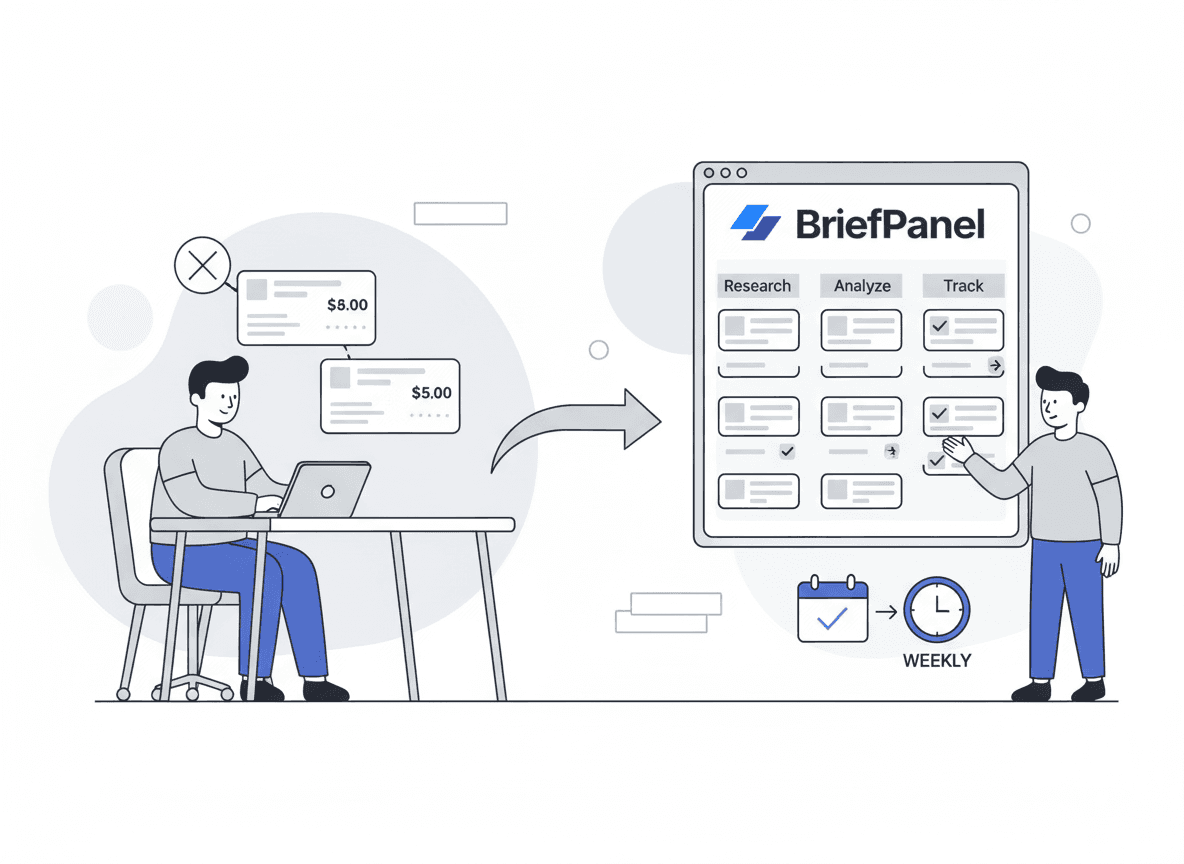
- Weekly sync: Share the digest with product and sales.
- Battlecard updates: Export a source's current plans as CSV and use the tracked fields as source material.
- Board prep: Ask the Assistant for each competitor's price moves this quarter, with a chart.
When to use what: A decision framework
| Your Situation | Best Tool |
|---|---|
| Just need brand mentions | Google Alerts |
| Monitoring 1,000+ SKUs with repricing | Price2Spy, Prisync |
| Want self-hosted control | changedetection.io |
| Need visual diffs for design changes | Visualping |
| Want typed fields + digest-ready updates | BriefPanel |
| Tracking SaaS competitors (pricing + positioning) | BriefPanel |
Real-world examples of changes worth catching early
Here are specific scenarios where early detection creates advantage:
Pricing structure changes
- A competitor adds a new "Starter" tier → They're going downmarket. Opportunity to differentiate on quality/support.
- A top-tier plan gets a usage cap → They're protecting margins. You can emphasize your unlimited offering.
- Free tier disappears → They're focusing on paid conversion. Your free tier becomes a differentiator.
Positioning shifts
- Copy changes from "best for teams" → "best for enterprises" → They're moving upmarket. SMB opportunity opens.
- New "AI-powered" messaging appears → They're riding a trend. Evaluate if you need to respond.
- "Trusted by 10,000 companies" becomes "Trusted by Fortune 500" → Enterprise pivot confirmed.
Feature and packaging moves
- A feature moves from Pro → Enterprise → They're monetizing harder. Highlight your inclusive pricing.
- New integration announced → Potential partnership or competitive threat.
- "Beta" label removed from a feature → It's now GA. Update your competitive positioning.
Discount and promotion patterns
- "Annual only" discount appears → Cash flow focus. Monthly flexibility becomes your angle.
- "Limited time" pricing shows up → They're pushing for quarter-end numbers.
- Student/nonprofit pricing added → Market expansion signal.
Building a competitive intelligence habit
The best competitive intelligence isn't a quarterly project — it's a daily habit that takes 5 minutes.
Here's how to make it stick:
- Start small: Monitor 3–5 competitors, not 20.
- Focus on signal: Use AI Instructions and "Don't show updates like this" to filter noise.
- Share consistently: Forward the daily or weekly digest to your team.
- Act on insights: Create a simple "competitor update → action" log.
- Review monthly: Are you monitoring the right pages? Adjust as needed.
Try it with a 10-minute setup
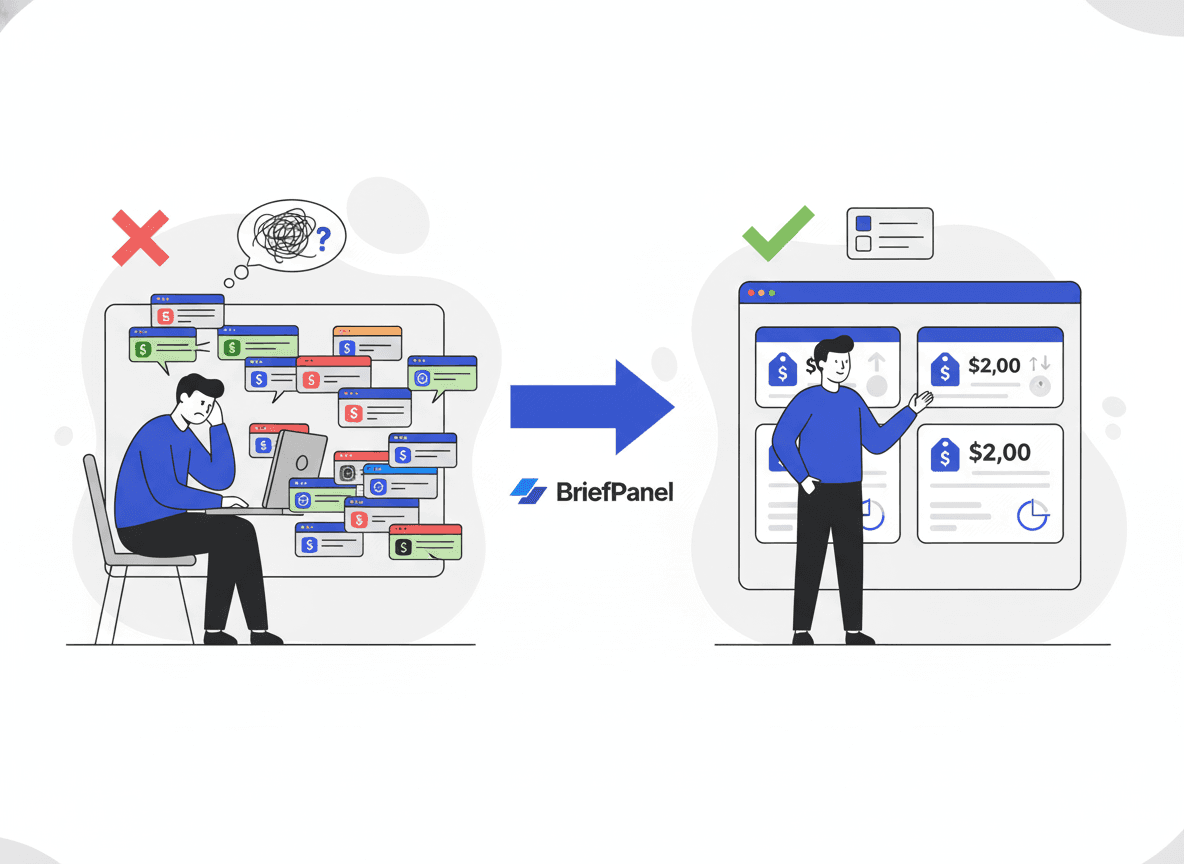
Ready to stop living in 20 tabs? Here's how to start:
- Add 3–5 competitor pricing pages to BriefPanel.
- Add their homepage and changelog for broader coverage.
- Write pricing-focused AI Instructions that name the plan fields to track.
- Review the daily or weekly digest over the next week.
- Share one insight with your team to build the habit.
BriefPanel is designed for exactly this workflow — competitor pricing monitoring and release tracking, with typed fields that are easy to share and act on.
Start monitoring competitor prices → Get your first tracked field in 10 minutes
Frequently asked questions
How often should I check competitor pricing?
For most SaaS companies, checking your closest competitors' pricing pages every 6 hours and the rest every 24 hours strikes the right balance. You'll catch same-day changes without overwhelming yourself with alerts.
What if a competitor has dynamic pricing?
BriefPanel tracks page content changes over time. For highly personalized pricing (like quote-based enterprise), you may need to monitor from a logged-out state.
Can I monitor competitors in other languages?
Yes. BriefPanel's AI reads pages in any language and can write your alerts in your preferred language.
How is this different from setting up my own scraper?
You could build a scraper with BeautifulSoup or Puppeteer, but you'd also need to handle: change detection logic, diff generation, alert routing, false positive filtering, and field extraction. BriefPanel handles all of this out of the box, plus the AI interpretation layer.
How much does it cost?
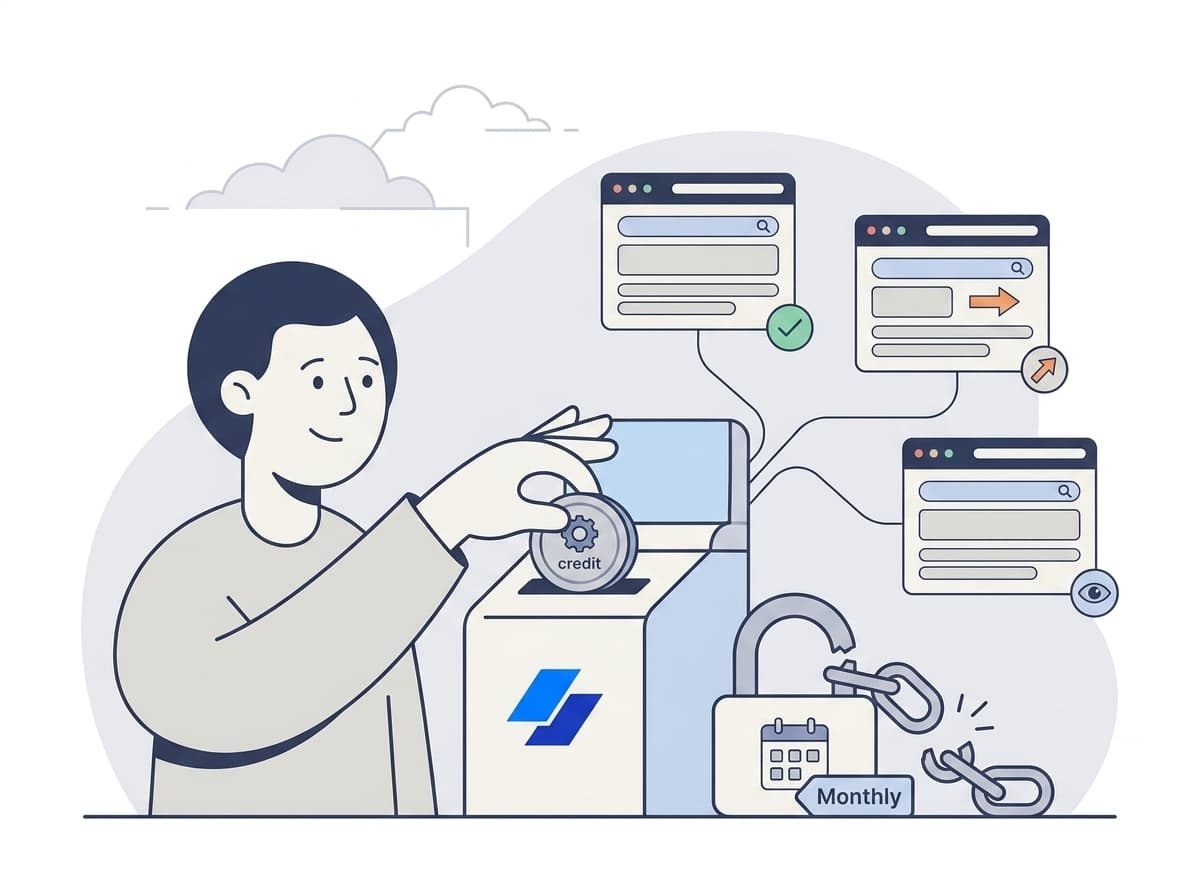
There is no subscription: you buy credits when you need them. A check spends one credit for every page it reads (the pricing page, plus each plan page it follows), up to a fixed ceiling per check. A source's settings show what one of its checks costs, and the pricing calculator shows current prices.
Can I see how a competitor's price moved over time?
Yes. Each plan keeps its own history of changes. Ask the Assistant about one plan and it can draw its price history as a line chart, or export a source's current plans as CSV.
What about pages behind login walls?
Currently, BriefPanel monitors publicly accessible pages. For authenticated content, you'd need a different approach (or request this as a feature).
Start monitoring your competitors today
Stop living in 20 tabs. Stop missing pricing changes. Stop manually checking competitor websites.
BriefPanel turns competitor website changes into typed fields you can actually use — the price that moved, with its previous and current value — delivered by email, digest, push, or Slack and Discord.
See how BriefPanel monitors prices → Start with free credits and scale up when you need more coverage. The pricing calculator shows current prices.