Pricing and packaging changes are rarely announced.
Competitors quietly move features between tiers, adjust usage limits, introduce add-ons, change “most popular” plan positioning, or rewrite the fine print. If you only check once in a while, your:
- Pricing page comparisons drift out of date
- Sales talk tracks become inaccurate
- Battlecards miss key plan-level shifts
- Roadmap and packaging decisions get made with stale inputs
This guide gives you a repeatable system to monitor competitor pricing and packaging changes (what to track, how often, and how to summarize it) plus plug-and-play templates.
If you want the same workflow without manual checks, BriefPanel monitors pages for you and tracks each plan, price and limit as its own item — new, changed or withdrawn — with both values when one changes, with configurable sensitivity and your own AI Instructions to focus on pricing.
What “pricing and packaging changes” usually mean
When people search for “competitor pricing monitoring” they’re rarely looking for only the headline price. Most of the meaningful changes show up as:
- Tier definitions: what each plan includes
- Feature entitlements: what moved from Pro to Enterprise (or vice versa)
- Usage limits and quotas: seats, API calls, automation runs, projects, storage
- Add-ons: new paid modules, premium support, compliance bundles
- Discounting language: annual vs monthly incentives, promo messaging
- Packaging and positioning: who the product is “for” now
- Footnotes: “fair use” clauses, exclusions, minimum commitments
Tracking these is how you catch the strategy, not just the number.
What to monitor (beyond /pricing)
Pricing intelligence lives in multiple places:
- Pricing page (headline prices + plan names)
- Plan comparison table (often the real spec sheet)
- Limits/quotas page (caps, throttles, “fair use” clarifications)
- Add-ons page (new monetization surfaces)
- Enterprise / contact sales page (upmarket motion signals)
- FAQ and terms sections that mention usage, refunds, trials, or billing edge cases
- Changelog / release notes (features that later get packaged into tiers)
- Docs or integration pages (sometimes silently removed from lower tiers)
If you only watch one URL, you’ll miss the packaging moves that matter.
A simple monitoring workflow (that scales beyond one person)
Use this whether you’re a founder, PMM, or product team building and maintaining a competitive view.
Step 1: Pick 3–8 competitors (and define what “competitor” means)
Start with who you actually lose to in sales cycles.
Then add:
- A category leader (sets expectations)
- A low-cost alternative (pressure on pricing)
- A “bundle” competitor (competes on packaging)
Step 2: Create a “pages to watch” list (copy/paste template)
For each competitor, collect 5–10 URLs. Here’s a quick template:
- Pricing:
https://example.com/pricing - Compare plans:
https://example.com/compare - Limits/usage:
https://example.com/limits(or search “limits”, “quotas”, “usage”) - Add-ons:
https://example.com/add-ons - Enterprise:
https://example.com/enterprise - FAQ / billing:
https://example.com/pricing-faq - Terms:
https://example.com/terms - Changelog:
https://example.com/changelog
If you’re doing this manually today, put these URLs in a simple spreadsheet with columns:
- Competitor
- URL
- Page type
- Last checked
- Notes
With BriefPanel, each of these URLs becomes a source, and you can export a source’s current items (each plan with its price and limits) as CSV whenever you need that spreadsheet.
Step 3: Set cadence (how often you should check)
You don’t need to check everything daily. A good default:
- Pricing / compare pages: every 6–24 hours
- Limits/quotas / add-ons: daily
- FAQ / terms: daily
- Changelog: daily
The right cadence depends on how costly it is to miss a change.
Step 4: Summarize changes in a consistent format
The bottleneck isn’t noticing something changed — it’s turning changes into a named field your team can act on.
Use a repeatable “pricing change brief” format:
- What changed (1–3 bullets)
- Where (URL + section)
- Impact (who it affects: new customers vs existing)
- Our response (update battlecard, tweak positioning, notify sales)
What to look for: a competitor pricing change checklist
When you review diffs or updates, scan for:
- Plan names changed (Basic/Pro becomes Starter/Growth)
- Price points changed (monthly/annual, currency, seat price)
- New tier introduced or tier removed
- Feature moved to a higher tier
- New limit (caps on seats, API, exports, history, automations)
- Add-on introduced (compliance, audit logs, premium support)
- Trial rules changed (length, credit card required)
- Refund/cancellation language changed
- Positioning copy changed (who the product is for)
- Footnotes updated (“fair use”, exclusions, minimums)
Even small copy edits can signal a pricing strategy shift.
The shortcut: automate monitoring + get typed price fields
If you do this manually, you’ll eventually end up with “someone should check competitor pricing” as a recurring calendar task.
BriefPanel is built for the opposite workflow:
- Add as many URLs as you need; you pay per page read
- Set a cadence per page (30 minutes, 1 hour, 6 hours, 24 hours)
- Track each plan as its own item, new, changed or removed, with the field that moved and its value before and after
- Follow plan pages when a pricing table links to them, to read details the table leaves out
- Tune sensitivity to reduce noise vs catch more changes, and mark any update “Don’t show updates like this” to mute similar ones
- Write AI Instructions so the tracked fields focus on pricing/packaging
- Get email or push notifications when changes are found, or send them to Slack or Discord through a webhook
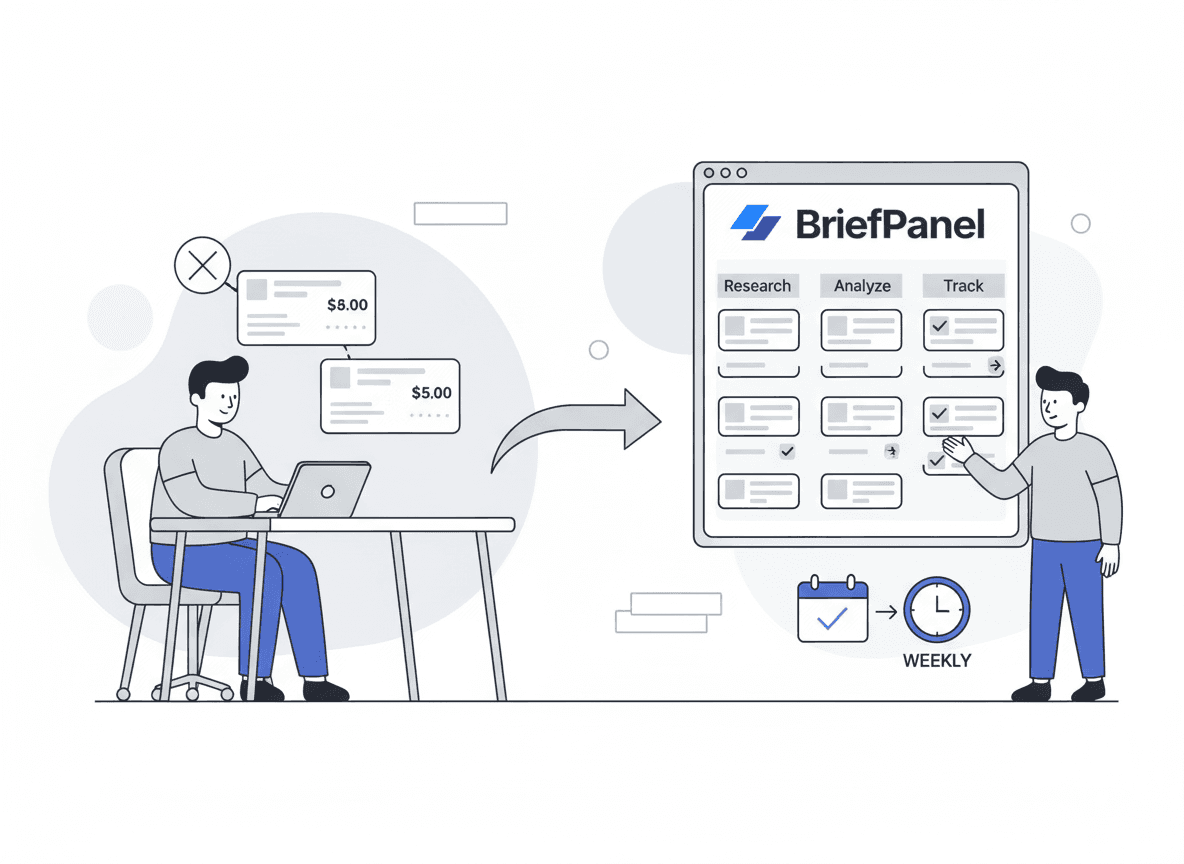
- Receive daily or weekly digests for quick sharing
- Ask the Assistant about a plan and get its price history as a line chart
- Export a source’s current plans as CSV
- Read your alerts in your preferred language
This is specifically useful for pricing and packaging because you want consistent coverage without living in tabs.
Want competitor pricing and packaging alerts without manual checks? See how BriefPanel monitors prices →
AI Instructions templates (copy/paste)
These instructions are designed for competitor pricing monitoring. Paste them into BriefPanel’s AI Instructions when you add a page.
Template 1: Pricing + packaging changes (general)
"Track each plan as an item with price, billing period, limits, included features, add-ons, and discount language. Treat a change to any of those, or a feature moving between plans, as an update. Ignore navigation/footer, cookie banners, and unrelated sections."
Template 2: Usage limits + quotas (SaaS)
"Focus only on usage limits, quotas, caps, throttling, and 'fair use' language. Extract any numbers that changed and the tier they belong to. Ignore marketing copy changes that don't affect limits."
Template 3: Add-ons + enterprise packaging
"Focus on add-ons, enterprise packaging, security/compliance features, support/SLA language, and any 'contact sales' positioning changes. Highlight new paid modules, removed inclusions, and changes to what's gated behind enterprise."
How often should you monitor competitor pricing pages?
If you want a simple rule:
- Fast-moving category / active sales cycles: every 6 hours
- Normal SaaS cadence: daily
- Slow-moving / niche tools: daily (every 24 hours), the longest interval in a source's settings; the API and MCP accept up to weekly
The key is consistency. A “boring and consistent” system wins.
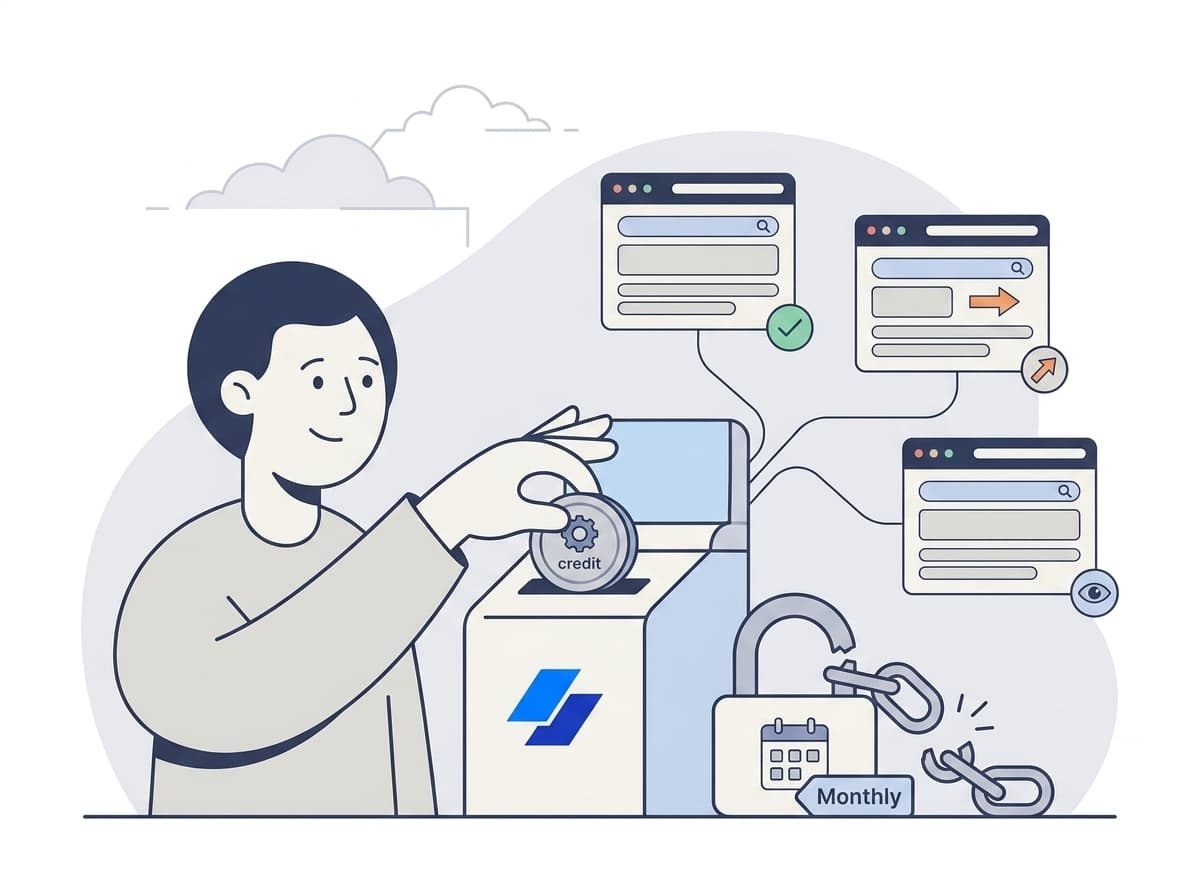
BriefPanel uses a credit-based model where a check spends one credit per page it reads — the page itself, plus any item pages it follows, up to a fixed ceiling per check — so cadence is also a way to control spend. You can start with free credits and only scale up when coverage proves valuable. For current prices, see the pricing calculator.
Example: a weekly competitive pricing brief (format)
Use this structure internally (Slack, email, Notion). BriefPanel can send each update to Slack or Discord through a webhook, and the Assistant can draw a plan’s price history as a line chart to paste into the brief:
- Competitor: Acme
- Page: Pricing / Compare
- Change summary:
- Pro plan price increased from $X to $Y
- "Audit logs" moved from Pro to Enterprise
- New add-on: "Data retention" with pricing
- Impact:
- Mid-market prospects may see higher TCO
- Our Pro tier looks stronger on compliance features
- Action:
- Update battlecard
- Notify sales about the new gating
BriefPanel is designed to fill the “what changed” part automatically — the field that moved, with both of its values — so you can focus on impact and action.
Frequently asked questions
What’s the difference between pricing changes and packaging changes?
Pricing changes are changes to the number (or billing structure). Packaging changes are changes to what’s included in each tier (features, limits, add-ons) and how the product is positioned.
What pages should I monitor to track competitor pricing changes?
Start with the pricing page, then add plan comparison, limits/quotas, add-ons, and pricing FAQ/terms. Most meaningful changes happen outside the main /pricing page.
How do I avoid noise (like footer updates) when monitoring competitor pages?
Use a tool that can tune sensitivity and/or read changes with context. In BriefPanel, you can adjust sensitivity, write AI Instructions that tell it to ignore navigation/footer/cookie banners, and mark an update “Don’t show updates like this” to mute similar ones.
Can I monitor competitors in other languages?
Yes. BriefPanel reads pages in any language and can write your alerts in your preferred language.
Start building a competitor pricing monitoring habit
The best competitive intel system is the one your team will actually keep doing.
If you want the automated version of this workflow:
- Add competitor URLs
- Set cadence per page
- Write pricing-focused AI Instructions
- Get alerts/digests naming the field that moved, and from what to what
See BriefPanel for competitor intelligence →