Price and stock changes rarely happen when someone on your team is looking.
A distributor marks a SKU out of stock on a Friday evening. A competitor quietly discounts a bundle. A supplier raises its minimum order quantity. If you check these pages by hand, you find out days later, after the quote went out or the reorder failed.
This guide is for pricing and category operations and procurement teams. It covers the main ways to track price changes and stock availability across supplier catalogs, distributor listings, and competitor assortments, plus a workflow in BriefPanel that tracks each product as its own item and tells you which field moved, with the value before and after. We'll also look at what retail research says about how often prices move and what stockouts cost, so you can decide how closely to watch.
What the data shows: prices move constantly, and stockouts are expensive
If it feels like online prices never sit still, that's because they don't.
Pricing-analytics firm Profitero found that Amazon.com makes more than 2.5 million price changes every single day—a roughly ten-fold jump from the ~269,000 daily changes it measured a year earlier. For comparison, Profitero noted that Best Buy and Walmart together made only around 50,000 price changes across an entire month during the same study period (Profitero). Algorithmic, AI-assisted repricing has only become more common since, with prices on high-demand items shifting multiple times a day (Washington Monthly, 2026).
The takeaway for a pricing or buying team: a competitor's price on a popular SKU is a moving target. One manual check tells you the price at one moment, not whether it moved yesterday or will move again tomorrow.
Availability is just as volatile, and the cost of getting it wrong is enormous. According to IHL Group's long-running inventory-distortion research, out-of-stocks and overstocks cost the global retail industry roughly $1.7 trillion a year, with out-of-stocks alone accounting for about $1.2 trillion and overstocks the remainder. Despite roughly $172 billion in year-over-year improvement, the problem remains larger than the GDP of many countries, and supply-chain disruption is the single biggest driver, at about $301 billion in annual losses (IHL Group, 2025; Chain Store Age).
That trillion-dollar figure is the sum of many single "out of stock" and "back in stock" moments at suppliers and sellers. Each one changes what you can buy, what you can promise, or what a competitor can sell—and most of them happen without anyone on your team being told.
Buyers also judge the total cost, not the headline price. Cart-abandonment research from the Baymard Institute puts the average online cart-abandonment rate at roughly 70%, with unexpected extra costs (shipping, taxes, fees) the single most-cited checkout reason (Baymard Institute). So a competitor that changes a shipping fee or a free-shipping threshold has changed its offer as much as one that cuts its price.
The pattern is clear: prices change far faster than a team can track by hand, stockouts are a huge pool of lost sales, and fees and terms move the real price as much as the list price does. Monitoring turns those changes into something your team can act on.
What to track on product and catalog pages (beyond the price)
Many important changes don't look like "price changed." They show up as:
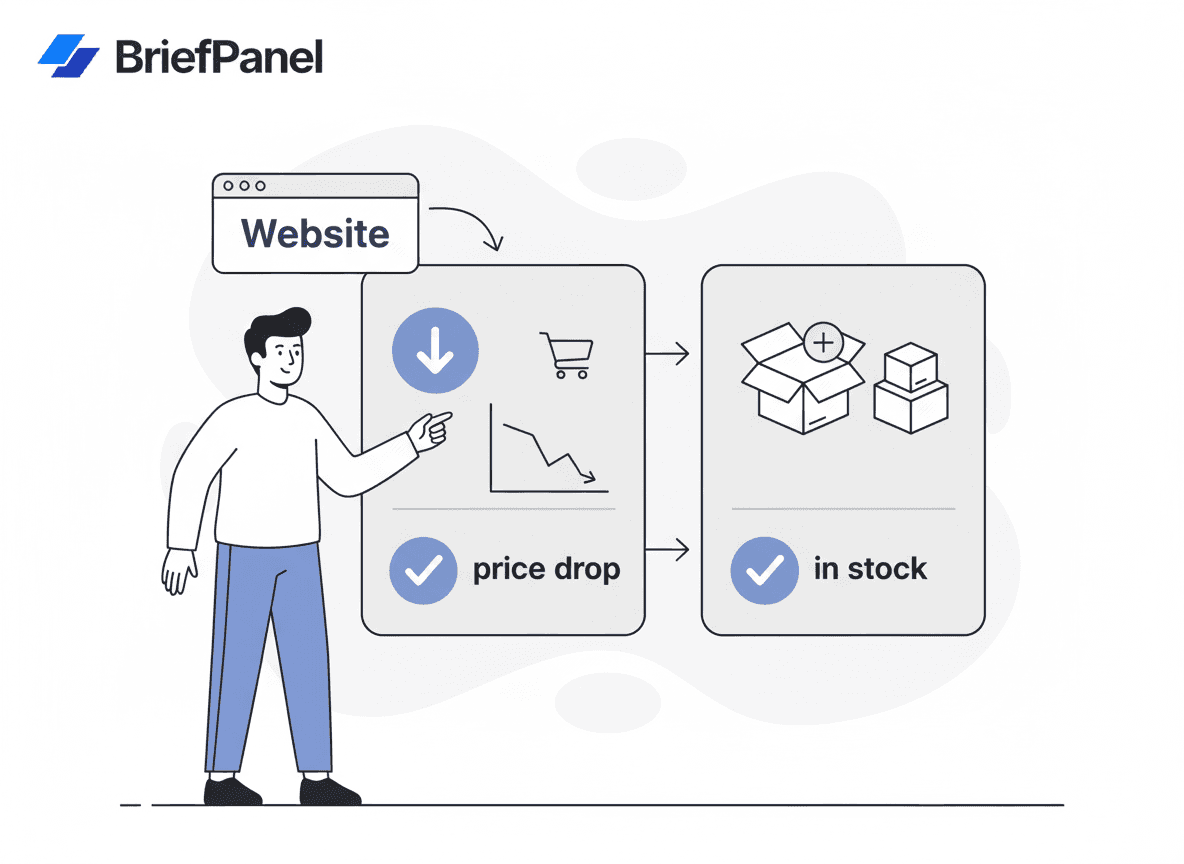
- Stock status: in stock / out of stock / preorder / backorder, at a supplier or a distributor
- Lead times: "ships in 2–3 weeks" becomes "ships tomorrow," or the other way around
- Variant availability: a size, color, or configuration appears or sells out
- Assortment: SKUs added to or removed from a supplier catalog or a competitor's category
- Minimums and limits: MOQ changes, case-pack sizes, "limit 2 per customer"
- Advertised price vs. MAP: a reseller listing a product below its minimum advertised price
- Bundle contents: items added to or removed from bundles or kits
- Fees and thresholds: shipping costs, handling fees, free-shipping minimums, tax language
- Promotions: on-page discount codes, "X% off at checkout," clearance flags
Because fees and terms move the real price, tracking only the headline price can miss the change that matters.
The main ways to monitor prices and stock availability
1) Manual checking
Works once. Doesn't scale.
It's slow, easy to forget, and—against products that may reprice millions of times a day across the market—nearly impossible across many SKUs and sites.
2) Supplier or store alerts
Some sites offer "notify me when in stock" buttons or supplier newsletters.
They can help, but:
- they don't exist on every site
- they often cover only restocks, not price edits, MOQ changes, or promotions
- you can't standardize them across many suppliers and competitors
3) Browser extensions
Extensions can monitor a page, but they're brittle when:
- you change devices
- your browser isn't running
- the page is dynamic
4) Price tracking services
Great for major marketplaces, but limited when you need:
- niche suppliers and distributors
- B2B catalogs
- specific URLs and variants
- a record of exactly what changed and when
5) Website change monitoring (best general solution)
A page-level monitor watches any publicly accessible URL and tells you when the content changes.
The remaining problem is interpretation: a "page changed" alert on a catalog is noise—reviews, recommended items, tracking widgets, footers. What helps is item-level tracking: each product as its own record, with the field that moved and both values.
A practical price & stock monitoring framework
You don't need to monitor everything the same way. A simple tiering model keeps alerts useful instead of overwhelming:
- Decide why you're watching each page. A category manager watching a competitor's top 20 SKUs has different needs than a procurement lead tracking 200 supplier SKUs. Write the goal down—it drives cadence and what counts as a change.
- Tier by urgency. Fast-repricing categories and supply-critical parts get frequent checks; stable catalogs get daily checks.
- Set sensitivity to match. For volatile items you want to catch any meaningful move; for stable ones you want only material changes, not boilerplate churn.
- Define "meaningful" up front. A price move, stock flipping in or out, a new or removed SKU, an MOQ or fee change—these are signals. Reviews, recommendations, and footer edits are noise.
- Route alerts by stakes. Changes someone must act on today go to instant email or a Slack channel; everything else rolls into a daily or weekly digest.
BriefPanel is built around this model: cadence per source, adjustable sensitivity, instructions that define what counts as a change, and delivery by email, digest, push, or Slack/Discord—so low-priority pages don't flood anyone's inbox.
How BriefPanel reads a catalog page
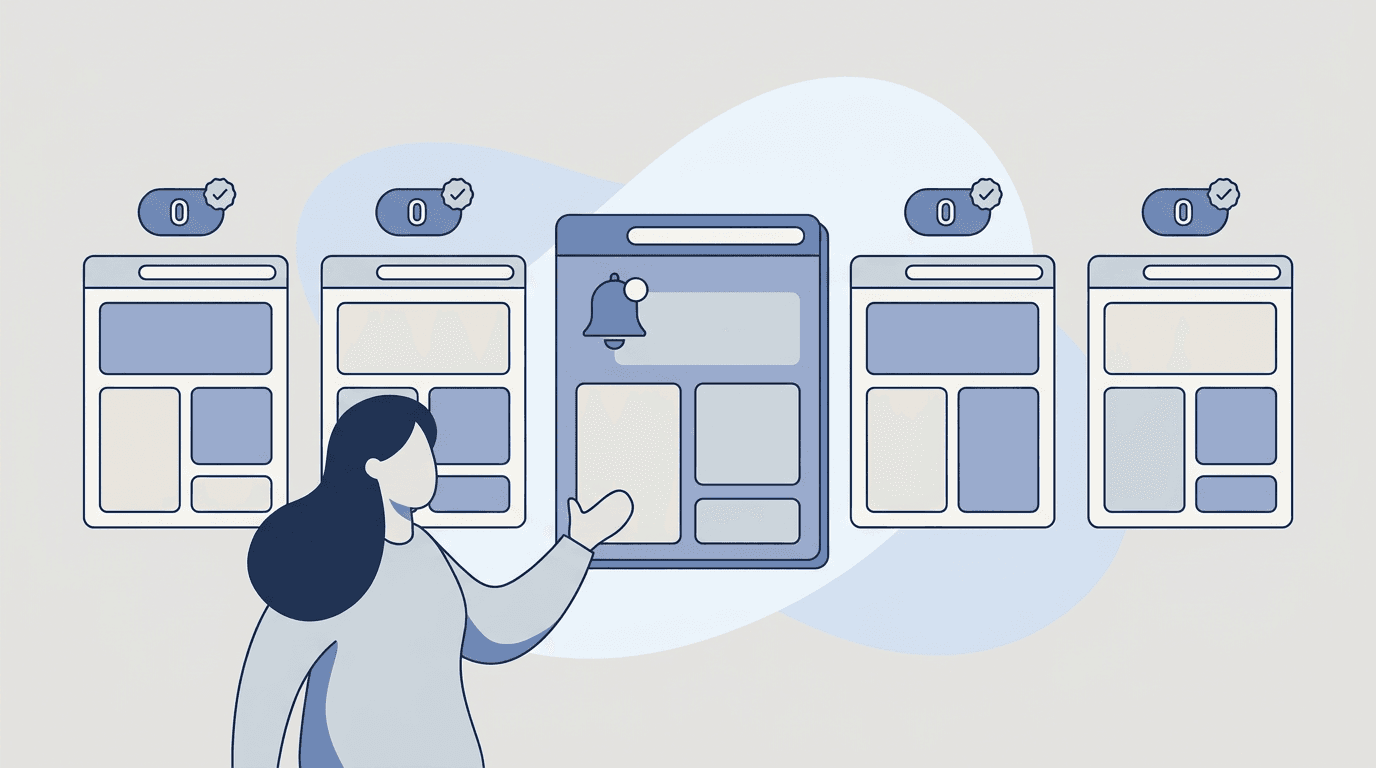
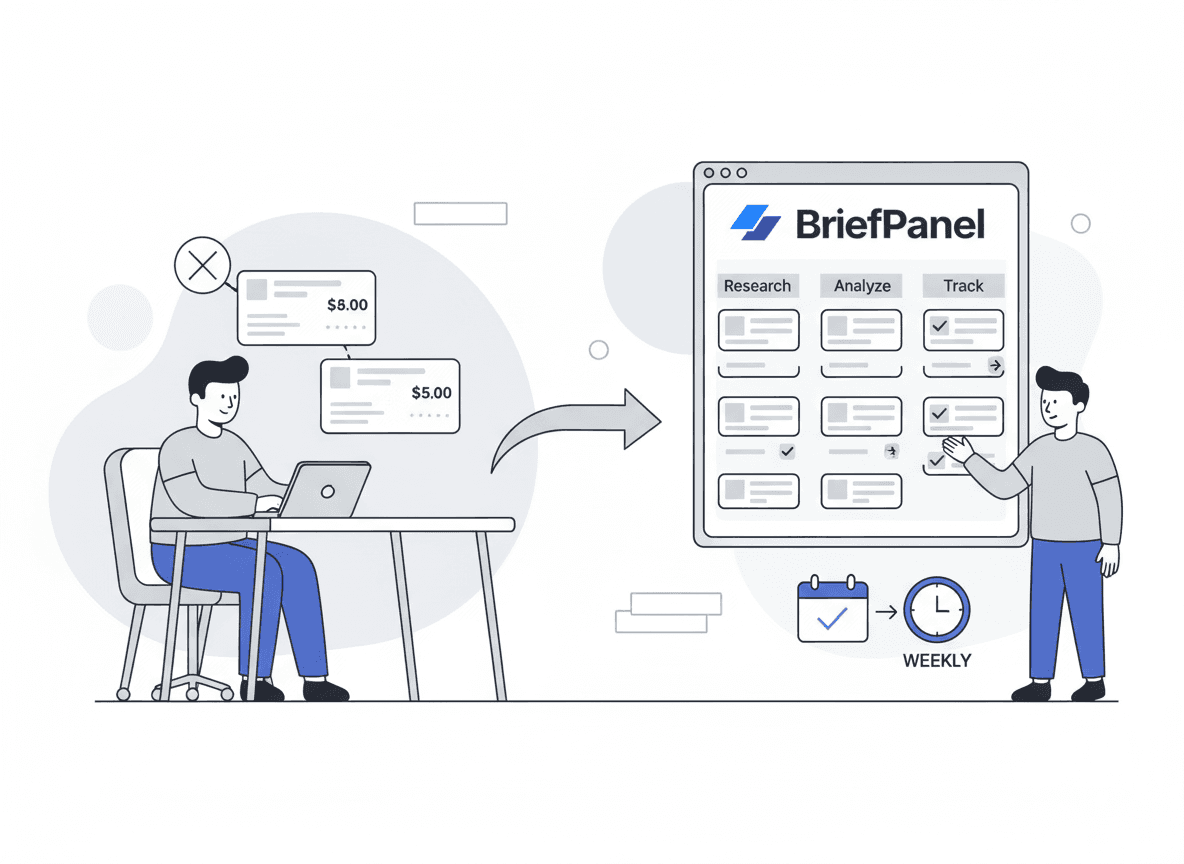
You add each catalog, category, or listing page you care about as a source. BriefPanel finds the products on it and tracks each one as its own item, with its own history:
- New, changed, or removed. Every check says which products appeared, which ones were pulled, and, on a change, which field moved (price, stock, variant, MOQ) with the value before and after.
- Long lists. When a catalog splits its products across several pages, a check can read the next pages of the list too.
- Detail from each product's page. When products have pages of their own, a check can follow them to read details the list does not show, such as stock per variant, lead time, or MOQ.
- Less noise as you go. On any update, "Don't show updates like this" teaches that source what you don't care about: matching updates stay in the history but stop notifying you. "Fix what is tracked" lets you describe, in your own words, a product or a detail that is wrong or missing.
- Questions across all your sources. Ask the assistant things like "Which suppliers raised prices on this part this month?" or "Which competitor SKUs went out of stock this week?" It answers from your tracked items, cites them, and can draw one product's price history as a line chart.
- Data out of the app. Export a source's current products as CSV, send each new, changed, or removed product to Slack or Discord, or to your own system through a signed webhook, or read the same history through the REST API and MCP server.
- Delivery your team already reads. Instant email, a daily or weekly digest, or push notifications, in your team's language.
How fast you hear about it. You see a change on the next check. Checks run every 30 minutes, every hour, every 6 hours, or every 24 hours, set per source.
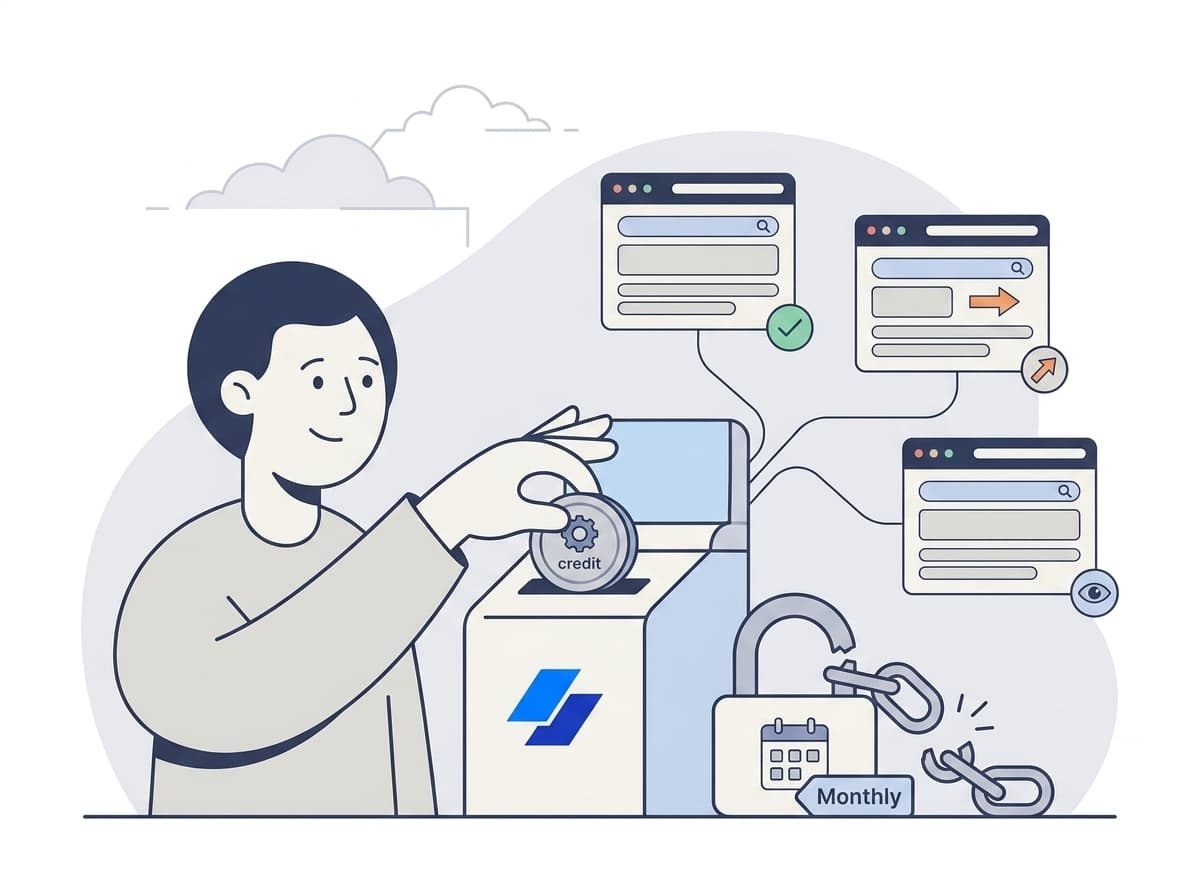
What it costs. Billing is pay as you go with credits, with no subscription. A check spends one credit for every page it reads: the catalog page, each next page of the list, and each product page it follows, up to a fixed ceiling per check. So for a large watchlist, pick a slower cadence. A source's settings show what one of its checks costs, and the pricing calculator shows current prices.
Running pricing or category operations? See how teams use BriefPanel for price monitoring →
Instructions template: tell BriefPanel which fields to track
When you add a catalog or listing page, give it instructions like these:
"Track each product as its own item. For each product, keep the price, any sale or promotional price, stock status (in stock, out of stock, preorder, backorder), the variants that are available, lead time, minimum order quantity, and shipping fees or free-shipping threshold. Treat a change to any of those as an update. Ignore reviews, recommended products, navigation, and the footer."
This keeps the updates down to the changes your team acts on.
Setup for a supplier or competitor watchlist
- Add the pages that list the products, not each product by hand:
- supplier and distributor catalog or category pages
- competitor category or search-result pages for the SKUs you price against
- reseller listings, if you watch MAP compliance
- BriefPanel reads the next pages of the list and can follow each product's page for detail
- Set cadence per source:
- every 30 minutes or every hour for a small set of fast-repricing or supply-critical items
- every 6 hours for normal monitoring
- every 24 hours for large catalogs and long-term watchlists
- every page read costs one credit, so checking less often is the main way to spend less on a large watchlist
- Add the instructions above and set the sensitivity.
- Route the updates:
- instant email or a Slack/Discord channel for the items someone acts on that day
- a daily or weekly digest for everything else
- a webhook, the API, or a CSV export to feed your pricing sheet or BI tool
Real use cases
- Pricing and category operations watching competitor assortment, prices, promotions, and fees to reprice or restock before losing the sale. (See also our guide to monitoring competitor pricing and packaging.)
- Procurement and buyers monitoring supplier prices, MOQ changes, lead times, and stock-outs at distributors—turning the trillion-dollar stockout problem into early warnings.
- Brand and channel teams checking reseller listings for prices below MAP and products that disappear from a partner's catalog.
- Sales teams tracking vendor plan changes or add-on pricing that affect quotes.
FAQ
How often should I check a product page? Match cadence to volatility and to watchlist size. For a few items that reprice often or sell out fast, every 30 minutes or every hour is reasonable; for large catalogs, every 6 or 24 hours is usually enough. Each page read costs one credit, so save the short intervals for items you'd act on the same day.
Can I track stock-outs and restocks, not just price changes? Yes. Stock status, lead times, and per-variant availability are fields like price. Ask for them in the instructions and every "out of stock → in stock" change shows up with both values, which matters given that out-of-stocks alone represent over $1 trillion in annual retail losses (IHL Group).
Will I get spammed with alerts every time anything changes? No—if you set it up well. Use sensitivity plus instructions that ignore reviews, recommendations, and footers, mark unwanted updates with "Don't show updates like this," and send only critical items to instant alerts while everything else lands in a digest.
Does BriefPanel work on any supplier or store? BriefPanel monitors publicly accessible pages, so it works across marketplaces, niche suppliers, distributors, and B2B catalogs—not just the big sites that price-tracking tools support. Pages behind a login or paywall aren't monitored.
How much does it cost to watch a large catalog? It depends on how many sources you add, how often each is checked, and how many pages a check reads (the list's next pages and the product pages it follows). There is no subscription: you buy credits when you need them. A source's settings show what one check costs, and the pricing calculator shows current prices.
Can we get the changes into our pricing sheet or BI tool? Yes. Export a source's current products as CSV, receive each new, changed, or removed product through a signed webhook, or read the history through the REST API or the MCP server.
What about competitor pricing, not just suppliers? That's a common use. See competitor pricing and our product managers' competitive-intelligence guide for a deeper workflow.
Start monitoring supplier and competitor prices automatically
If your team checks the same catalogs every week, set up monitoring once.
BriefPanel tracks each product as its own item—price, stock, variant, MOQ, each with the value before and after—so your team hears about a price move or a stock-out on the next check, as often as every 30 minutes.
See BriefPanel for price monitoring →
Sources
- Profitero — Amazon.com makes more than 2.5 million price changes every day
- IHL Group — Retail Inventory Crisis Persists Despite $172 Billion in Improvements (2025)
- Chain Store Age — IHL Group: Inventory issues cause $1.7T in annual losses
- Baymard Institute — Cart Abandonment Rate Statistics
- Washington Monthly (2026) — How Amazon's AI Algorithms Raise the Prices You Pay