A competitor's newsroom adds a pricing announcement on a Tuesday morning. You find out on Thursday, when a salesperson forwards a screenshot from a prospect. You had the site bookmarked. You even meant to add it to your feed reader, but the site has no RSS feed, so there was nothing to add.
This is the usual state of things. If you need to get notified of new posts on a website with no RSS feed, you have three real options, and you should try them in order: look for a feed that exists but is hidden, read the sitemap, and only then watch the page itself. This guide walks through all three, including how to set the last one up so each new post shows up in your alerts and not a ping every time a sidebar changes.
First, check whether the feed is really missing
Many sites that look feedless have one. Spend two minutes on this before you pick a tool.
- View the page source and search for
alternate. Publishers advertise a feed with alinktag in the page head. The RSS Advisory Board's autodiscovery guide describes it as the way "for browsers and other software to automatically find a site's RSS feed", and the tag looks like<link rel="alternate" type="application/rss+xml" href="...">. If you findapplication/rss+xmlorapplication/atom+xml, copy thehref. - Try the usual paths. WordPress generates RSS 2.0, RSS 1.0 and Atom feeds out of the box, per its developer documentation, and they sit at predictable addresses such as
/feed/. Other platforms use/rss,/rss.xml,/atom.xmlor/index.xml. There is no standard, so this is guesswork, but it is cheap guesswork. - Check for a category or tag feed. A site may have no main feed but a feed for one section, like "Press" or "Product updates". That is often the one you wanted anyway.
If one of those works, use it. A feed is free, fast and precise. The rest of this guide is for the sites where none of them do, which in B2B is most corporate newsrooms, vendor changelogs, regulator pages and press rooms.
Why so many sites have no feed
Feeds lost their biggest reader long ago. Google announced on March 13, 2013 that it would retire Google Reader on July 1, 2013. Since then a feed has been something a publisher chooses to offer, and plenty of corporate sites never turned one on.
Nobody publishes a count of how many sites still offer one, so treat any percentage you see with suspicion, including from us. What you can count is your own list: pick the ten pages you care about and check each one.
Option two: read the sitemap
Most sites publish an XML sitemap at /sitemap.xml (it is usually listed in robots.txt). Each URL can carry a lastmod date, which gives you a free list of recently touched pages.
Two cautions. First, lastmod is only as honest as the site makes it. Google says it uses the value only when it is "consistently and verifiably" accurate, and that it should reflect "the last significant update to the page", per its sitemap documentation. Plenty of sites stamp every URL with today's date, which makes it useless. Second, a sitemap lists every page, so a news section with 400 posts gives you 400 lines to compare against yesterday's. You need a script or a tool to do that, which is where most people give up.
A sitemap is a good fit when the site is large, is well maintained, and you only care about the URL, not the title or the summary.
Option three: watch the index page
Almost every site that publishes has an index page: /blog, /news, /press, /changelog, /updates. New posts show up there first, in a list. Watching that list is what a feed would have done for you.
The catch is what "watching" means. A basic page-change checker compares the page to its last copy and tells you something changed. On a busy site that is every day: a new banner, a cookie notice, a rotated "featured" slot, a footer year. Alerts that fire on everything get muted within a week.
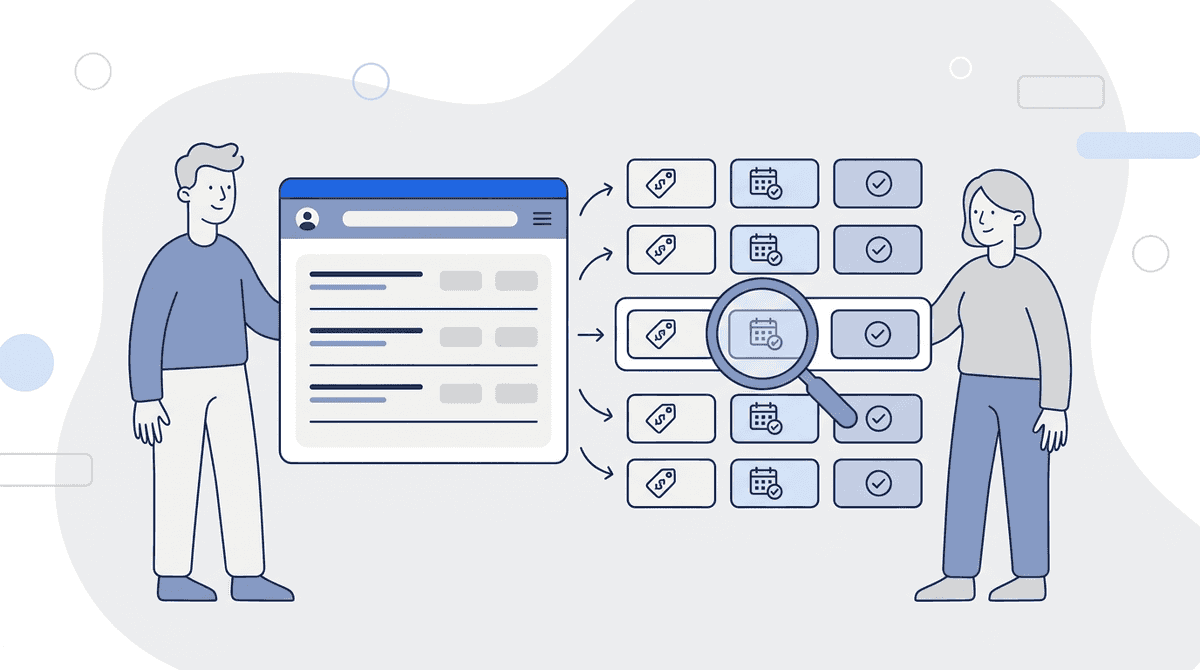
What you want is the list read as a list: each post is an item with a title, a link and, if the page shows one, a date. Then a change means one of three things: a post is new, a post was modified (its title or date moved), or a post was removed. Everything else is noise.
How to set it up so it stays quiet
- Point at the index page, not the homepage. The homepage changes for a dozen reasons.
/newschanges when there is news. - Pick a cadence that matches the site. A weekly publisher doesn't need hourly checks. Daily is enough for most corporate blogs; shorter intervals make sense for a regulator or a status page where speed matters.
- Write down what counts. "Only new posts about pricing, packaging or product launches" is a better instruction than "tell me about changes".
- Decide where the alert lands. Email is fine for a weekly scan. A shared channel is better when a team has to react.
How Briefpanel does it
Briefpanel treats a URL as a source and reads the entries on it. Add /news and it tracks each post as its own entry, with a history of when it was added, modified or removed. A new post arrives as one update with its title, so you don't have to open the page and find the difference yourself.
- Cadence per page. The fastest option is every 30 minutes; most blogs need far less.
- Instructions. You give the source a short prompt, such as "alert me about pricing, plan and launch announcements, ignore event listings", and set how sensitive it should be to small edits.
- Delivery. Email or push, a daily or weekly digest, or Slack or Discord through a webhook. Each update can also go to your own systems through a signed webhook or the REST API and MCP server.
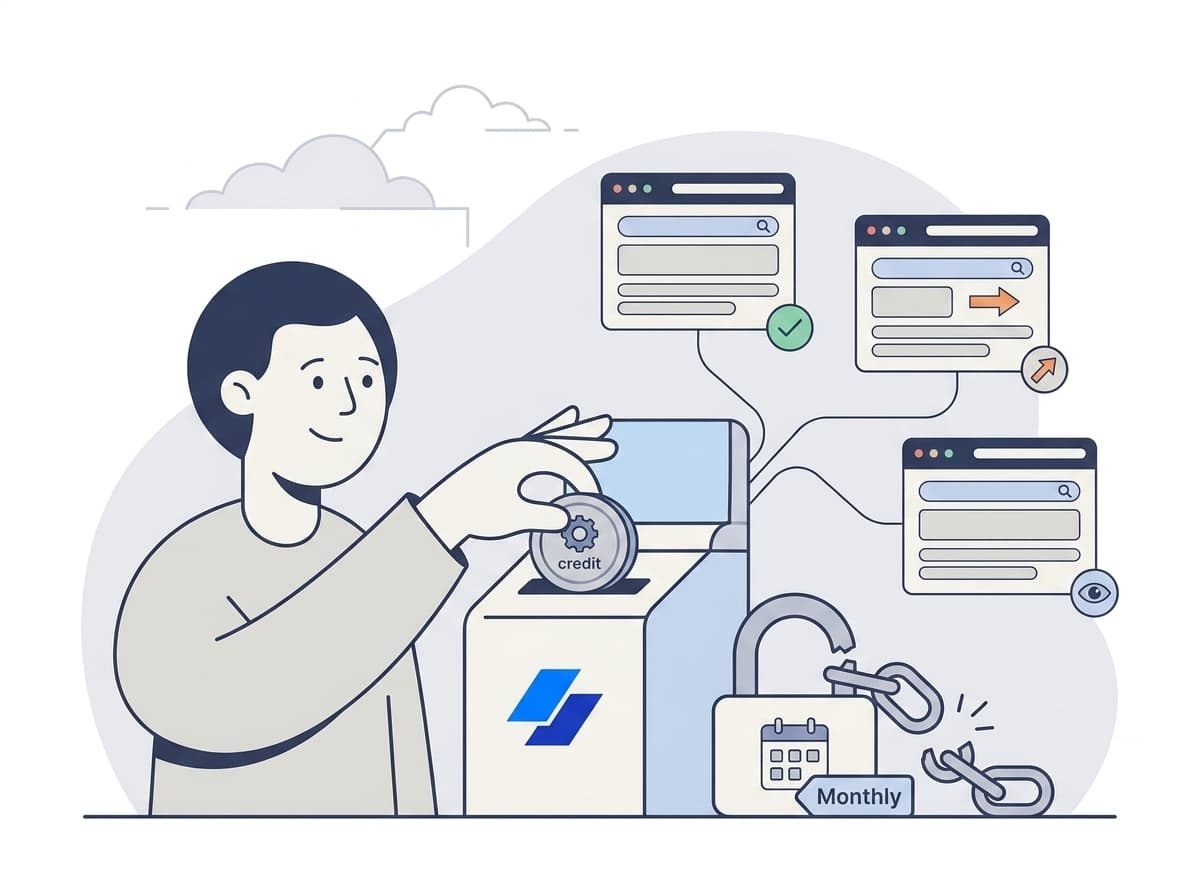
- Cost. Billing is by credit, with no subscription. A check costs one credit for every page it reads: the list page, each next page of the list if the list continues, and each post page it follows, up to a fixed ceiling per check. You can see current pricing at /#billing.
An honest limit: Briefpanel is built for business and professional use, so it is not a replacement for a feed reader if you follow a hundred personal blogs. If a feed exists, a feed reader is cheaper and faster. Briefpanel earns its keep on the pages that have no feed and that someone in your company has to act on.
Instruction template for a feedless newsroom: "Track each article as its own item. Treat a new article as important if it covers pricing, plans, partnerships, acquisitions, product launches or leadership changes. Ignore event listings, job ads, cookie and banner changes, and the footer. Give the title and the date shown on the page."
Setup in five minutes
- Open the site and find the index page where posts are listed. Copy that URL, not the homepage.
- Run the feed check above once. If a feed exists, use it and stop here.
- Add the URL to Briefpanel as a source.
- Paste the instruction template above and edit it for what your team acts on.
- Choose a cadence (daily is a good default) and where alerts go.
After the first check, you have a baseline of the posts that already exist. From then on, only new, changed or removed posts come through.
FAQ
How do I get notified of new posts on a website with no RSS feed?
Look for a hidden feed first, then try the sitemap, then watch the page where posts are listed. The last one works on almost any site, as long as the tool reads the list as items and not as one block of text.
How can I find out if a website has an RSS feed?
View the page source and search for application/rss+xml or application/atom+xml. If nothing is there, try /feed/, /rss, /rss.xml and /atom.xml. WordPress sites generate feeds by default.
What replaced RSS feeds?
Publishers now reach readers through newsletters, social posts and push notifications. Feeds still exist on many sites, but a site can skip one without anyone noticing. That is why a page-watching approach is useful: it doesn't depend on the publisher offering anything.
Can I get new posts from a site into Slack without a feed?
Yes. Watch the index page and send the updates to a Slack channel through a webhook. Posts that land in the same alert window share one message, which carries the most important changes of the window. The app holds the full list.
Is a sitemap better than a feed?
Not for alerts. A sitemap tells you which URLs exist and, if the site is honest about it, when they changed. It doesn't give you titles or summaries, and it is long. Use it when a site is large and you only need URLs.
Never miss a post from a site that doesn't publish a feed
If the pages you need to follow don't offer an RSS feed, you don't have to keep checking them yourself. Add the index page once, say what matters, and get an alert when something new appears.
See Briefpanel for competitor monitoring →
Related guides
- How to Monitor Website Changes Without a Subscription
- Top 10 Ways to Track Website Changes (Without Refreshing Pages All Day)
- Docs and Changelog Monitoring for Developers: Stay Ahead of Breaking Changes
- Track Competitor Job Postings Automatically: Read Their Hiring Signals
Sources
- RSS Advisory Board — RSS Autodiscovery
- WordPress Developer Resources — WordPress Feeds
- Google Search Central — Build and submit a sitemap
- TechCrunch — RIP Google Reader