A vendor you signed in 2024 adds a new analytics provider on a Tuesday. The only trace is one extra row on a page nobody on your team bookmarked. Your objection window, if your contract gives you one, starts counting that day.
This is the problem behind a question privacy teams ask each other in public threads: how do you stay on top of subprocessor changes? Most answers are a variation of "an email arrives, or it doesn't." This guide shows how to monitor vendor subprocessor list changes without depending on that email: which pages to watch, what a useful alert says, and how to feed the result into your vendor risk register.
Want to try it on your own vendors? Start monitoring in the Briefpanel app → Free credits to start, no card.
What the rules say (and what they leave to you)
Under the GDPR, a processor can't hire another processor on its own. Article 28(2) says the processor "shall not engage another processor without prior specific or general written authorisation of the controller." If the authorisation is general, the processor must tell the controller about planned additions or replacements, "giving the controller the opportunity to object to such changes."
Two things follow for the customer:
- The notice is a duty of the vendor, but noticing it is your job. Nothing in Article 28 says how the vendor must deliver it. An email, a dashboard banner and a quiet edit to a public page all exist in the wild.
- Liability stays with the chain. Article 28(4) says the initial processor "shall remain fully liable to the controller" for the sub-processor's performance. That protects you contractually, but it doesn't help if you learn about the new subprocessor after the objection window closed.
The US has no single equivalent. For most US teams the obligation comes from the contract: a DPA with a notice clause, a security addendum, or an enterprise customer's questionnaire that asks you to list your own subprocessors. The mechanics are the same either way: a list changes, a clock may start, someone has to read it.
Nobody publishes a reliable figure for how often subprocessor lists change, so treat any number you read with suspicion. Your own history will tell you faster. Watch ten vendors for a quarter and you'll know your base rate.
Where vendors actually publish the change
Vendors don't agree on a format, which is why a single "check your inbox" process fails. In practice you'll meet four patterns:
| Pattern | What you get | The catch |
|---|---|---|
| Public list page, no notification | A table of names, purposes, locations | The page changes silently |
| List page plus RSS feed | A feed entry when the list moves | Needs a reader; the entry is thin |
| Email to a registered contact | A notice with a date | Goes to whoever signed up, often long gone |
| Notice inside the DPA or trust center | Terms that point to a URL | The URL is the thing to watch |
Sentry's subprocessor page, for one, invites customers to subscribe to an RSS feed to be notified of changes, and notes that the feed has to be added to a reader. Mixpanel's list states it is effective as of October 21, 2026, but the page itself doesn't spell out how customers are notified or how long they have; for that you have to go to the DPA. Both pages were checked on November 3, 2026. The point isn't that either vendor is doing it wrong. It's that two well-known vendors already need two different workflows.
A method that works with no tool at all
- Build the list. Pull every vendor that touches personal data from your records of processing. Skip the ones that only see anonymous or internal data.
- Find the URL. Look for "subprocessors", "sub-processors" or "authorised third parties" in the vendor's legal footer or trust center. Save the exact URL and the date you found it.
- Read the notice clause. Open the DPA and write down two things per vendor: how they notify you and how many days you have to object. If the DPA is silent, say so in the register. That is a finding.
- Set a cadence by risk. By hand, weekly for vendors with customer data or health, finance or children's data, and monthly for the rest. A tool can check more often for the same effort, but a list that changes twice a year doesn't need it.
- Decide the trigger. A new row, a changed country or a changed purpose should each open a ticket. A reordered table should not.
- Assign an owner. One named person per vendor. "Legal" isn't an owner.
- Keep the evidence. Save the before and after, with dates. When an auditor asks when you learned about a transfer to a new country, the answer should take a minute.
The weak point is step 5. Raw page diffs show every pixel and markup change, so a footer tweak looks as loud as a new processor in a new country. That's where most manual processes quietly die: people stop reading the alerts.
How Briefpanel does it
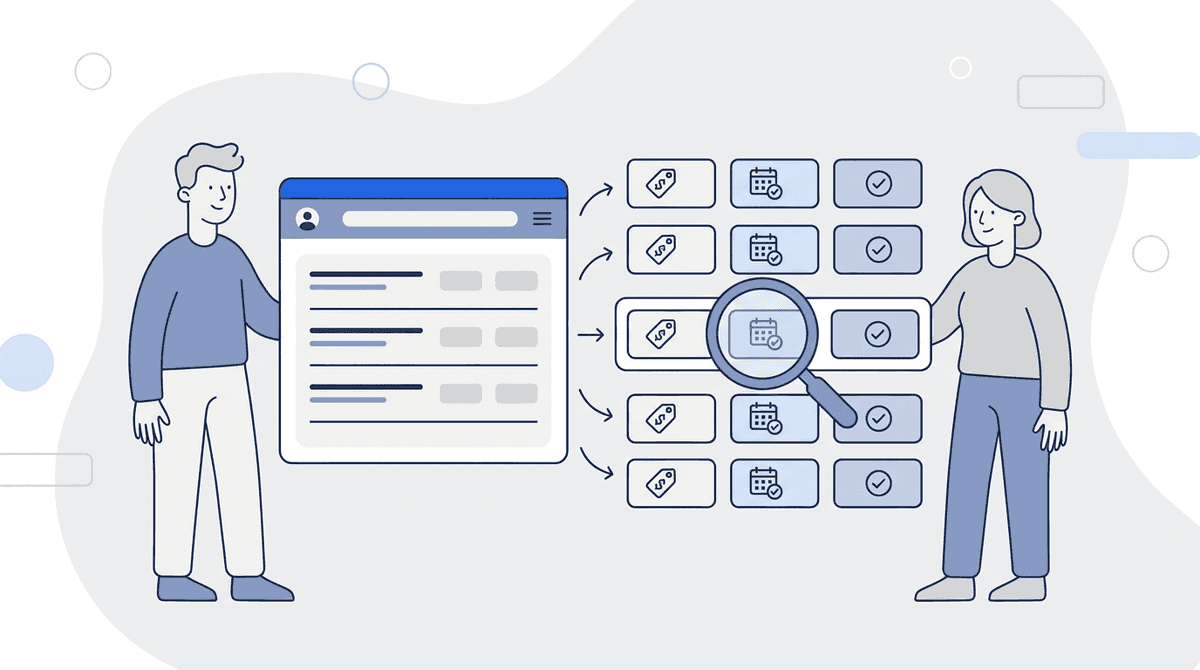
A subprocessor page is a list, and Briefpanel reads a list as a list. You add the vendor's page as a source and it tracks each row as its own item, with a typed history: which field moved, the previous value and the current one. A new subprocessor shows up as a new item. A moved hosting country shows up as a change on an existing item, with the old and new country side by side.
What that gives you in practice:
- Alerts that name the change. "Added: a new analytics provider, United States" is easier to route than "the page changed".
- A dated history per row. Every change stays on the item, so the audit trail builds itself.
- A CSV export of the current rows, which drops straight into a vendor-risk register.
- Delivery where your team works. Email, push, a Slack or Discord channel, or a signed webhook and the API into your ticketing or GRC tool.
- Questions across vendors. Ask the Assistant "Which vendors added a subprocessor this quarter?" and the answer cites the updates it used.
Cost: billing is by credit, pay as you go, with no subscription. A check uses one credit for every page it reads, up to a fixed ceiling per check. A subprocessor page is usually a single page, so a daily check costs about one credit and a 6-hour cadence about four a day; a vendor that splits its list over several pages costs more per check, and the source's settings show what one check costs. Current free credits and packs are in the pricing section.
Briefpanel reads public pages. It won't see a list that sits behind a login, and it can't tell you whether a vendor's notice satisfied your contract. That judgment stays with your privacy team.
Set it up in ten minutes
- Open the Briefpanel app and add the vendor's subprocessor URL as a source.
- Pick the longest interval in the source's settings (the API and MCP accept up to weekly). Use a shorter one, such as every 6 hours, only for a vendor whose contract gives you a short objection window.
- Add an instruction so the summary matches how you triage. A template to start from:
Track each subprocessor as an item. Report new subprocessors, removed ones, and any change to purpose, data category or hosting country. Ignore formatting, ordering and "last updated" dates. Say what the change means for a data protection review.
- Send alerts to a shared channel, not one person's inbox.
- After the first month, export the rows to CSV and compare them with your register.
For wider legal coverage, add the vendor's DPA and privacy policy as separate sources. The guide to monitoring Terms of Service changes covers which clauses to prioritise there.
FAQ
How do I get notified when a vendor adds a subprocessor?
Check the vendor's DPA for the notice clause first. Then watch the public subprocessor page itself, because the page can change without an email going out. A page monitor that tracks the list row by row turns the quiet edit into an alert.
Is a vendor required to tell me about a new subprocessor?
Under the GDPR, a processor with general authorisation must inform the controller of planned additions or replacements and give the controller a chance to object (Article 28(2)). Outside the GDPR, it depends on your contract, so read the DPA or security addendum.
Can I object to a new subprocessor?
If your contract gives you a right to object, the window usually starts when the vendor gives notice, which is why the date you learn about the change matters. Many contracts let you terminate if the objection isn't resolved. Ask your counsel what yours says.
How often should I check a subprocessor list?
Every 24 hours is enough for most vendors, and every 6 hours suits one with a short objection window. Subprocessor lists rarely change by the hour, so a daily check is enough to catch a new row well inside a 30-day notice period.
What should I record for each change?
The vendor, the subprocessor, the purpose, the hosting country, the date you saw the change, who reviewed it and the decision. Briefpanel's dated history supplies the first four.
Do I need to publish my own subprocessor list?
If you process personal data for customers, they will likely ask for one. Publishing it on a stable URL, with a way to subscribe to changes, saves you the questionnaire back-and-forth.
Stop finding out late
Treat a subprocessor list like a contract clause that happens to live on a web page. Know the URL, know the notice period, and let something read it for you. Then the new row in the table becomes a ticket with a date, not a surprise at renewal.
Start monitoring a vendor's subprocessor list in the app →
See Briefpanel for compliance teams →
Related guides
- How to monitor Terms of Service changes
- How to monitor government regulation updates
- How to monitor status pages and incident updates
- Top 10 ways to track website changes
Sources
- GDPR-Info — Art. 28 GDPR: Processor
- Sentry — Subprocessors
- Mixpanel — Subprocessor List