Change intelligence for business

Know which item changed. And how it evolved.

Monitor any public page. BriefPanel identifies products, prices, policies, news, and other relevant items, keeps each item's identity, and records detected changes over time.

Track a page
  • Identity by item

    Recognize the same product, plan, or story on every check.

  • Changes with context

    See the type, importance, and available evidence for each change.

  • You define the signal

    Set a prompt and cadence that match each business decision.

What happens after you add a URL

One page becomes trackable entries

BriefPanel identifies relevant items and finds them again on later checks to build a continuous history.

1

You add a URL

The public page is checked at the cadence you choose.

pricing.acme.example
Tell me when a plan's monthly price changes.
2

Important entries are identified

Plans, prices, and features become independent items.

  • Starter plan

    $19/month

  • Scale plan

    $49/month

    Tracked entry
  • Enterprise plan

    Contact sales

3 entries identified

3

The same entry is found again

Each check compares the current state with the history of the item that already exists.

The same entry: Scale plan

  1. Jan 10Discovered

    Baseline created

    $49/month

  2. Jan 17No change

    Item recognized again

    $49/month

  3. Jan 31Change detected

    Price changed

    $59/month

Price evolution

The history shows the same entry's value at every check.

$49/month$59/month

  1. Jan 10

    $49/month

  2. Jan 17

    $49/month

  3. Jan 31

    $59/month

4

A change becomes an event your business can use

BriefPanel saves the entry's new state and history in the Cloud. From there, the event can trigger actions automatically or remain available on demand.

Change event

Scale plan

Monthly price changed

$49/month$59/month

BriefPanel Cloud

History and current state saved

The entry keeps its identity and now reflects the new state.

Event saved

2 paths

Automatic trigger

Event-driven actions

The change triggers the configured channels and integrations.

  • Email
  • Push
  • Webhook
  • Slack

On-demand access

Data available whenever needed

Your business reads the data whenever needed.

  • Web app + mobile

    Your team reads entries, current state, and history in BriefPanel's interfaces.

  • REST API

    Systems query the current state and history.

  • MCP

    Agents access entries with their full context.

    ClaudeChatGPTOther agents
Checks happen at the configured cadence; alerts follow the account's preferences.

Information, not noise

Understand what changed. Not just that something changed.

Noise

The page changed.

BriefPanel

Information

Regulatory deadline moved up by 46 days.

Fictional example

Critical suppliers

MODIFIEDCRITICAL IMPACT

Deadline

Sep 30Aug 15

Risk of non-compliance.

Fictional example. Not legal advice.

Continuous history

Follow a policy as a story, not disconnected snapshots

Regulatory content changes in stages. The timeline connects every update to the same item and keeps the context needed to assess impact and next steps.

  • See when the proposal or policy status changes.
  • Compare changes to scope and relevant language.
  • Identify dates, obligations, and deadlines that require action.

Regulatory status over time

  1. May 21, 2024NEW

    Final adoption recorded

    Regulatory statusNot trackedAdopted

  2. Jul 12, 2024MODIFIED

    Text published in the Official Journal

    Regulatory statusAdoptedPublished

  3. Aug 1, 2024MODIFIED

    Regulation entered into force

    Regulatory statusPublishedIn force

Editorial reconstruction based on public milestones; it is not history from a BriefPanel account. Fields and before/after values are organized here to explain the case. Official sources: European Commission, Council of the European Union, EUR-Lex.

How It Works

From URL to decision, with context

Define what matters once. BriefPanel follows the items and organizes their changes so you can act.

  1. 01

    Add a page

    Paste a public URL from a competitor, vendor, regulator, or critical source.

  2. 02

    Describe the signal

    Use a prompt to say which items and changes matter to your decision.

  3. 03

    Build the history

    BriefPanel recognizes entries and records what was created, modified, or removed.

  4. 04

    Act with context

    Review the feed, get alerts, and inspect the before and after of relevant changes.

B2B use cases

Public changes that guide private decisions

Follow every signal as an organized sequence instead of relying on occasional searches and team memory.

Competitive intelligence

Follow competitor positioning, plans, and launches without rebuilding the story for every analysis.

Pricing and assortment

Follow changes to price, availability, terms, and offer composition for each product.

Policy and regulation

Monitor rules, terms, and notices to identify updates that require review or action.

Vendors and documentation

Follow public contracts, documentation, and changelogs to anticipate operational and technical impact.

Billing

What does monitoring actually cost?

One credit equals one page check. Here is how that translates to real usage and spend.

The rules

Simple pay-as-you-go pricing—no subscriptions.

  • 1 credit = 1 check, whether you monitor hourly or daily.
  • Set the frequency per URL—spend credits only where freshness matters.
  • Buy credits for whenever you need more—buy several packs at once at checkout.

free checks — sign up to start

Sign up and verify your email to get free checks

Worked examples

1 page, checked every 2 days

~15 credits/month · compare that volume with your verification credits

credits for

Allocate checks across the pages and cadences that matter most.

10 pages, checked daily

~300 credits/month · use the planner below to estimate the current cost

Self-service: buy more credits whenever the account's volume requires them.

Track a page

Usage planner

Plan your volume before buying credits

Estimate the checks your scenario requires and project spend at the current per-check rate.

Monitoring scenario

This estimate uses a 30-day month. Actual usage depends on the configured cadence and checks that run.

Estimate

Projected volume and cost

Checks / month150
Estimated cost/mo

Loading current pricing…

Loading current pricing…
Track a page

FAQ

Frequently asked questions

Everything you need to know about BriefPanel.

From the blog

Playbooks for change intelligence

Practical guides to following competitors, pricing, regulation, vendors, and documentation with decision-ready context.

The Competitor Intelligence Stack for Product Managers (Layers, Build-vs-Buy, and Where Monitoring Fits)

Dec 28, 2025

The Competitor Intelligence Stack for Product Managers (Layers, Build-vs-Buy, and Where Monitoring Fits)

How product managers assemble a modern competitive intelligence stack: the signal-collection, analysis, and enablement layers, build-vs-buy trade-offs, and why page monitoring is the foundation. With recent CI research and benchmarks.

Read more
How to Monitor Competitor Pricing and Packaging Changes (Alerts, Templates, and a Repeatable System)

Dec 29, 2025

How to Monitor Competitor Pricing and Packaging Changes (Alerts, Templates, and a Repeatable System)

A practical system to track competitor pricing, tiers, usage limits, and add-ons—plus templates and an automated way to get AI-written change summaries with BriefPanel.

Read more
How to Monitor Government Regulation Updates Without Missing Critical Changes

Dec 19, 2025

How to Monitor Government Regulation Updates Without Missing Critical Changes

A practical guide for compliance, legal, and GRC teams: track the Federal Register, EUR-Lex, and agency guidance for new rules, then turn page changes into clear AI briefs with BriefPanel.

Read more
How to Monitor Terms of Service Changes (Before They Cost You)

Dec 16, 2025

How to Monitor Terms of Service Changes (Before They Cost You)

Track Terms of Service, privacy policy, and DPA updates with a practical monitoring framework, recent legal examples, and clear AI summaries of what changed.

Read more
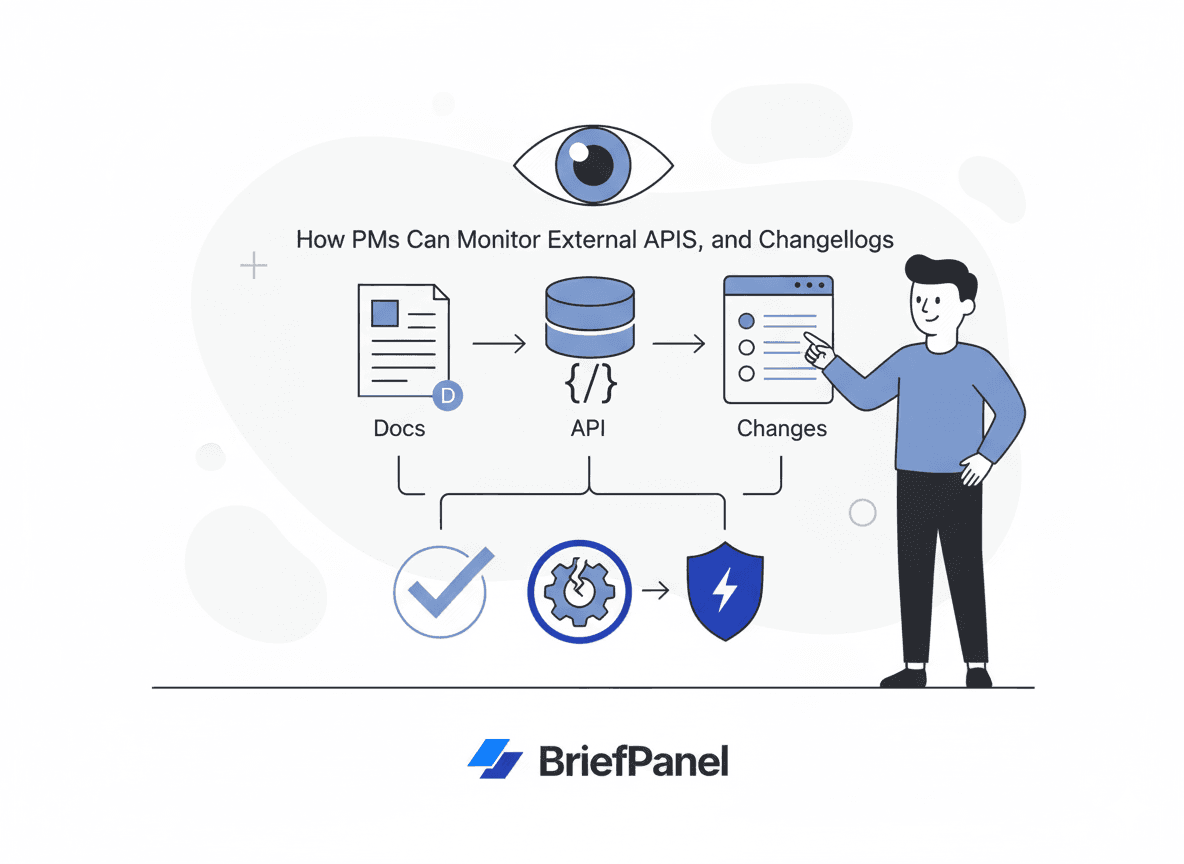
Monitor External Docs, APIs, and Changelogs (and Catch Breaking Changes Early)

Dec 25, 2025

Monitor External Docs, APIs, and Changelogs (and Catch Breaking Changes Early)

A practical workflow to track vendor docs, API references, and changelogs for breaking changes, deprecations, and auth/rate-limit shifts — with real examples and concise briefs your team can act on.

Read more
How to Monitor Procurement, RFP, and Tender Pages (So You Never Miss a Deadline)

Dec 23, 2025

How to Monitor Procurement, RFP, and Tender Pages (So You Never Miss a Deadline)

Track procurement portals, RFP, and tender pages for new postings and silent amendments. Get a proven workflow plus concise AI change briefs with BriefPanel.

Read more

Turn a page into actionable history

Choose a source that matters to your business and start following every relevant item over time.

Self-service · no required subscription · pay as you go.