A three-bedroom apartment goes up on a portal at 8:10 on a Tuesday. By lunch, two other agencies have called the owner. You see the listing on Thursday, when you finally rerun the saved search.
Or the reverse: a competitor's flat has sat at the same price for six weeks, then drops 5% on a Friday night. Nobody on your team notices until a client forwards the link.
This guide is for brokers, agencies, developers and appraisers who need to monitor real estate listings for two events: a new property appears and a price changes. It covers what to track, how often to check, why portal alerts aren't enough, and how to keep a price history per property with Briefpanel, including where that works well and where it doesn't.
The short answer: save the search link, check it on a schedule that matches how fast your market moves, and store each listing as its own record with its price and date. On a portal search, that reliably gives you new listings. On an agency's own site, it also gives you price changes, shown as "R$ 1,150,000 to R$ 1,090,000" instead of a page you compare by eye.
What the data shows: asking prices move all the time
Price cuts are not rare events. Redfin's report of September 30, 2026 found that 21.1% of U.S. home sellers with active listings cut their asking price in the four weeks ending September 20, the highest share for that time of year in its records, up from 19.8% a year earlier. The spread by city is wide: about 30.9% in Denver against 9.6% in San Francisco.
That spread matters for how you set up monitoring. In a Denver-type market, about three in ten active listings get a cut within a month. In San Francisco, it's closer to one in ten.
Brazil tells the same story from the other side. The FipeZAP index, which tracks asking prices from online listings in 56 cities, closed 2025 up 6.52%, the second-biggest annual rise in 11 years. Listing prices keep moving, and they are not the price that gets signed. QuintoAndar's data, reported in October 2021, showed rent asking prices in São Paulo running 15.56% above signed contract prices in September 2021, and 15.64% above in Rio de Janeiro. It's an old figure and the gap changes over time, but it makes the point: the listing price is an opening position, and its movement is the signal.
For anyone pricing a portfolio or building a market comparison, the history of a listing (when it appeared, when it dropped, how far) is worth more than today's price alone.
What to track on a listing (beyond the price)
Price is the obvious field. These are the ones that change the decision:
- Asking price, and every change to it, with the date
- New listings in the area, the day they appear
- Removed listings: sold, rented, or pulled to be relisted at a different price (hard to catch automatically on a long paginated search, more on that below)
- Size, bedrooms and parking: a "3-bedroom" that becomes a "2-bedroom plus office" is a different property
- Condo fee and property tax: they move the real monthly cost as much as the price
- Neighborhood and address: needed to keep comparables clean
- Listing agency: the same property often appears under several agencies
Skip photos and description text unless you have a reason. They change constantly and bury the fields that matter.
Why portal alerts aren't enough
Every large portal has a saved-search alert. They're free and they work, for one portal.
The problems show up quickly:
- One portal at a time. A property listed on an agency's own site first, or only there, never reaches your inbox.
- You can't watch a competitor. Saved searches follow an area. They don't follow a rival agency's catalog or a developer's new-launch page.
- No history. An alert says "price reduced". It doesn't keep the old price, the date, or the path to the current number.
- Delivery isn't yours to tune. You get what the portal sends, when it sends it.
Portal alerts are fine for a buyer watching one neighborhood. For a team that makes decisions from the data, you want a record you control.
How to monitor real estate listings: a practical setup
- Define the search. Run it on the portal with the filters you'd use for a client: city, neighborhood, type, price range. Copy the link.
- Add the competitors' catalogs. A rival agency's "for sale" page and each active development page are separate sources.
- Pick the cadence. Daily is enough for most residential markets. If you work a hot area where good listings go in hours, check hourly. Faster than that rarely pays off, because owners and agencies don't update that fast either.
- Decide the fields once. Price, size, bedrooms, parking, condo fee, neighborhood. The same fields on every source keeps comparisons honest.
- Route the alert. Put new listings and price changes where the person who acts on them already works: email, Slack, or a daily digest.
- Review the history monthly. Once you have a few months of data, you can see which agencies cut prices first and how long a typical listing sits before it moves.
Nobody publishes a clean "time on market before first price cut" figure for your neighborhood. Collecting it yourself is one of the real benefits of keeping the history.
How Briefpanel tracks listings
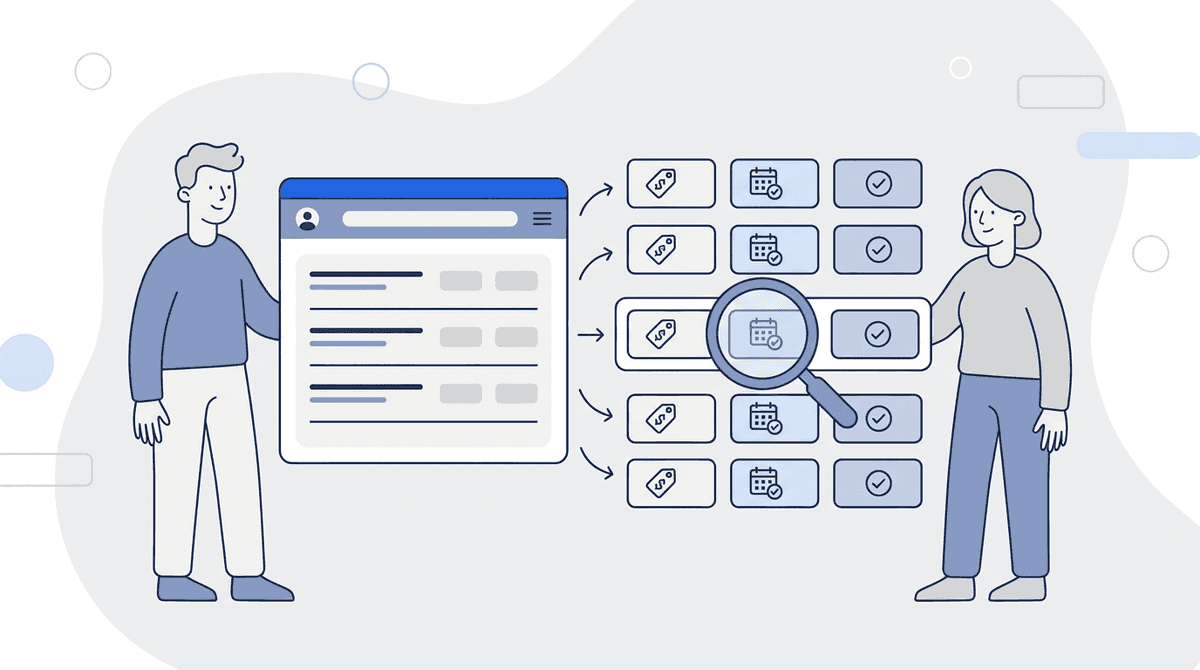
Briefpanel treats each property as its own entry, not as a page diff. You paste the link to a search or an agency's listings page. Briefpanel reads it, identifies the properties, and keeps each one with its details. From then on, each check records what happened to every property: new, or modified (with the field that moved, the previous value and the current value).
On an agency or developer site, the alert for a price cut reads like this:
3-bedroom apartment, 90 m², Estreito: price R$ 1,150,000 → R$ 1,090,000 (−5.2%)
Which source gives you what:
- Agency and developer sites: new properties and price changes with the old and new value. This is where price-change tracking has been checked against real price drops.
- Portal searches (ZAP Imóveis, Viva Real, QuintoAndar): new properties with price, size and link. Price-change alerts are less reliable here, because many portal cards have no link of their own and can be mixed up from one check to the next. Treat a portal price alert as a lead to verify, not as a fact.
- Removed listings: Briefpanel does not reliably report a property that left a long, paginated search, because it only sees part of the list on each check and won't guess. Use an agency's own catalog if disappearances matter to you.
What you set up:
- Sources: searches on ZAP Imóveis, Viva Real and QuintoAndar, and agency or developer websites. Test your own link with the free credits before you commit to a list. A search that lists many properties can use several credits per check, so start with one or two sources.
- Fields: Briefpanel suggests the details (price, size, bedrooms, parking, condo fee, property tax, neighborhood). Remove what you don't need, or ask for another detail in plain words.
- Cadence: every 30 minutes, every hour, every 6 hours or once a day.
- Delivery: email, browser notification, Slack or Discord, with a link to each listing. Daily and weekly digests are available too.
- Prompt: tell Briefpanel what matters, for example "only price drops over 3%" or "ignore parking-only listings".
Cost: billing is by credit, pay as you go, with no subscription. A check uses one credit for every page it reads: the search page, each next page of the list, and each listing page it follows, up to a fixed ceiling per check. A long portal search therefore costs more than one credit per check, so pick a slower cadence for large lists and check what one check costs in the source's settings. Current free credits and packs are on the billing section.
One honest limit: Briefpanel reads public pages. If a portal hides prices behind a login, or blocks automated reading, that source won't work, and you'll see that on the first check.
Setup steps
- Run your search on the portal and copy the link.
- Open Briefpanel and add it as a new source.
- Review the suggested fields and trim them.
- Choose a cadence and where alerts go.
- Add the competitor catalogs one at a time.
A prompt that works well for a pricing team:
Track every property with price, size, bedrooms, parking, condo fee and neighborhood. Flag price drops of 3% or more as high importance. Ignore changes that only touch photos or description text.
FAQ
Can I get alerts for new real estate listings without a portal account?
Yes, for new listings. Paste the public search link into a monitoring tool and it checks the page on your schedule. You don't need a portal login, though some portals only show full details to signed-in users, and those details can't be read.
How often should I check real estate listings?
Daily for most residential areas. Hourly if you compete for listings in a fast area and want to call owners first. Checking every 30 minutes costs more credits for little extra signal in most markets.
How do I track price changes on a property over time?
Keep each property as a record with the price and the date it was read, so every change adds a row instead of replacing the last number. That's what Briefpanel's entry history does, most reliably on agency and developer sites, and it's also doable in a spreadsheet if you only follow a handful of listings.
Can I monitor a competitor agency's listings?
Yes, if their catalog is a public page. Add their "for sale" or "for rent" page as a source and you'll see new properties and price changes, with the old and new value. This is the setup where price tracking works best. Check each site's terms and be reasonable with frequency.
What's the difference between a listing price and a sale price?
The listing price is what the seller asks. The sale or contract price is what's agreed, and it's usually lower. QuintoAndar's 2021 data on rent in São Paulo and Rio showed listing prices more than 15% above signed contracts. Monitoring listings shows you the asking side of the market, so use it as a leading signal, not as the final price.
See it on your own area
Paste one agency page or search link and see which fields Briefpanel picks up before you add anything else.
See Briefpanel for property listings →
Related guides
- Competitor and Supplier Price Monitoring: How to Track Prices and Stock Availability
- How to Monitor Competitor Pricing and Packaging Changes
- Get Notified of New Posts on a Website With No RSS Feed
- Turn a Website Into Structured Data Without Code or Selectors