Most Terms of Service changes don’t come with a loud announcement.
A vendor quietly updates acceptable use. A platform changes data retention. A tool adds new fees or modifies liability limits. And the first time you notice is often when it’s already a problem.
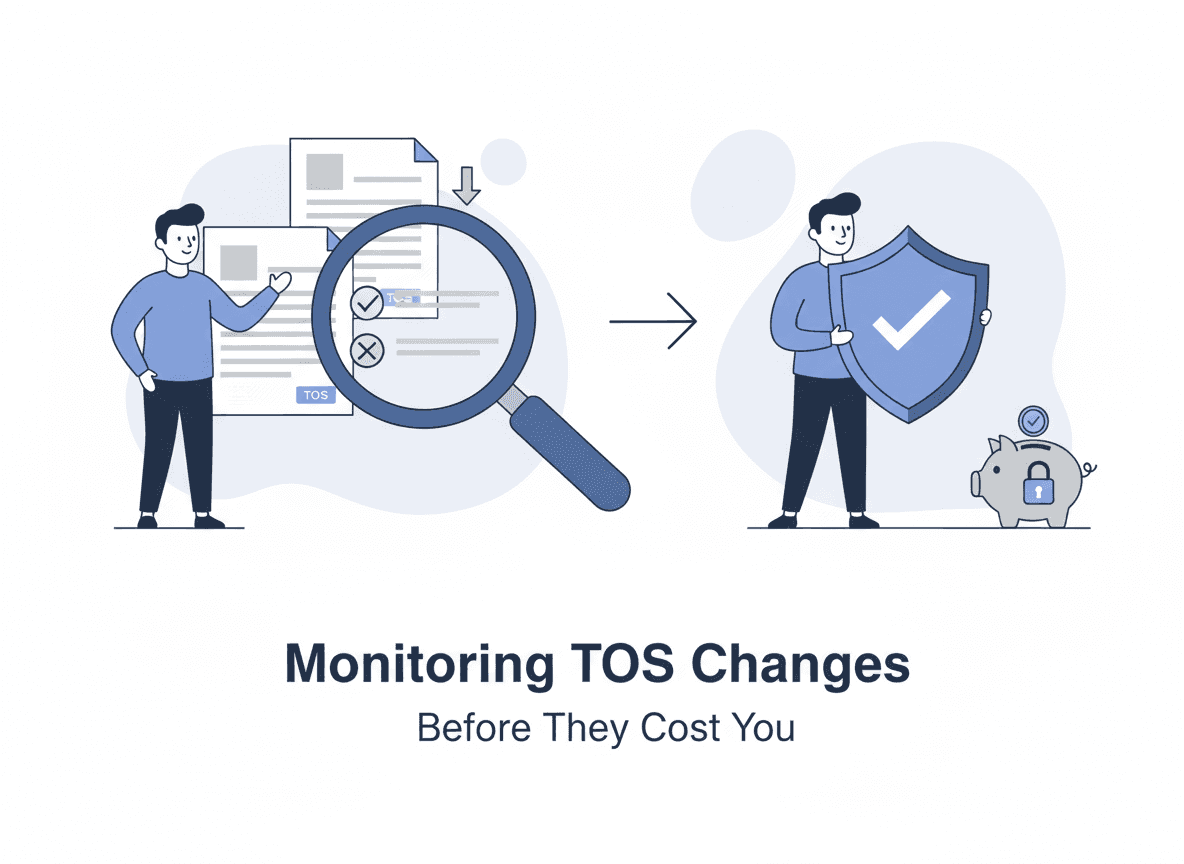
If your business depends on third-party services, your vendors’ Terms of Service are part of your operating risk. This guide explains how to monitor Terms of Service changes reliably, what to track, and how to get an alert that names the clause a vendor quietly changed, with its previous and current wording.
Why monitoring Terms of Service changes matters
ToS and policy pages are where companies formalize decisions that impact you:
- Pricing and billing rules (renewal language, refunds, fee changes)
- Usage limits (rate limits, quotas, “fair use” definitions)
- Data policies (retention, processing, sharing, sub-processors)
- Compliance clauses (GDPR, SOC 2, HIPAA references)
- Liability and indemnification (who is responsible for what)
Even “minor” wording changes can change your risk exposure. In 2024 and 2025, several of the most consequential policy changes weren’t announced loudly at all—they were edits to existing legal pages that flipped how a vendor could use your data.
What the data shows: legal pages are long, dense, and rarely read
The core problem with policy monitoring is that the documents themselves are built to discourage reading.
- A widely cited readability study by legal scholars Uri Benoliel and Shmuel Becher found that of 500 popular online consumer contracts, only two met basic readability standards—the other 498 required, on average, more than 14 years of education (i.e., a college-graduate reading level) to understand (Benoliel & Becher, The Duty to Read the Unreadable, Boston College Law Review).
- In their separate analysis of privacy policies, about 97% scored harder than the recommended eighth-grade level, with a median Flesch–Kincaid grade of roughly one year of college (Becher & Benoliel, Law in Books and Law in Action: The Readability of Privacy Policies and the GDPR, SSRN).
- A 2024 readability analysis of major social media platforms by Toronto Metropolitan University’s Social Media Lab found that the Terms of Service and privacy policies of all nine platforms studied required college-level comprehension (Social Media Lab, 2024).
- Length compounds the problem. One analysis found that Meta’s privacy policies run to roughly 19,434 words—about 82 minutes of reading (NordVPN privacy policy study).
Meanwhile, almost nobody actually reads them. Research summarized by the FTC and others suggests users spend roughly a minute or less skimming terms and privacy notices that would take 15 to 30 minutes to read properly.
This is why community projects like Terms of Service; Didn’t Read (ToS;DR)—a volunteer effort founded in 2012 that grades services from A to E based on how their terms treat users—exist in the first place. The takeaway for a monitoring program: you cannot rely on humans to re-read every vendor’s legal pages on a schedule. You need detection that’s automatic and changes that name themselves: the clause that moved, with its previous and current wording.
Real 2024–2026 examples of consequential ToS changes
These are not hypothetical. Recent policy edits have changed data rights, triggered regulatory action, and forced teams to scramble.
- AI training added to existing terms. In February 2024, the FTC explicitly warned that “it may be unfair or deceptive for a company to adopt more permissive data practices—for example, to start sharing consumers’ data with third parties or using that data for AI training—and to only inform consumers of this change through a surreptitious, retroactive amendment to its terms of service or privacy policy” (FTC, Quietly Changing Your Terms of Service Could Be Unfair or Deceptive).
- LinkedIn turned on AI training by default. Effective November 3, 2025, LinkedIn updated its User Agreement and Privacy Policy to use member profile data and public content to train generative AI models across the EU, EEA, Switzerland, Canada, and Hong Kong—opt-out, not opt-in (Malwarebytes; The Register).
- A first-of-its-kind GDPR fine. On December 20, 2024, Italy’s data protection authority (the Garante) fined OpenAI €15 million—the first major generative-AI fine under the GDPR—citing the lack of an adequate legal basis for using personal data to train ChatGPT, transparency failures, and insufficient age verification (Lewis Silkin; Euronews).
The common thread: each of these started as a change to a legal or policy page. Teams that were monitoring those pages had time to assess exposure, opt out, or renegotiate. Teams that weren’t found out later—often from the news.
What to monitor (beyond the main Terms page)
Don’t monitor just one URL. Most companies spread policies across multiple pages:
- Terms of Service
- Privacy Policy
- Acceptable Use Policy (AUP)
- Data Processing Addendum (DPA)
- Cookie Policy
- Security / Trust page
- Subprocessor list
- SLA and support policy
Tip: If the vendor has a “Legal” hub, monitor that index page too—new links (a fresh AI addendum, a new subprocessor disclosure) often get added there first.
A legal-page monitoring framework
Use a simple, repeatable framework so policy monitoring becomes a habit instead of a fire drill.
1. Inventory the pages
For each critical vendor, list every legal URL above. Prioritize vendors that handle regulated data (PII, PHI, payment data) or that are deeply embedded in your stack.
2. Tier by risk and set cadence
Not every vendor deserves the same attention.
- High risk / fast moving (AI platforms, data processors, core infrastructure): every 6 hours.
- Standard, low-risk, or stable vendors: every 24 hours. Legal pages rarely change more than once a day, so a daily check catches almost every edit.
3. Define what counts as “material”
Decide in advance which clause categories trigger a review: data use and AI-training language, sub-processor lists, data retention and location, liability and indemnification, arbitration and dispute-resolution terms, termination rights, and pricing. This keeps alerts focused on signal.
4. Detect changes automatically
Page-level monitoring watches the exact URLs and flags when text changes—including silent edits with no “Last updated” bump.
5. Interpret and route
Turn each change into a short, plain-language summary and route it to the right owner (legal, privacy/DPO, security, or procurement): by email or digest, in a Slack or Discord channel, or into your GRC or ticketing tool through a signed webhook or the API. For GDPR/CCPA/LGPD-relevant changes, that summary feeds your records of processing and vendor risk register.
6. Keep a dated record
Keep a timestamped trail of what changed and when. In BriefPanel, every change to a monitored page stays in a dated history, with a short title for what moved and the wording before and after. A list-shaped page, such as a subprocessor list, is tracked one row per item, and you can export its current rows as CSV for the vendor-risk register. Ask the Assistant questions like “Which vendors changed AI-training language this quarter?” to get an answer that cites the updates it used. This is invaluable for audits, DPIAs, and renewal negotiations.
Common approaches (and where they fail)
1) Manual spot checks
The simplest method is also the least reliable.
It fails because:
- you won’t remember what changed
- you’ll miss subtle edits
- there’s no consistent cadence
2) Email updates from vendors
Some vendors email legal updates. Many don’t.
Even when they do, emails are usually high-level and may not include the exact text changes. The LinkedIn and FTC examples above show why “the vendor will tell us” isn’t a control you can rely on—permissive changes are often communicated quietly, if at all.
3) RSS / changelogs
Legal pages rarely have RSS. Even when they do, RSS tends to highlight new posts—not edits to existing pages.
4) Website change monitoring
This is the practical solution: watch the specific URLs and get notified when they change.
The missing piece is interpretation. Raw diffs are time-consuming and hard to share.
The workflow that scales: monitor + typed fields
A good policy-monitoring workflow has two steps:
- Detect changes reliably (page-level monitoring)
- Interpret changes quickly (what changed and what it means)
That’s exactly where BriefPanel helps.
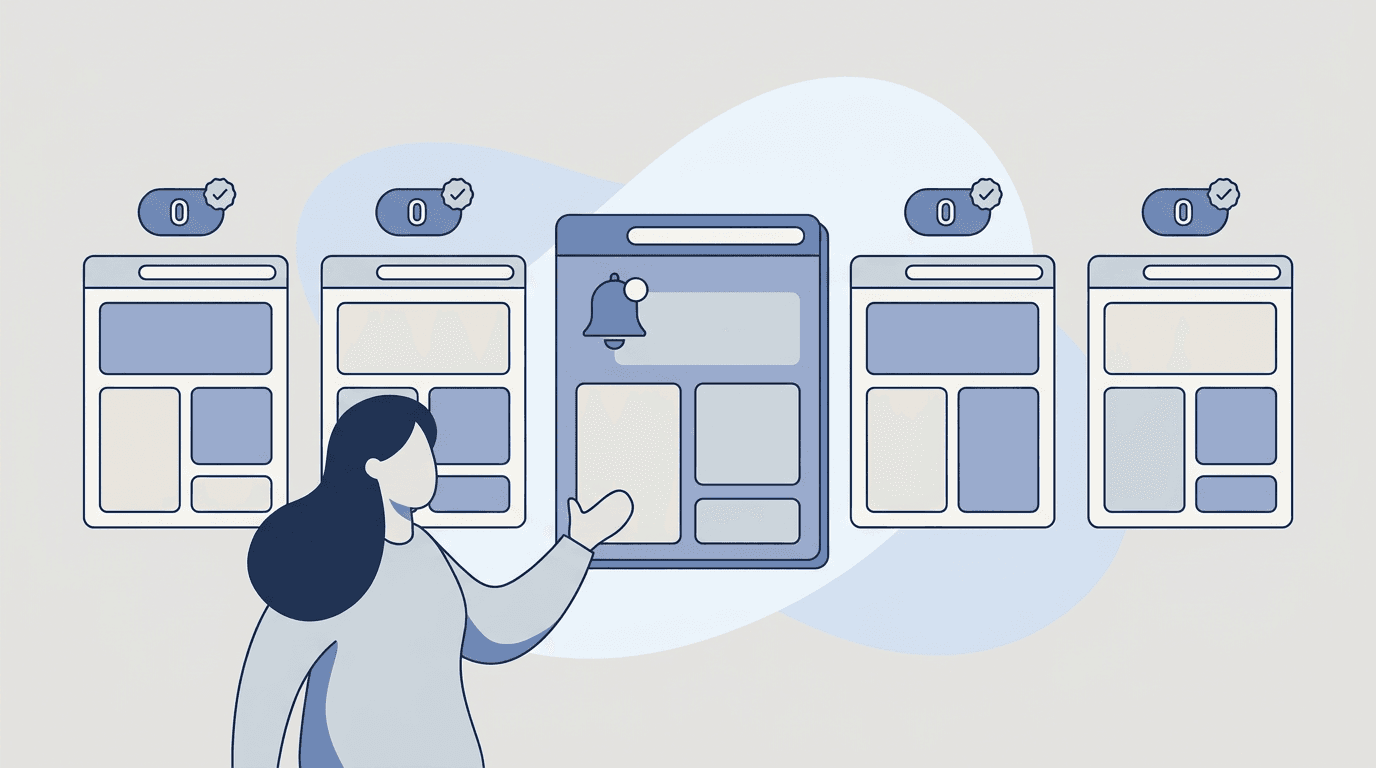
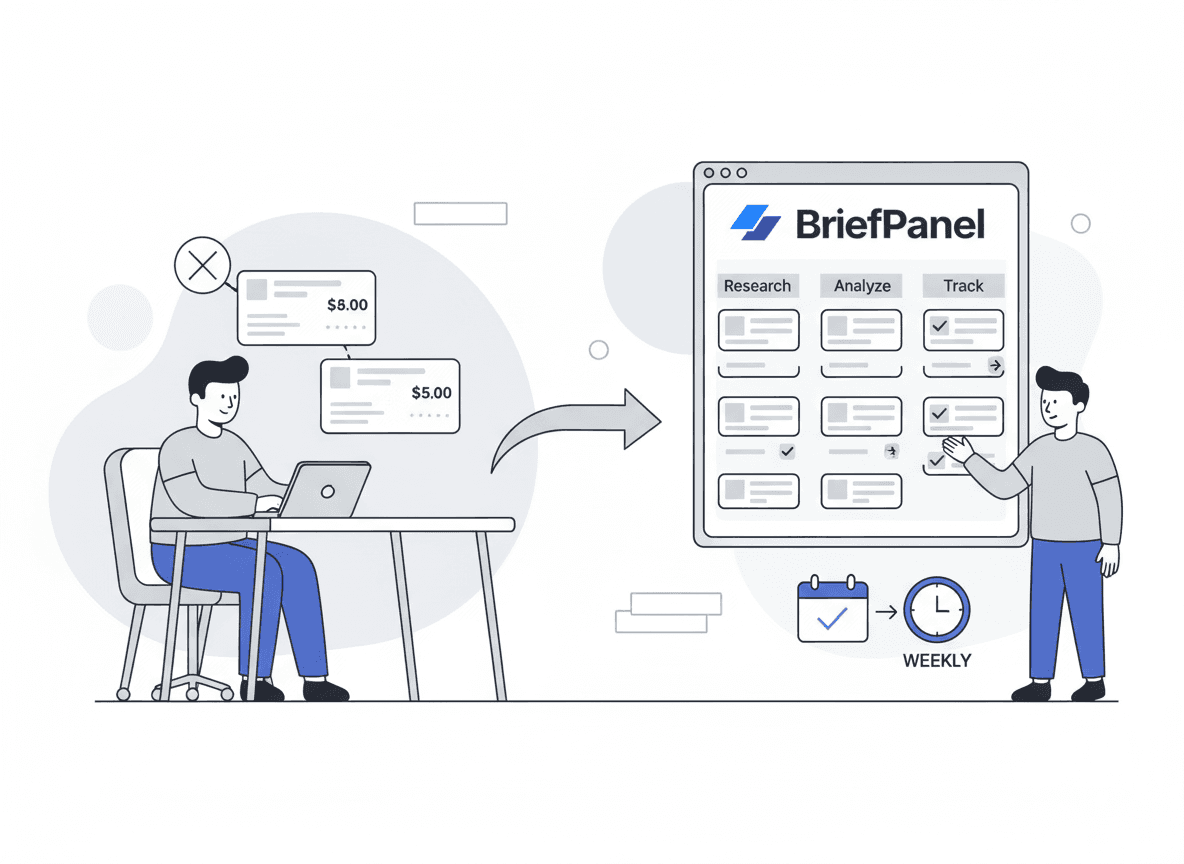
BriefPanel monitors the pages you care about. Each change arrives as an update that names what moved, with the previous and current wording of the passage, so you don’t have to read raw diffs or guess what matters. A list-shaped page, such as a subprocessor list, is tracked one row per item: new, changed, or removed. You control the cadence per page and set sensitivity so cosmetic edits stay quiet. Alerts arrive by email, push, or a daily or weekly digest, or in Slack or Discord through a webhook. Each update can also go to your own systems through a signed webhook or the REST API and MCP server. Alerts can be written in your team’s language, which matters when a vendor’s German DPA or Portuguese privacy notice changes.
Want to reduce vendor risk without adding busywork? See how compliance teams use BriefPanel →
A copy/paste instructions template for policy monitoring
When you monitor legal pages, the goal is signal over noise.
When you add a legal page, give it AI Instructions like these:
"Treat changes to these as updates: AI/data-training use, sub-processors, data retention and location, data sharing, liability/indemnification, arbitration/dispute resolution, termination, usage limits, pricing/billing, and compliance language (GDPR, CCPA, LGPD). Ignore navigation, formatting, and footer changes. Quote the exact clauses that changed if available, and flag anything that looks like a more permissive data practice. On a subprocessor list, track each subprocessor as its own item."
This makes your alerts more actionable and easier to share internally.
10-minute setup: monitor a vendor’s legal pages
- Add the URLs listed above (ToS, Privacy, AUP, DPA, subprocessor list, Legal hub).
- Set cadence per the risk tiers above (every 6 hours for AI/data vendors, every 24 hours otherwise).
- Add the policy instructions and set sensitivity so cosmetic edits stay quiet.
- Review the weekly digest with procurement/security/legal stakeholders, and export the subprocessor lists as CSV when the vendor-risk register needs a refresh.
FAQ
How often do Terms of Service change?
It varies. Fast-moving platforms—especially those adding AI features—can update policies monthly or more, and major data-use changes have rolled out with only a few weeks’ notice (as with LinkedIn’s November 2025 update). For most vendors, quarterly or semi-annual updates are common.
What if the page has a “Last updated” date?
Still monitor it. “Last updated” lines can change without capturing substantive edits—or the text can change without the date updating reliably. Page-level monitoring catches silent edits the date never reflects.
Can a vendor really start using my data for AI training via a ToS change?
It happens, but it’s legally fraught. The FTC has warned that quietly adopting more permissive data practices through a retroactive policy amendment can be unfair or deceptive, and EU regulators have already fined companies for training AI without an adequate legal basis. Monitoring these pages gives you the window to opt out or push back.
Does this help with GDPR, CCPA, or LGPD compliance?
Yes—indirectly but meaningfully. Tracking vendor sub-processor lists, data-retention terms, and data-use language feeds your vendor risk register, records of processing, and DPIAs. The dated change history shows when terms changed, and a CSV export of a subprocessor list puts its current rows into your register.
Can I monitor policies in other languages?
Yes. BriefPanel reads pages in any language and can write your alerts in your preferred language, which keeps them consistent across regions.
Start monitoring policy changes proactively
Most teams discover policy changes too late.
Monitoring ToS and privacy pages is one of the highest-leverage “small habits” you can build—especially if you rely on third-party services that increasingly fold AI and new data uses into existing legal pages.
See BriefPanel for compliance teams →
Related guides
- Top 10 ways to track website changes
- Monitor competitor pricing and packaging
- Competitor pricing monitoring
- Competitive intelligence for product managers
Sources
- FTC — AI (and other) Companies: Quietly Changing Your Terms of Service Could Be Unfair or Deceptive (Feb 2024)
- Lewis Silkin — OpenAI faces €15 million fine as the Italian Garante strikes again
- Euronews — Italy’s privacy watchdog fines OpenAI €15 million (Dec 2024)
- Malwarebytes — LinkedIn will use your data to train its AI unless you opt out (2025)
- The Register — One week to opt out or be fodder for LinkedIn AI training
- Social Media Lab (TMU) — A New Look at the Readability of Social Media ToS and Privacy Policies (2024)
- Becher & Benoliel — Law in Books and Law in Action: The Readability of Privacy Policies and the GDPR (SSRN)
- Benoliel & Becher — The Duty to Read the Unreadable (Boston College Law Review)
- NordVPN — Privacy policy study
- Terms of Service; Didn’t Read (ToS;DR)