Regulatory updates don’t always arrive as a neat PDF email.
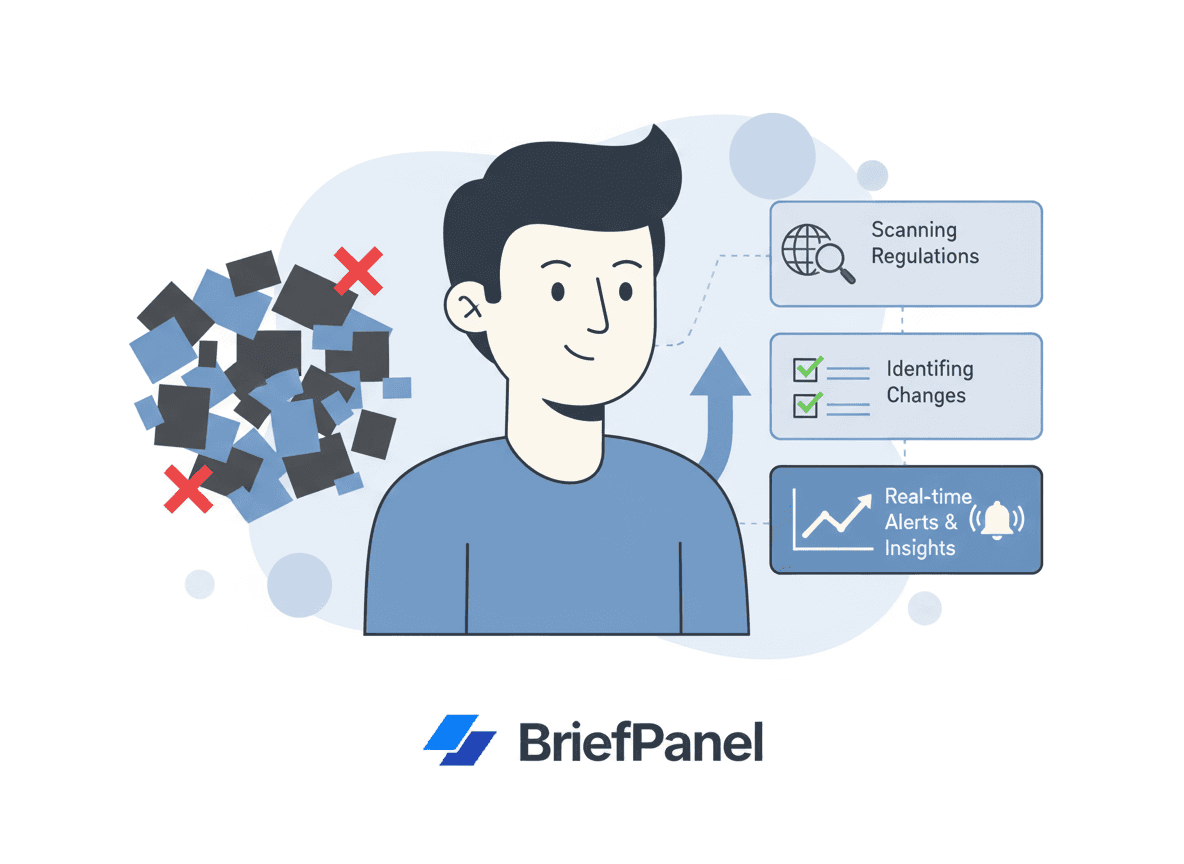
They show up as quiet edits to guidance pages, revised FAQs, updated thresholds, a new effective date buried in a notice, or freshly published enforcement language. If your team only checks occasionally, you’ll miss changes that move compliance deadlines, reset reporting obligations, or quietly expand your risk surface.
This guide covers how to monitor government regulation updates reliably—what the data says about regulatory velocity and the cost of falling behind, a practical monitoring framework, the exact pages worth watching, and a simple workflow to get each change as a named field — effective date, status, scope — with BriefPanel.
What the data shows: regulatory change is accelerating
The volume of regulatory change is no longer something a team can keep up with by reading newsletters once a week.
- Thomson Reuters Regulatory Intelligence tracked 61,228 regulatory events in a single year across 1,374 regulators in 190 countries—roughly 234 regulatory alerts every day, according to its Cost of Compliance report. That is the equivalent of a new alert roughly every six minutes of a working day.
- In the United States alone, the 2024 Federal Register closed at a record 106,109 pages—up about 19% over 2023—containing 3,248 final rules (per the Competitive Enterprise Institute’s analysis). Each of those rules can have its own comment period, effective date, and downstream agency guidance.
- In the EU, the EU AI Act (Regulation (EU) 2024/1689) entered into force on 1 August 2024 with a phased timeline: prohibited-practice bans applied from 2 February 2025, general-purpose AI obligations from 2 August 2025, and the bulk of high-risk requirements and penalties from 2 August 2026 (European Commission timeline). A single regulation can introduce a multi-year cascade of deadlines you have to track.
The point isn’t that any one source is overwhelming—it’s that the aggregate velocity across the agencies relevant to your business is far beyond what manual checking can cover.
What the data shows: the cost of missing a change
Falling behind is expensive in two directions—enforcement and the operational cost of non-compliance itself.
- Enforcement is real and large. Cumulative GDPR fines reached roughly €5.88 billion since 2018, with about €1.2 billion issued in 2024 alone, including a €310 million fine against LinkedIn and a €251 million fine against Meta, per DLA Piper’s GDPR Fines and Data Breach Survey (January 2025). Under the EU AI Act, penalties for prohibited practices reach up to €35 million or 7% of global annual turnover (European Commission).
- Non-compliance costs more than compliance. The Ponemon Institute and GlobalScape study The True Cost of Compliance with Data Protection Regulations found the average cost of non-compliance was $14.82 million—2.71 times the $5.47 million average cost of compliance (Ponemon Institute). Those non-compliance costs include business disruption, productivity losses, fines, penalties, and settlements—much of which traces back to not seeing a change in time.
In other words, the expensive part is rarely the rule itself. It’s the gap between when a rule changes and when your team finds out.
What changes (and what teams miss)
Government and regulatory pages change in ways that matter:
- new deadlines and reporting windows
- updated numerical thresholds
- revised definitions and scope
- updated enforcement guidance
- new FAQs and clarifications
- links to new documents and forms
Often the change is small but high impact—a single edited sentence that resets an obligation for thousands of filers.
A best-practice framework for regulatory monitoring
A reliable program isn’t about watching more pages—it’s about watching the right pages with the right cadence and turning raw changes into something a team can act on.
1. Build a tiered source-of-truth list
Not every source deserves the same attention. Group your URLs into tiers:
- Tier 1 – High velocity / high impact: primary rulemaking trackers and agency pages that change frequently and drive your obligations directly.
- Tier 2 – Guidance and interpretation: FAQs, guidance documents, and compliance bulletins that clarify how a rule is enforced.
- Tier 3 – Stable reference: statutes, forms, and instructions that change rarely but matter a lot when they do.
2. Match cadence to volatility
Check Tier 1 pages every 6 hours, and Tier 2 and Tier 3 pages every 24 hours. Per-URL cadence avoids both alert fatigue and blind spots.
3. Filter for substance, not formatting
Most page edits are noise—navigation tweaks, footer dates, cosmetic changes. Your monitoring should surface deadlines, thresholds, scope, reporting requirements, and enforcement language, and ignore the rest.
4. Keep an audit-friendly trail
Regulators and internal auditors increasingly expect you to show how you stay current. A timestamped record of what changed, when, and what you did about it turns monitoring into evidence.
5. Route changes to an owner
A change nobody owns is a change nobody acts on. Assign each Tier 1 source to a named reviewer and a backup.
Real pages worth watching
Here are concrete, public sources teams commonly monitor. Watch the specific URLs that map to your obligations rather than a homepage.
- US Federal Register — the daily journal of US rules, proposed rules, and notices. Browse or subscribe at federalregister.gov and watch agency- or topic-specific pages relevant to you.
- Regulations.gov — where federal dockets and comment periods live; useful for tracking a specific rulemaking from proposal to final rule at regulations.gov.
- EUR-Lex / Official Journal of the European Union — the authoritative source for EU legal acts, including the EU AI Act text. Start from eur-lex.europa.eu.
- European Commission digital policy pages — for living guidance such as the AI Act regulatory framework page, where implementation details and deadlines are updated over time.
- Sector regulator guidance and FAQ pages — the data-protection, financial, environmental, or healthcare authority pages specific to your industry. FAQs in particular change quietly and frequently.
- Brazil — Diário Oficial da União (DOU) — for teams with Brazilian operations, the Imprensa Nacional publishes laws, decrees, and normative acts; consultation is free at in.gov.br/consulta.
If a regulator has a “latest updates,” “what’s new,” or “recent acts” page, monitor it too—new links often land there first.
The common approaches (and their gaps)
1) Manual checking
Hard to maintain cadence. Easy to miss subtle edits—and impossible at the scale of ~234 daily alerts.
2) Email lists and newsletters
Useful, but many edits never become an email announcement, and announcements often lag the page change.
3) RSS feeds
Sometimes available, often incomplete, and rarely covers edits to existing pages.
4) Google Alerts
Good for newly indexed content, weak for monitoring a specific page for changes.
5) Website change monitoring
The practical solution: watch the exact URLs that carry your obligations.
The remaining gap is interpretation. Raw diffs are hard to read and share.
The workflow upgrade: monitoring + typed fields
Compliance teams need clarity and consistency.
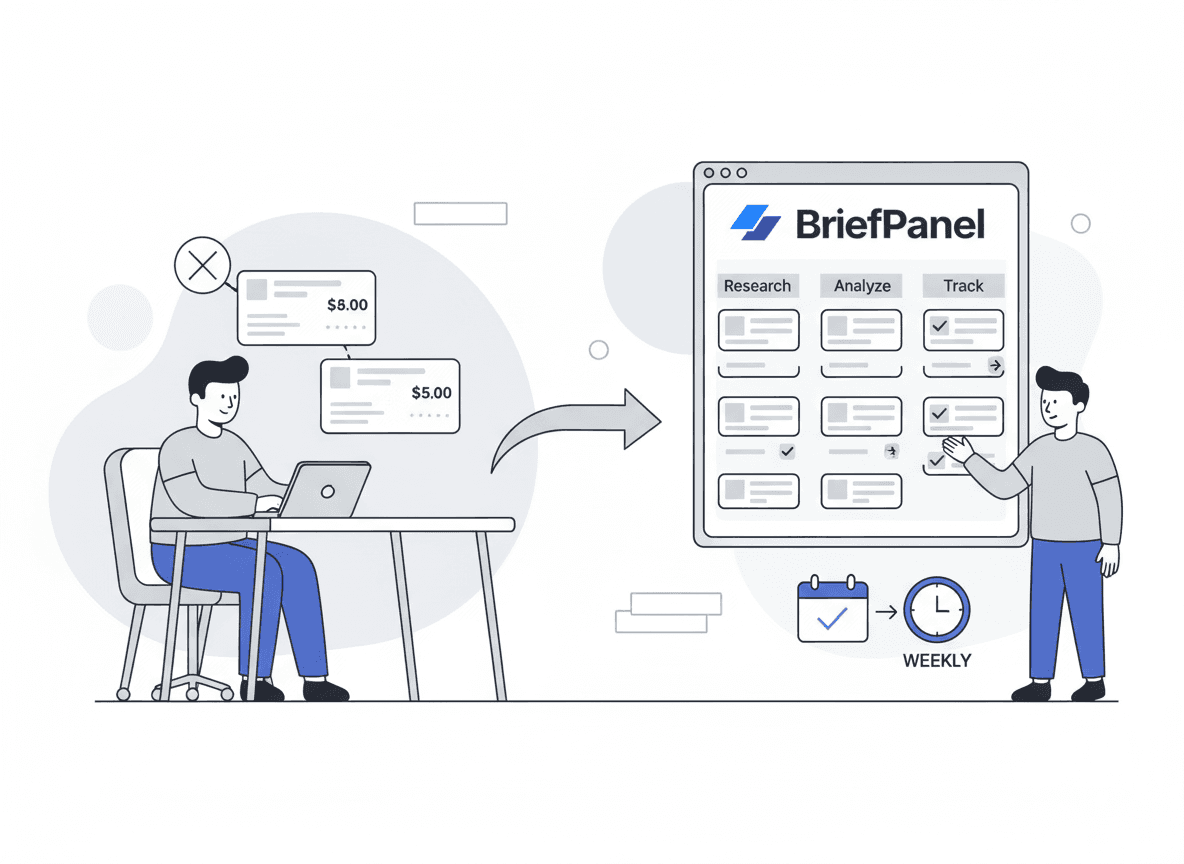
BriefPanel monitors the pages you care about and tracks each rule as its own item, with the fields you named — effective date, status, scope — so you can:
- see which field moved, and from what to what
- keep a dated history for each rule, which is your audit trail
- export a source’s current rules as CSV for the compliance file
- ask the Assistant questions like “Which rules with an effective date this year changed this month?” and get an answer that cites the rules it used
You control the per-URL cadence, set sensitivity so cosmetic edits don’t trigger noise, and write AI Instructions to focus on what matters. Updates arrive by email, push, or a daily or weekly digest, or in Slack or Discord through a webhook. Each new, changed, or removed rule can also reach your GRC tool through a signed webhook or the REST API and MCP server. Alerts are multilingual, which helps teams tracking EU, US, and Latin American sources in one place.
Want to spend less time checking regulator pages? See how compliance teams use BriefPanel →
Instructions template: compliance monitoring
When you add a page, give it AI Instructions like these:
"Track each rule or notice as its own item, with its effective date, status, scope, and deadline. Treat changes to thresholds, definitions, reporting requirements, enforcement language, and new or removed documents or forms as updates. Quote the exact changed sentence when possible. Ignore navigation, formatting, and footer updates."
10-minute setup for compliance teams
- Create a tiered list of 10–30 key URLs (Federal Register pages, EUR-Lex acts, agency FAQs, DOU sections).
- Set cadence per tier:
- every 6 hours for Tier 1 sources
- every 24 hours for guidance and stable sources
- Add the compliance instructions and set sensitivity to ignore cosmetic edits.
- Use a weekly digest as your internal compliance update. The audit trail is each rule’s dated history; export a source as CSV when the file needs a copy.
Frequently asked questions
How often do government pages actually change? More often than most teams assume. Beyond high-profile rules, agencies routinely revise FAQs, guidance, thresholds, and forms without a press release. With tens of thousands of regulatory events tracked globally each year, even a focused list of 20–30 pages can produce meaningful changes weekly.
Isn’t subscribing to email alerts enough? Email alerts catch announcements, not edits. Many substantive page changes—an updated threshold or a revised definition—never generate an email. Watching the URL itself closes that gap.
How do I avoid drowning in noise? Tier your sources, set per-URL cadence, and use sensitivity plus focused AI Instructions so only substantive changes (deadlines, scope, enforcement language) surface. Cosmetic edits stay out of your inbox.
Can monitoring help with audits? Yes. Each rule keeps a dated history of which field changed, from what value to what value. That gives you defensible evidence that your team is staying current—useful for both internal audit and regulator inquiries—and a CSV export puts the current state in the audit file.
Which pages should I start with? Start with the one or two sources that drive your obligations most directly—often a Federal Register topic page, a specific EUR-Lex act, or your sector regulator’s guidance and FAQ pages—then expand into Tier 2 and Tier 3.
Who this is for
- compliance, legal, and GRC teams
- risk and audit functions
- public-policy and regulatory-affairs professionals
- procurement and regulated-industry operators
Related guides
- How to monitor government website changes (and quiet edits)
- Top 10 ways to track website changes
- How product managers use competitive intelligence
Start monitoring regulation updates proactively
The best time to learn about a regulation change is not during an audit.
Set up monitoring once and see exactly which field moved when something important changes.
See BriefPanel for compliance teams →
Sources
- Thomson Reuters Institute — 2023 Cost of Compliance Report (61,228 regulatory events; ~234 daily alerts)
- Competitive Enterprise Institute — 2024 Federal Register page count (106,109 pages; 3,248 final rules)
- European Commission — Regulatory framework for AI (EU AI Act timeline and penalties)
- EUR-Lex — EU AI Act, Regulation (EU) 2024/1689
- DLA Piper — GDPR Fines and Data Breach Survey, January 2025
- Ponemon Institute & GlobalScape — The True Cost of Compliance with Data Protection Regulations
- US Federal Register — federalregister.gov
- Imprensa Nacional (Brazil) — Diário Oficial da União