Somewhere on your team there is a spreadsheet that exists only because a website has no API.
It might hold a supplier's catalog, a competitor's plans, or the list of notices a regulator posts on a page nobody redesigned since 2016. Someone copies the numbers in on Monday. By Wednesday the sheet is wrong, and nobody knows which rows moved.
This guide compares the four realistic ways to turn a public web page into structured data, says where each one breaks, and shows how Briefpanel handles the part most tools skip: keeping the fields typed and remembering what each one used to say.
What the data shows: half the web is marked up, and it still isn't enough
You might expect the web to be structured by now, and in one sense it is. The Web Data Commons project analyzes a sample of the Common Crawl every year. In its 2024 release it found structured data (schema.org markup in JSON-LD, Microdata or RDFa) on 51.25% of the pages it crawled, about 1.3 billion of 2.4 billion. In 2010, the first release found it on only 5.7%. JSON-LD is now the most common format, used by 70% of the websites that annotate their pages at all (Web Data Commons, January 2025).
That's real progress, but read the fine print before you build on it:
- The crawl covers popular domains, so a niche supplier or a municipal website is less likely to be in that 51%.
- The publisher decides what to mark up. A product page might declare a price and leave out the minimum order quantity you care about.
- Markup describes the page as it is right now. It can't tell you what the price was last Thursday.
The other common route, scraping with CSS or XPath selectors, has its own problem. Zyte, a scraping vendor, puts it plainly in its developer guide: "selectors often fail due to changes in the website's structure". Even a small markup edit can make a working selector return nothing. I looked for an independent measurement of how much time scraper upkeep eats and couldn't find one. The big percentages you see online come from companies selling the alternative, so treat them as marketing.
What matters is the shape of the failure. A scraper rarely crashes. It quietly returns an empty price or last month's layout, and the wrong number sits in a sheet until someone trusts it.
Four ways to get a page into rows
| Approach | You maintain | Breaks when | You get |
|---|---|---|---|
| Copy and paste | Your own time | Whenever you forget | A snapshot |
| Scraper with selectors | Selectors and a scheduler | The layout changes | Rows, if it still runs |
| The page's own markup | A parser | The site drops or edits its markup | Current values only |
| A tool that resolves items | A short description of what matters | The page stops being public | Items, fields and history |
1) Copy and paste
Fine for ten rows once. Past that, you're the scheduler, and a person is the least reliable cron job you own.
2) A scraper with selectors
The right tool when you need a fixed set of fields from thousands of pages in one go, and you have someone to own it. You write a selector per field, run it on a schedule, and fix it when the site changes. For one or two sources it's a fair price. For thirty it becomes a part-time job.
3) Reading the page's own markup
If the pages you care about carry JSON-LD, parsing it is clean and cheap, and you skip the layout entirely. The catch is the one above: you get what the publisher chose to declare, as of today, with no memory.
4) Letting a tool resolve the page into items
This is the approach Briefpanel takes. Instead of selecting fields from a layout, it works out which things repeat on the page (a plan, a listing, a job) and treats each one as an item with an identity. Fields come from the item, not from a position in the HTML, so a redesign that moves the price from the left column to the right doesn't break anything.
How Briefpanel turns a page into structured data
You add a URL as a source. Briefpanel reads it and resolves the items on it. Each item becomes an entry with a kind it learned for that page, such as pricing plan or job posting, and a typed history.
Here is what one change looks like when you read it back through the REST API (trimmed from the API reference; the URL is a placeholder):
{
  "id": "j57e...",
  "at": 1750000000000,
  "updateType": "modified",
  "importance": "material",
  "field": "price",
  "valueChange": {
    "type": "number",
    "previous": 149.9,
    "current": 129.9,
    "unit": "BRL"
  },
  "entry": { "title": "Plano Pro", "kind": "pricing plan" },
  "source": { "url": "https://example.com/pricing" }
}
That's the whole idea in one object. There is a field name, a previous value, a current value, a unit, and a rating of how much it matters (critical, material or minor). Nothing to diff by eye.
A few things you control:
- Say what matters in plain language. A custom instruction like "keep price, stock status and minimum order quantity; ignore reviews and the footer" shapes what gets tracked. You don't write selectors.
- Fix what's wrong. If an item or a detail is missing, "Fix what is tracked" lets you describe the correction in your own words. "Don't show updates like this" teaches the source to stay quiet about noise.
- Long lists and detail pages. When a catalog spreads its items over several pages, or each item has a page with more detail, a check can follow them.
- Sensitivity. Turn it up for pages where every edit counts and down for pages that churn.
Getting the data out
Structured data is only useful if it leaves the app. Briefpanel gives you five exits, pick whichever your team already uses:
- CSV. Export a source's current items from its menu and open them in the sheet you were going to build anyway.
- Slack or Discord. Send each new, changed or removed item to a channel.
- A signed webhook. Briefpanel
POSTs every item-level update to an HTTPS address you own, signed with HMAC-SHA256. Failed deliveries are retried up to five times, so deduplicate on the event id. - The REST API. Poll
GET /v1/updateswith asincetimestamp, or read one entry's full history for a single field, which is the read behind a price chart. The OpenAPI document is public, so you can feed it to Postman or a code generator. Start at the developer docs. - The MCP server. Connect an agent in Cursor, Claude Code or another MCP client and ask it questions against your tracked items instead of writing queries.
Each update also keeps a pointer to the page state it came from, so you can show where a number came from instead of asking someone to trust it.
What it costs
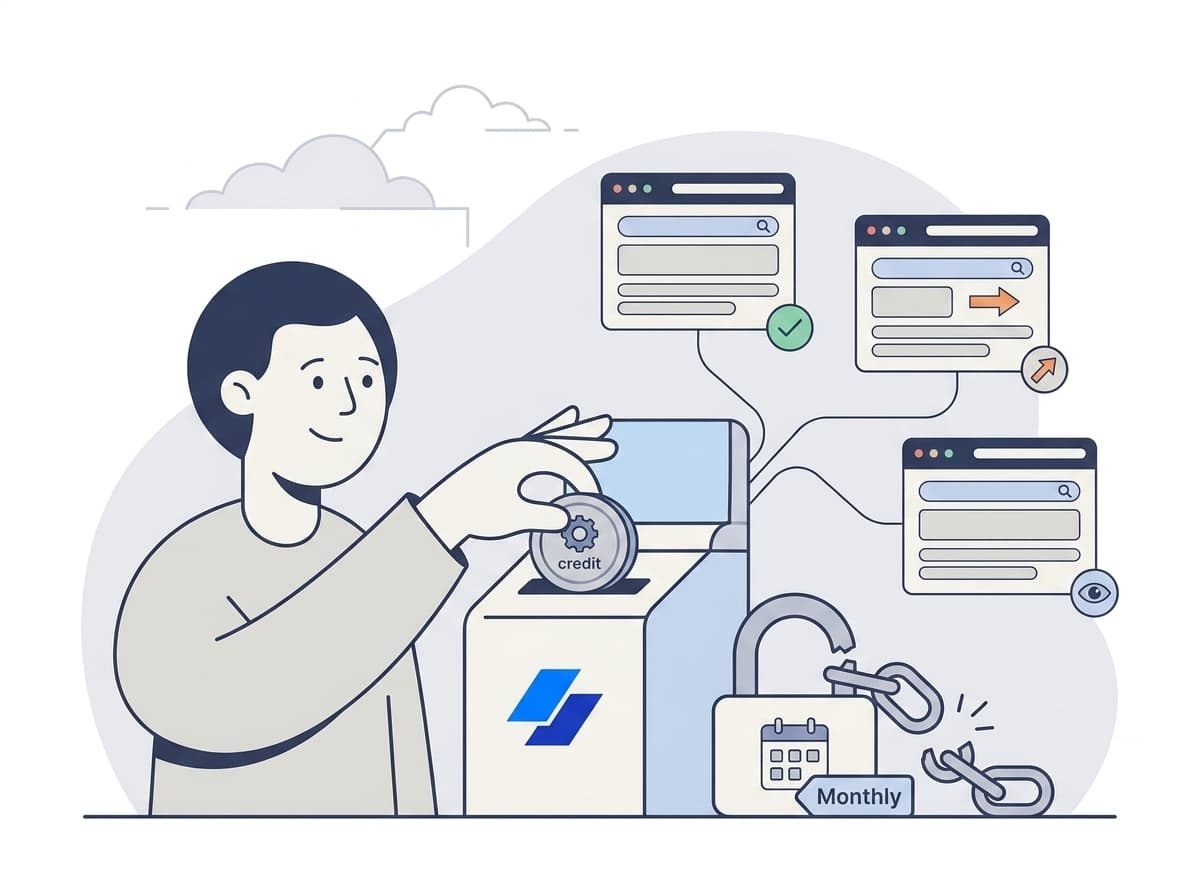
Billing is pay as you go with credits and no subscription. A check spends one credit for every page it reads: the source page, plus each next page or item page it follows, up to a fixed ceiling per check. You pick the cadence per source: every 30 minutes, every hour, every 6 hours or every 24 hours. The pricing calculator shows current prices.
Where it's the wrong tool
Briefpanel reads public pages and tracks how their items change over time. It isn't a general crawler where you define your own JSON schema and point it at 50,000 URLs. For a one-off bulk extraction, a scraping platform is the better fit. And if you only care about one number on one page, a browser extension is cheaper.
How to extract structured data from a website with no code
- Pick one page that feeds a spreadsheet today. Start with a single source, not twenty.
- Add the URL as a source and give it an instruction like the one below.
- Choose a cadence that matches how often the page really changes. Daily is enough for most catalogs.
- Open the entries it found and check them against the page. Use "Fix what is tracked" on anything off.
- Pick an exit: CSV for a one-time pull, a webhook or the API for a feed, Slack for a team that wants to see changes as they happen.
An instruction that works well for a supplier catalog:
"Track each product as its own item. Keep the price, any sale price, stock status, lead time and minimum order quantity. Treat a change to any of those as an update. Ignore reviews, recommended products, navigation and the footer."
Re-read the first batch of results before you automate anything downstream. Five minutes of checking now saves a week of a wrong column later.
FAQ
Can I convert a website to structured data without writing code?
Yes. You describe what matters in words and Briefpanel resolves the items, so there are no selectors to write. Code only enters the picture on the way out, if you want to read the data through the API or a webhook.
Can I get a website's data into Excel or Google Sheets?
Yes. Export a source's current items as a CSV from its menu and open the file in either one. If you want the sheet to stay current, send updates through a webhook or the REST API instead of re-exporting by hand.
Is web scraping legal?
It depends on the country, the site's terms, and what data you collect, so this isn't legal advice and you should ask a lawyer about anything sensitive. Briefpanel only reads publicly accessible pages and doesn't log in to anything.
Does it work on pages that already have JSON-LD?
It reads the page itself, so it works whether or not the site publishes markup. That's useful, because as the Web Data Commons numbers show, about half of crawled pages have none, and what a publisher does declare often leaves out the fields you need.
How is this different from a monitor that emails me a page diff?
A diff tells you something on the page moved. An item-level history tells you which product, which field, and what it was before. If you want the longer comparison, see the top 10 ways to track website changes.
Can I get historical values, not just the current ones?
You get the history from the moment you start tracking a source. Briefpanel can't reconstruct what a page said before you added it, so add the pages you'll want a record of early.
Can I connect this to my own system?
Yes: CSV for one-off pulls, a signed webhook or the REST API for a feed, and an MCP server for agents. Everything uses one personal API key, created under Settings → API & integrations.
What about pages behind a login?
Briefpanel monitors publicly accessible pages. Pages behind a login or a paywall aren't read.
Start with the one spreadsheet you hate maintaining
If a person on your team copies the same page into a sheet every week, that page is your first source. Add it, check the first results against the page, and pick an exit. You'll know within a day whether the structured version is better than the manual one.
See how the API and MCP server work →
Related guides
- Top 10 ways to track website changes
- Track price drops and stock availability
- Monitor competitor pricing and packaging
- Docs and changelog monitoring for developers