Want to know the moment a competitor drops their price, a job you're chasing gets reposted, or a vendor quietly rewrites their terms — without paying for it? You don't have to. Several solid tools let you monitor website changes for free, and most people watching a handful of pages never need to pay at all.
The catch is that "free" means something different in every tool. One gives you 5 pages checked hourly. Another is free only if you run your own server. A third gives you a generous monthly allowance but no AI summaries. This guide is an honest roundup of the best free website change monitoring tools in 2026 — what each free tier actually includes, where it quietly falls short, and which one fits your use case.
Want the lowest-friction free option? Start monitoring with BriefPanel → — 20 free checks when you verify your email, with the field that moved on every check.
What "free website monitoring" really means
Before the list, three things to check on any "free" plan — because vendors use the word loosely:
- Page (or monitor) limit. How many distinct URLs can you watch at once? Free tiers range from 3 to 25+.
- Check frequency. How often the tool actually re-checks a page. A "free" plan capped at once a day is useless if you need to catch a price change within the hour.
- What you get when something changes. A raw red/green diff, a screenshot, or a plain-English summary of what changed? This is where free tiers differ most.
Watch for two other gotchas: whether a credit card is required to start, and whether "free" means a permanent free tier or just a time-limited trial. Below, "free" means a permanent free tier unless noted.
A quick note on pricing: paid tiers in this category drift constantly and several vendors render prices with JavaScript, so treat every figure here as an at-publication estimate and confirm the current numbers on the vendor's own pricing page before you commit.
The best free website change monitoring tools at a glance
| Tool | Free tier | AI summaries on free? | Setup | Best for |
|---|---|---|---|---|
| BriefPanel | 20 free checks on email verify, then pay-as-you-go | Yes — included, no API key | None | Lowest friction; tracked items |
| Visualping | 5 pages, ~hourly minimum (~150 checks/mo) | Yes (every plan) | Low | Visual + text changes |
| changedetection.io | Free only if self-hosted | BYOK (your own key) | High (run a server) | Developers, $0 self-hosters |
| Distill.io | 25 monitors (5 cloud), 1,000 checks/mo | No | Medium (selectors) | Technical, precise targeting |
| Monity.ai | 100 checks/mo, 3-hour minimum, 1 seat | Yes (plain-English) | Low | Teams testing AI monitoring |
| PageCrawl.io | Free tier with a small AI-summary allowance | Yes (+ BYOK) | Low | Simple hosted monitoring |
| ChangeTower | 3 pages, daily checks, 30-day history | AI-assisted | Low–medium | Archiving + change history |
| Wachete | Free to start, no card (limited) | No | Low | Whole-page/section watching |
| Browse AI | 50 credits/mo, 2 domains | No (color-coded diffs) | Medium | Structured data extraction |
Tiers above are at-publication snapshots and change often — always confirm on the vendor's pricing page. The point is the shape of each free offer, not an exact quote.
1. BriefPanel — the lowest-friction free option
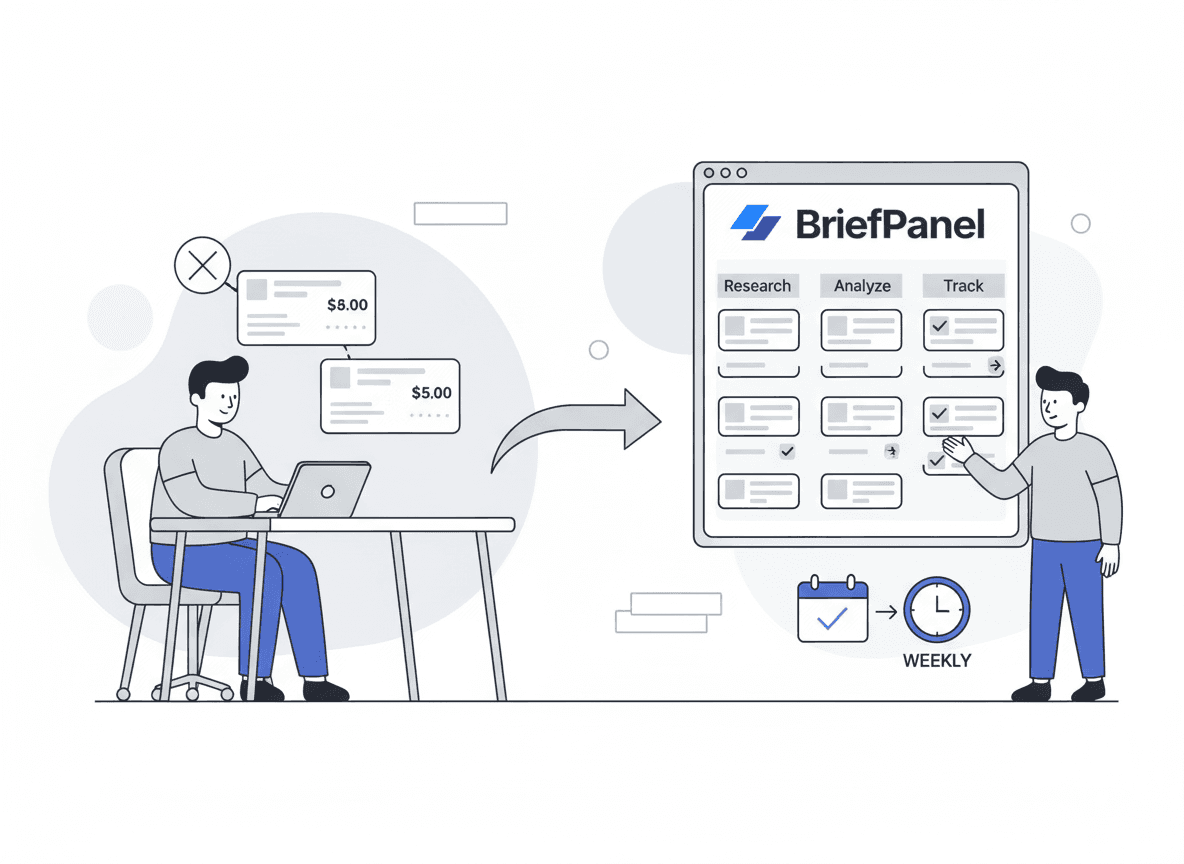
BriefPanel is built around one idea: stop checking sites by hand and get the field that moved. You add URLs, pick how often each one is checked, and BriefPanel tracks each item on the page — a price, a job, a clause — with its previous and current value, in the language you prefer.
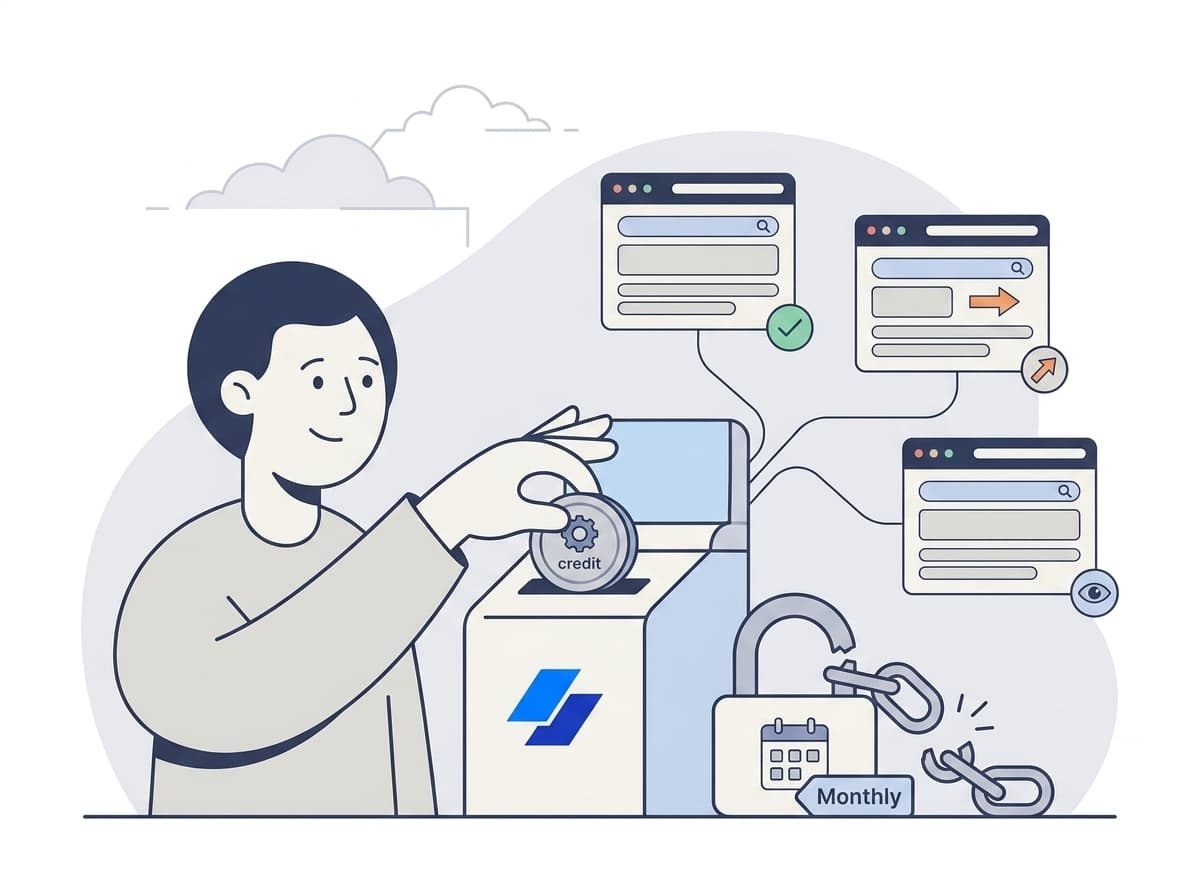
What's free: 20 free checks when you verify your email — no credit card required. The AI reading is included out of the box — there's no separate API key to create and no LLM bill to pay. After the free checks, BriefPanel is pay-as-you-go, not a subscription: $10 buys 1,000 checks (about $0.01 each) and credits don't expire at month's end.
Strengths:
- Zero friction. No subscription lock-in — you pay only when you run out of free checks, not every month.
- Typed fields with no setup. You read the field that moved and both of its values, not a raw diff — and you don't supply or pay for an API key.
- Multilingual alerts and custom prompts to name the fields that matter (e.g. "only flag pricing and policy changes; ignore nav and footer").
- No subscription. When the free checks run out, you top up only when you need to.
Limitations: BriefPanel focuses on content changes with email and push notifications. If you need pixel-perfect visual-diff screenshots, source-code monitoring, or Slack/Discord/Teams integrations today, a broader tool below may fit better.
Best for: anyone who wants to watch a handful of pricing, job, docs, or policy pages, see exactly which field moved, and not sign up for anything.
Try the no-commitment route. Monitor your first page free → — no card, typed fields included.
2. Visualping — the most established free visual monitor
Visualping is the category's mass-market name, distributed largely through its browser extension. It watches a URL and alerts you to visual and text changes, and it now includes AI summaries on every plan that read the change and describe it in clear language (including other languages on request).
What's free: roughly 5 pages with a minimum check interval around once an hour (on the order of 150 checks a month). That's enough to keep an eye on a few important pages.
Strengths: trusted brand, easy browser-extension setup, AI summaries even on free, and strong visual-diff capability. Limitations: the free page count is small and the minimum interval is slow for time-sensitive changes; heavier use pushes you to a paid plan quickly. Best for: non-technical users who want a well-known tool and care about how a page looks, not just its text.
3. changedetection.io — free if you'll run the server
changedetection.io is the most prominent open-source, self-hosted option — "website change detection… for clever people." It does text monitoring with CSS/XPath rules, browser automation for logins and forms, restock alerts, and an enormous list of notification integrations (Discord, Slack, Telegram, Matrix, email, and 80+ more).
What's free: the software itself is free if you self-host it — you run and maintain the server. There is also a hosted version for those who don't want to, but that's a paid subscription (around $8.99/mo for thousands of watches at publication), not a free tier. AI summaries exist as of recent versions but are bring-your-own-key: you create your own OpenAI/Gemini/etc. account, supply the key, and pay the model bill separately.
Strengths: genuinely $0 if you self-host, hugely flexible, and the widest notification support in this list. Limitations: real setup and maintenance overhead, technical selectors, and AI that requires your own API key and budget. Best for: developers and tinkerers comfortable running a small service who want maximum control at no software cost.
4. Distill.io — precise, technical, generous free tier
Distill.io targets technical users who want to monitor specific elements of a page using CSS/XPath/JS selectors rather than the whole thing. That precision means less noise — if you can configure it.
What's free: a generous 25 monitors (5 of them cloud-based) and around 1,000 checks/mo — one of the larger free allowances here. Strengths: precise element-level targeting, local + cloud monitors, and a big free monitor count. Limitations: no AI summaries (you read diffs yourself), and the selector-based setup is the least beginner-friendly option in this roundup. Best for: technical users who know exactly which part of a page they want to watch and don't need changes explained in prose.
5. Monity.ai — AI summaries on a free tier
Monity.ai is an AI-native monitor aimed at teams, with plain-English summaries that explain what changed "and why it matters," plus Slack/Teams/webhook integrations on paid plans.
What's free: a permanent free tier of about 100 checks/mo, a 3-hour minimum check frequency, and 1 seat. Strengths: AI summaries included on free, plain-language setup (describe what to watch, no selectors), and a clean team-oriented product. Limitations: the 3-hour minimum is slow for urgent pages, and the free check budget is modest; the real product is the paid team tier. Best for: small teams who want to trial AI-written change summaries before committing.
6. PageCrawl.io — simple hosted monitoring with BYOK
PageCrawl.io positions itself as "change monitoring made simple" — fully cloud, no installation. It includes AI change summaries by tier and, notably, lets you bring your own LLM key (OpenAI, Gemini, Claude, OpenRouter) for unlimited AI usage.
What's free: a free tier with a small AI-summary allowance (a handful of summaries per month) and broad notification channels (email, Slack, Discord, Telegram, Teams). Strengths: simple hosted setup, BYOK flexibility, and more notification destinations than most. Limitations: the free AI allowance is small, so heavy AI use means a paid plan or your own key. Best for: people who want a simple hosted tool and like the option to plug in their own AI key later.
7. ChangeTower — free tier with change history
ChangeTower leans into archiving: it captures full-page screenshots, text snapshots, and even source code, and keeps a history of changes you can look back through.
What's free: 3 pages, daily checks, and 30-day change history — modest, but the history feature is unusual at the free level. Strengths: visual + text + source capture and a built-in archive of what changed over time. Limitations: small free page count and daily-only checks; it's really built for compliance/enterprise teams. Best for: anyone who needs a record of how a page evolved, not just a one-time alert.
8. Wachete — simple freemium page watching
Wachete does straightforward automatic monitoring of a whole page or a section, with a broad set of notification channels (email, Slack, Teams, Discord, Telegram).
What's free: free to start with no card, on a limited freemium plan. Strengths: simple, cheap to upgrade, and lots of notification options. Limitations: no native AI summaries (it can hand data to AI assistants via API, but doesn't write briefs itself), so you interpret changes yourself. Best for: shoppers, analysts, and job seekers who want a low-cost watcher and don't need AI explanations.
9. Browse AI — free credits, but it's really a scraper
Browse AI is a no-code tool that's scraping-led: it extracts structured data from pages and color-codes what changed (green = new, yellow = modified, red = removed) rather than writing prose summaries.
What's free: 50 credits/mo across 2 domains, no card — but credits meter extracted data rows/screenshots, not page checks, so it's not directly comparable to the others. Strengths: great if you actually want the changed data fields in a structured form. Limitations: no natural-language summaries, and the credit model is built for data extraction, not page-watching. Best for: users who want "give me the changed fields as data," not "explain what changed."
What about Hexowatch, Fluxguard, and the rest?
A few well-known tools didn't make the "free tier" list on purpose. Hexowatch is powerful (13 monitoring types) but runs on a free trial, not a permanent free plan. Fluxguard and Versionista are enterprise change-intelligence tools with trials and custom pricing. Keepa and CamelCamelCamel are excellent — but only for Amazon price history, not general web pages. If your use case is broad web monitoring rather than enterprise compliance or Amazon prices, the nine tools above cover it.
How to choose the right free tool
Match the tool to the job rather than chasing the biggest free number:
| Your situation | Best free pick |
|---|---|
| Want to start in 30 seconds with no signup | BriefPanel |
| Need the item that changed, new or edited | BriefPanel |
| Need a plain-English summary of what changed | Monity.ai, Visualping |
| Care about how a page looks (visual changes) | Visualping, ChangeTower |
| Comfortable running your own server for $0 | changedetection.io |
| Need precise element targeting and lots of monitors | Distill.io |
| Want an archive/history of page versions | ChangeTower |
| Want the changed data as structured fields | Browse AI |
If you're not sure, start with the option that costs you nothing to try — including your time. That's the case for a tool you can use without an account and that explains changes for you instead of handing you a diff to decode.
Frequently asked questions
What's the best free website change monitoring tool?
For most people watching a handful of pages, the best free tool is the one with the least friction and the clearest output. BriefPanel gives you 20 free checks when you verify your email, and the field that moved with no API key — so you can watch a few pages and see what changed without paying. For visual changes specifically, Visualping's free tier is a strong alternative; for $0 self-hosting, changedetection.io.
Can I monitor website changes completely free, forever?
Yes, within limits. Several tools here have permanent free tiers (BriefPanel, Visualping, Distill.io, Monity.ai, PageCrawl.io, ChangeTower, Wachete), and changedetection.io is free indefinitely if you self-host. Each caps pages, frequency, or features, so "free forever" usually means "free for light usage." If you outgrow it, pay-as-you-go (like BriefPanel's) is cheaper than a subscription for most low-volume users.
Do free website monitors include AI summaries?
Some do, some don't. Visualping, Monity.ai, and PageCrawl.io write natural-language summaries on their free tiers (PageCrawl with a small allowance); BriefPanel includes AI on its free tier too, and leads with the item that changed — new, edited or gone, with the field that moved — alongside the summary. changedetection.io supports AI but requires your own API key. Distill.io, Wachete, and Browse AI don't write prose summaries — you read diffs or color-coded changes yourself.
Is a free tier or a free trial better?
A free trial expires; a free tier doesn't. If you only need to watch pages occasionally, a permanent free tier (or pay-as-you-go) avoids the "trial ended, now pay monthly" trap. Tools like Hexowatch offer a trial rather than a lasting free plan, which is worth knowing before you invest setup time.
What happens when I outgrow the free tier?
It depends on the pricing model. Most tools push you onto a monthly subscription. BriefPanel instead uses pay-as-you-go credits — you buy more checks only when you run out, with no recurring fee. For a deeper comparison of the two models, see the related guide below on monitoring without a subscription.
The bottom line
You can absolutely monitor website changes for free in 2026 — the question is which free tier fits. If you want maximum control at $0 and don't mind running a server, changedetection.io is unbeatable on price. If you care about visual changes, Visualping's free tier is the established choice. And if you just want to add a few URLs, skip the signup wall, and see exactly which field moved, BriefPanel is the lowest-friction way to start — free, no card, AI included.
Start monitoring website changes free → Get the field that moved, with both values