A competitor’s job postings are one of the most honest, public, real-time disclosures it makes. Long before a strategy shows up in an earnings call or a press release, it shows up in who a company is trying to hire, where, and for what.
The hard part is not finding one careers page. It is watching twenty of them, week after week, without missing the posting that went up on Tuesday and came down on Friday, or the salary band that quietly moved.
For competitive-intelligence, product, and go-to-market teams, the highest-leverage move is to track competitor job postings automatically, along with those of your target accounts, and treat them as hiring signals—not as a list of openings to scroll through.
This guide covers what the labor-market data actually shows, a framework for reading job postings as strategy signals, concrete use cases, and a workflow that tracks each posting as its own item — new, changed or removed — with BriefPanel.
What the hiring data shows: postings are a leading signal
Hiring is not a lagging artifact of decisions already made. It tends to precede the results that show up later in revenue, product, and stock performance.
- Job postings correlate with future performance. Academic work on online job-vacancy data finds that openings act as a leading indicator of firm performance, associated with subsequent growth in sales, earnings, and stock returns (Gan, Hernandez & Liu, Pacific-Basin Finance Journal, via ScienceDirect). In other words, what a company posts today often shows up in its financials quarters later.
- The market is huge and watched in aggregate. The U.S. alone had roughly 7.6 million job openings at a 4.6% rate as of April 2026, per the Bureau of Labor Statistics’ JOLTS report (BLS JOLTS). Macro openings data is a standard input for economists and investors gauging labor demand.
- Specialized datasets exist precisely because this signal is valuable. Labor-market intelligence firm Lightcast aggregates raw postings from 160,000+ online sources and over one billion current and historical postings, extracting on average 13 skills per posting across 165 countries. Competitor Revelio Labs launched its COSMOS job-postings dataset in 2024 with billions of postings across millions of companies, sourced from hundreds of thousands of company websites plus the major job boards.
- Investors pay for it. Hiring and job-posting data is now mainstream “alternative data.” Industry surveys cited by data vendors put the share of institutional investment managers using alternative data at roughly two-thirds, with most planning to maintain or increase spend (Revelio Labs). Hedge funds model hiring trends to anticipate sector rotations and company-level growth before it’s reported.
The takeaway: you don’t need a seven-figure data subscription to benefit from the same idea. For a focused list of companies, the public careers page is the dataset—you just need to watch it reliably and interpret it.
A framework: reading competitor job postings as hiring signals
A single posting is a data point. A pattern of postings is a strategy disclosure. Here’s how to decode them.
1. Volume and velocity — “how fast and how much.” A sudden spike in open roles often follows a funding round, a big new contract, or a strategic pivot. A sudden freeze or quiet pull-down of listings can signal budget cuts or a hiring pause. Tracking how many roles open and close over time is one of the cleanest signals there is.
2. Function mix — “what kind of muscle they’re building.” The departments a company hires into reveal where it’s placing bets:
- A surge in data scientists and ML engineers at a non-tech firm signals an analytics or AI initiative—before it’s announced.
- A first VP of Sales or a wave of account executives signals a go-to-market push (and usually new tooling decisions).
- Implementation, customer success, or support hiring signals that they’re landing and onboarding larger customers.
This isn’t speculation: as of 2024, 51% of job postings requiring AI skills are outside IT and computer-science occupations, per Lightcast—evidence that AI strategy now shows up first in non-technical job ads (Lightcast, “Beyond the Buzz”).
3. Geography — “where they’re expanding.” New cities or countries appearing in a competitor’s postings are an expansion tell. A U.S. company suddenly posting roles in London, Singapore, and São Paulo is opening regions—often months before the press release.
4. Job-description text — “their tech stack and priorities, in plain English.” Descriptions list required tools, platforms, certifications, and responsibilities. That’s a free read on a competitor’s tech stack and roadmap. Lightcast’s data shows AI-skill postings command a 28% wage premium—about $18,000 more per year, based on an analysis of more than 1.3 billion job postings—so the skills a company is willing to pay up for tell you where it’s investing (Lightcast via PR Newswire; CNBC).
What actually changes on job pages (that people miss)
If you only watch for “new postings,” you’ll miss meaningful edits to roles already live—and those edits are often the richest signal:
- salary ranges or compensation language
- location (remote/hybrid/on-site) and which cities
- required years of experience and seniority
- tech stack, tools, and responsibilities in the description
- application deadlines and status (a role pulled down can mean it was filled—or the plan changed)
A listing isn’t static. Teams update posts constantly, and each edit is a small disclosure.
Real use cases by team
Competitive intelligence — expansion and pivots. Track rivals’ new roles, new locations, and function mix to catch market entries, product lines, and reorganizations early. A competitor that opens five roles in a new country, or quietly pulls its sales team’s postings, has told you something before any announcement. This pairs naturally with competitor pricing monitoring for a fuller picture of strategy.
Product managers — capability signals. Competitor job descriptions often reveal the capabilities a team is building next: the first payments engineer, the ML roles that name a specific model stack, the platform team that suddenly needs an integrations lead. Our guide for product managers doing competitive intelligence goes deeper on turning signals into roadmap decisions.
Sales / GTM — hiring signals as a buying trigger. When a target account hires a first VP of Sales, a RevOps lead, or a wave of AEs, it is evaluating CRM, sales-engagement, and prospecting tools. Roles that name a specific platform (“must have Salesforce/HubSpot/Snowflake experience”) tell you what they already run—and where a replacement or complement pitch fits. Watching a shortlist of accounts’ careers pages turns hiring into well-timed outreach.
Strategy and leadership — an early read on the market. For the handful of companies that shape your category, hiring velocity and skill demand are an early read on growth, margin pressure, or a strategic shift—the same logic the alternative-data industry has turned into a product, applied to the shortlist you actually compete with.
The 5 main ways to track competitor job postings
1) Manual checking
Works for one company. Breaks when your team is watching 10–50.
2) Job board alerts
LinkedIn/Indeed alerts are helpful for discovery, but they’re keyword-based (noisy), often miss edits to a specific listing, and don’t show what changed.
3) RSS feeds (when available)
Some boards or career sites publish feeds, but many don’t.
4) Email newsletters
Not common for job changes, and rarely covers edits.
5) Website change monitoring (best for specific URLs)
If you care about a shortlist of roles or companies, monitoring the exact URLs is the most reliable approach. The remaining problem is interpretation: you still have to read diffs and decide what matters. (For the broader toolkit, see the top 10 ways to track website changes.)
How BriefPanel reads a careers page
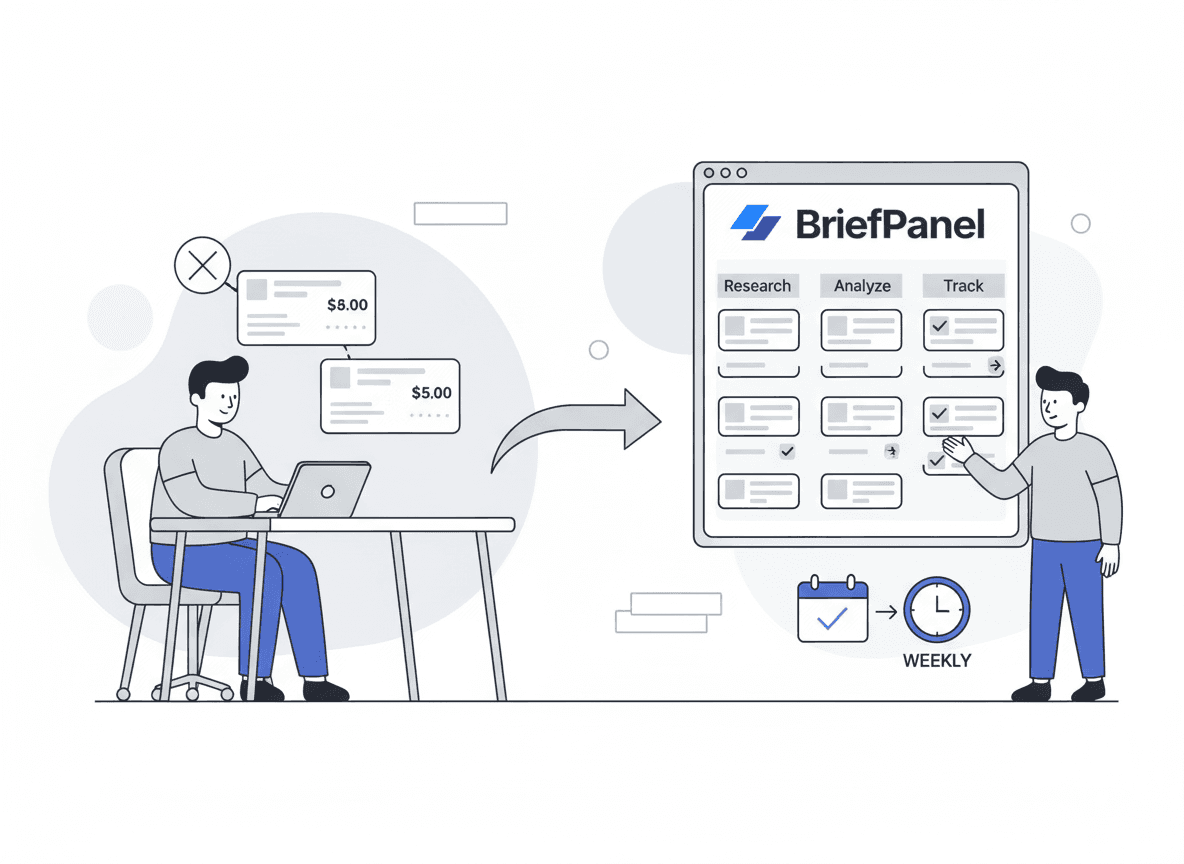
You add each careers page you care about as a source. BriefPanel finds the postings on it and tracks each one as its own item, with its own history:
- New, changed, or removed. Every check says which postings appeared, which ones were pulled down, and, on a change, which field moved (title, location, salary band, status) with the value before and after.
- Long lists. When a careers page splits its openings across several pages, a check can read the next pages of the list too.
- Detail from each posting’s page. When postings have pages of their own, a check can follow them to read details the list does not show, such as location, comp language, or required tools.
- Less noise as you go. On any update, "Don’t show updates like this" teaches that source what you don’t care about: matching updates stay in the history but stop notifying you. "Fix what is tracked" lets you describe, in your own words, a posting or a detail that is wrong or missing.
- Questions across all your sources. Ask the assistant things like "Which roles did Competitor A open in Europe this quarter?" or "How many postings did each competitor add this month?" It answers from your tracked items, cites them, and can draw the trend as a chart.
- Data out of the app. Export a source’s current postings as CSV, send each new, changed, or removed posting to Slack, Discord, or your own system through a signed webhook, or read the same history through the REST API and MCP server.
- Delivery your team already reads. Instant email, a daily or weekly digest, or push notifications, in your team’s language.
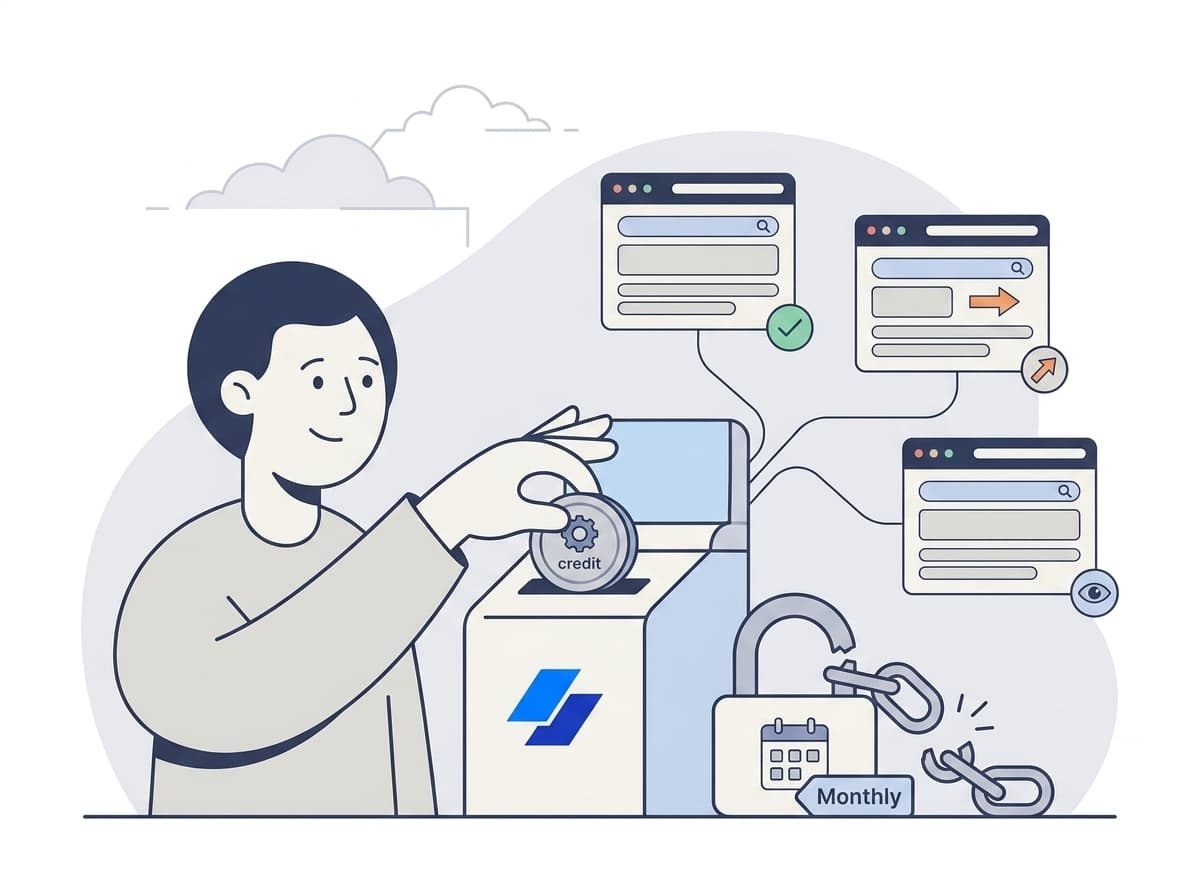
What it costs. Billing is pay as you go with credits, with no subscription. A check spends one credit for every page it reads: the careers page, each next page of the list, and each posting page it follows, up to a fixed ceiling per check. A source’s settings show what one of its checks costs, and the pricing calculator shows current prices.
Watching competitors? See how teams use BriefPanel for competitor monitoring →
Instructions template: tell BriefPanel what matters
When you add a careers page, give it instructions like these:
"Track each open role as its own item. For each role, keep the title, team, location and remote policy, seniority, salary range, and the tools or platforms it names. Treat a change to any of those as an update. Ignore benefits boilerplate, culture blurbs, navigation, and the footer."
This keeps the updates down to the edits worth forwarding to your team.
Setup for a competitor shortlist
- Pick targets:
- each competitor’s careers page (the list of openings, not a single posting)
- the careers pages of your top target accounts
- niche boards where your market hires (public sector, academic, startup)
- Set cadence:
- daily for most companies — postings usually stay up for weeks, so a daily check catches most of the signal
- every few hours only for a handful of hot accounts
- checking less often is the main way to spend fewer credits
- Add the instructions above.
- Route the updates:
- a weekly digest for the competitive review
- a webhook into the sales channel for target accounts
- Once a month, ask the assistant for each competitor’s hiring moves and bring the answer to the strategy meeting.
FAQ
Are hiring signals from job postings reliable? As a pattern, yes—peer-reviewed research links online job-vacancy data to subsequent firm performance (ScienceDirect), and the alternative-data industry has built products around it. Any single posting can be noise; trends across time and across roles are where the signal lives.
Is monitoring public job pages allowed? Reading and tracking publicly posted listings is the same information any visitor can see. Respect each site’s terms and robots rules, monitor at a reasonable cadence, and focus on a targeted shortlist rather than mass scraping.
How is this different from a LinkedIn or Indeed alert? Those are discovery tools tuned to keywords and new postings. They generally don’t tell you when an existing listing’s comp, location, stack, or status changed—which is exactly the edit-level signal that matters for intelligence.
Which roles or skills should I watch? Watch the functions that map to strategy: AI/ML and data (now in demand well beyond tech, per Lightcast), sales/GTM leadership, and any new geographies.
How often do job pages actually change? Frequently. Beyond new and removed roles, teams edit descriptions, comp language, and status regularly. Daily checks catch most of the signal; save shorter intervals for a few fast-moving targets.
How much does it cost to watch a list of competitors? It depends on how many careers pages you add, how often each is checked, and how many pages a check reads (the list’s next pages and the posting pages it follows). There is no subscription: you buy credits when you need them. A source’s settings show what one check costs, and the pricing calculator shows current prices.
Can we get the postings into our CRM, BI, or data stack? Yes. Export a source’s current postings as CSV, receive each new, changed, or removed posting through a signed webhook, or read the history through the REST API or the MCP server.
Start tracking competitor hiring automatically
The advantage is simple: you see the hiring move first, and you know exactly which posting changed.
Set up your shortlist once and let the changes come to you.
Sources
- BLS Job Openings and Labor Turnover Survey (JOLTS)
- Gan, Hernandez & Liu, “How do job vacancy rates predict firm performance?”, Pacific-Basin Finance Journal (ScienceDirect)
- Lightcast — Data overview
- Lightcast — “Beyond the Buzz: Developing the AI Skills Employers Actually Need”
- Lightcast AI skills 28% salary premium (PR Newswire)
- CNBC — Employers are paying a premium for AI skills
- Revelio Labs — Job Postings (COSMOS)
- Revelio Labs — workforce intelligence