Most website change monitoring tools sell the same deal: pick a plan, hand over a card, and pay every month — whether your team watched fifty pages that month or none.
That fits a team whose monitoring never changes. Many teams don't work like that. A competitive-intelligence push runs for a quarter, a compliance review needs vendor terms watched for a few weeks, a bid season fills up with procurement portals and then goes quiet. This guide explains why almost every tool in the category charges monthly, when a subscription makes sense versus paying as you go, and how to track website changes without a recurring fee.
Want to skip the subscription? Start monitoring with BriefPanel → — free credits to start, no credit card, and verifying your email adds a bonus.
Why almost every website monitor charges a subscription
Recurring revenue is the default business model for software. Predictable monthly revenue is easier to forecast and finance, so most tools are built around it — not around what's cheapest for a team whose usage goes up and down.
For a team, a subscription means three things:
- You pay every month, even quiet ones. The project ended, the review closed, the bid was submitted. The bill still arrives.
- There's a price floor. The cheapest plan is the minimum you'll spend, no matter how little you monitor.
- You size the plan for your busiest month. Flat tiers make you pay for peak capacity all year, even when you only need it for a few weeks.
The major tools in this space — Visualping, Hexowatch, Distill, PageCrawl, Wachete, ChangeTower, and Monity — all run on monthly (or annual) subscriptions. The main no-subscription alternative is changedetection.io, which is free if you self-host it (you run and maintain the server yourself).
That leaves a gap: a hosted, no-setup tool that doesn't put you on a recurring plan. That's the gap BriefPanel fills.
Subscription vs. pay-as-you-go: when does each win?
The short answer: subscriptions win at high, steady volume; pay-as-you-go wins when usage is light or uneven.
A subscription charges for capacity. Pay-as-you-go charges for what you actually read. If your team runs a large, constant workload every month, a flat plan can come out ahead. If your workload comes in projects, seasons or reviews, you pay for idle capacity in every quiet month — and pay-as-you-go doesn't.
What drives the cost on pay-as-you-go
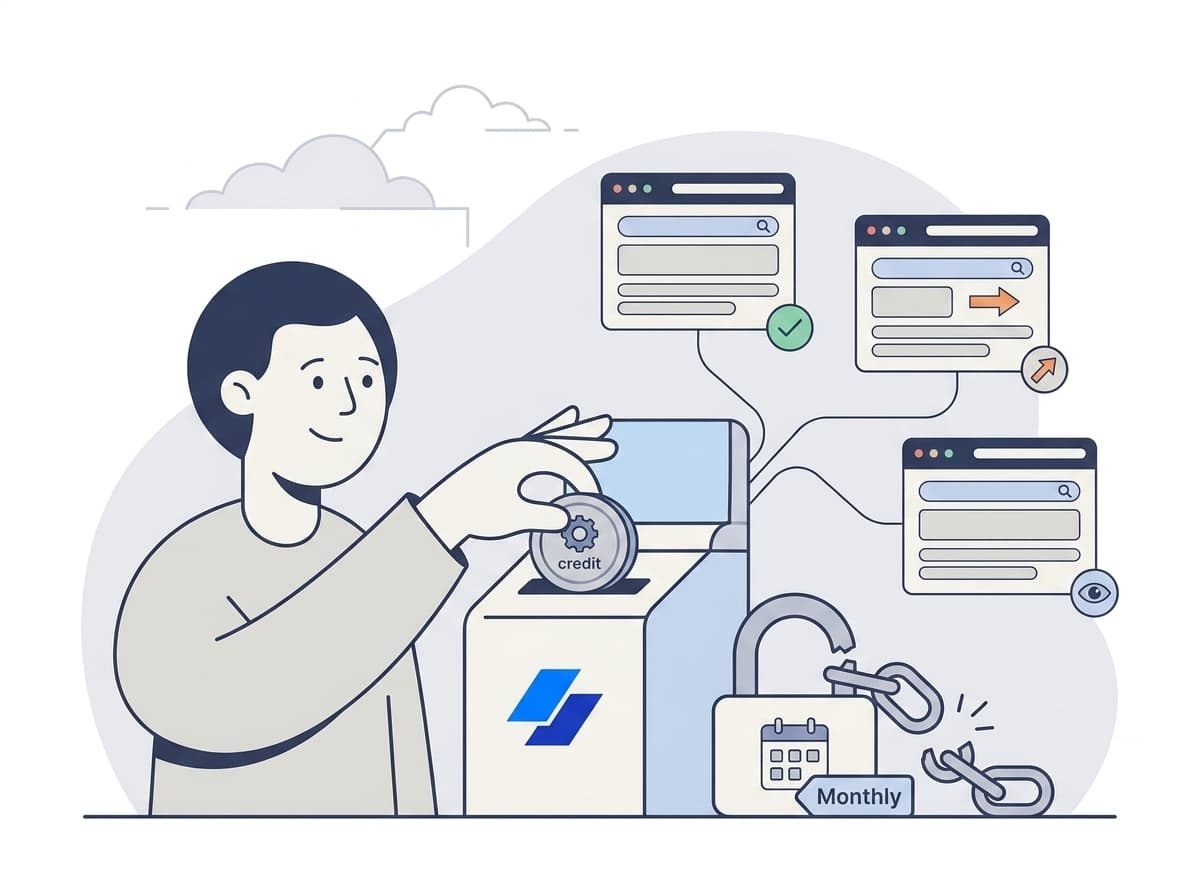
With BriefPanel, billing is per page read. A check spends one credit for every page it reads: the source page, each item page it follows, and the next pages of a long list, up to a fixed ceiling per check. So your spend comes from three things:
| Lever | What it does to cost |
|---|---|
| Number of sources | Each URL you add is checked on its own schedule. |
| Check frequency | Every 30 minutes, every hour, every 6 hours or every 24 hours, set per source. Checking less often is the main way to spend less. |
| Pages read per check | A page whose items have no pages of their own costs one credit per check. One that follows item pages or pages through a long list costs more, up to the ceiling. |
You don't have to estimate this by hand. A source's settings show what one of its checks costs, the billing screen shows about how many days your balance lasts at your current frequencies, and the pricing calculator shows current prices.
A fair caveat: at genuinely high, steady volume, a flat-rate plan can come out ahead — and self-hosted changedetection.io is free if you're willing to run the server (note it counts watches, not pages read, so it's not a like-for-like unit). For teams whose needs rise and fall, paying per use wins.
How to start without a credit card
With BriefPanel:
- Create an account to get free credits — no credit card required. Verifying your email adds a bonus.
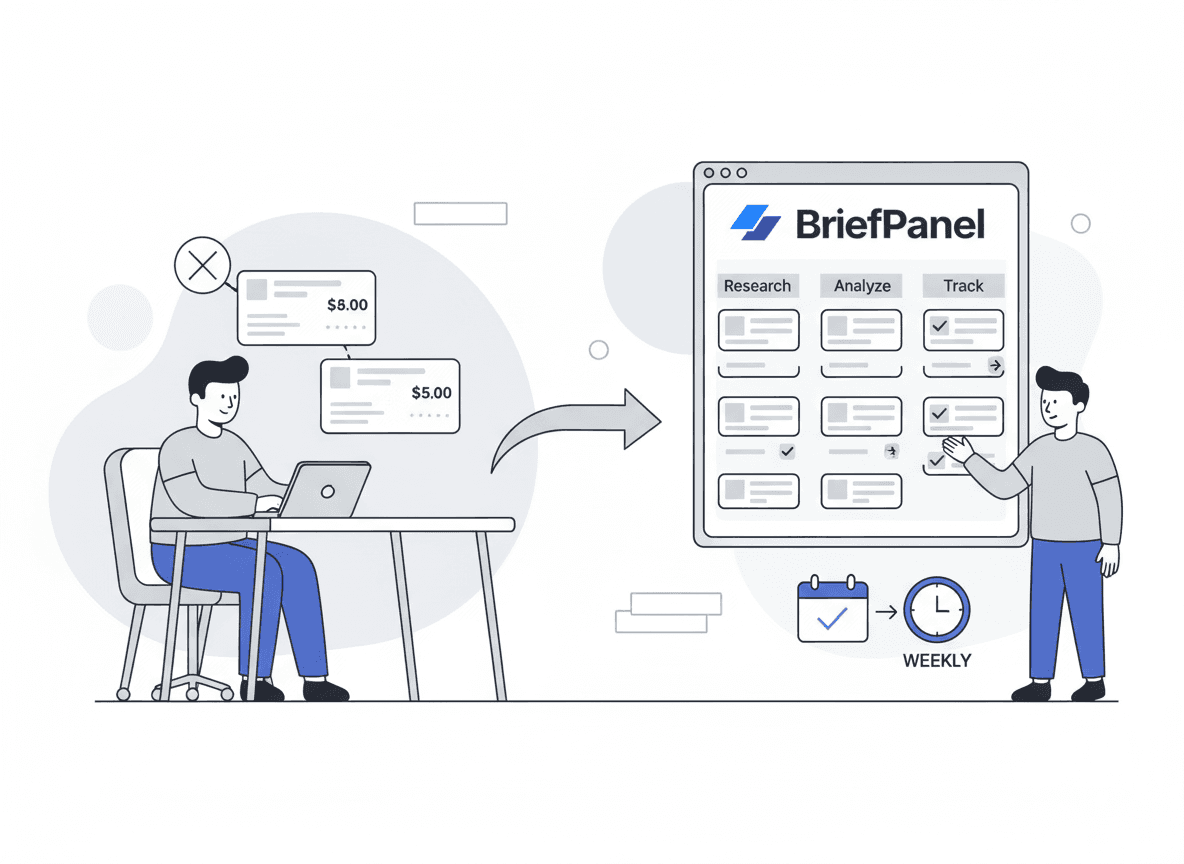
- Add a URL and pick how often to check it — per source, from every 30 minutes to once a day, so you spend credits only where freshness matters.
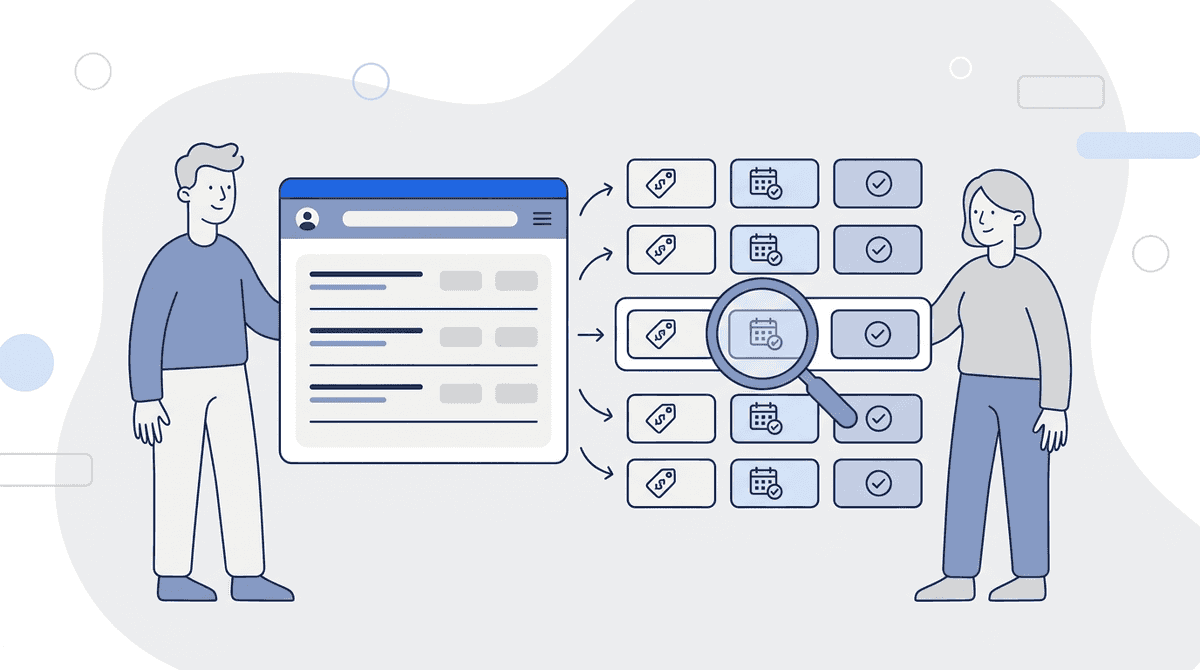
- Read each item's history — new, modified or removed, with the field that moved and its before and after values, not a raw red/green diff.
- Buy credits only when you need them — a one-time purchase, never a monthly charge. When a project ends, pause its sources and they spend nothing.
The same history goes where your team already works: email (instant or a daily or weekly digest), push, Slack or Discord through a webhook URL, signed outbound webhooks, and the REST API and MCP server.
Comparing tools? See how BriefPanel compares to subscription monitors →
Frequently asked questions
Is there really no subscription?
Correct. BriefPanel uses pay-as-you-go credits, not a recurring plan. You start with free credits and buy more only when you need them. There's no monthly fee and nothing to cancel.
What counts as a credit?
One credit is one page read. A check of a source reads its page, and may also read the item pages it follows and the next pages of a long list, up to a fixed ceiling per check. You choose each source's frequency, so you decide how fast credits are used. A source's settings show what one check costs.
What happens when I run out of credits?
Checks stop and sources pause until you add credits — you're never billed automatically. After a top-up they resume on their own. Purchased credits don't expire while your account is active.
Is pay-as-you-go really cheaper than Visualping or changedetection.io?
For light or uneven usage, usually yes: you pay for the pages you read, not for a plan sized to your busiest month. At high, steady volume a subscription can win. changedetection.io can be free, but only if you self-host and maintain it yourself; BriefPanel is hosted with no setup and adds item-level history on top.
Can I monitor pages in other languages?
Yes. BriefPanel's AI reads pages in many languages and writes your alerts in the language you prefer.
The bottom line
A subscription makes sense if your team monitors at high volume, every month, without pause. If your needs come in projects, reviews or seasons — competitor pricing during a launch, vendor terms during a compliance review, procurement portals during bid season — a pay-as-you-go tool fits better and leaves nothing to cancel when the work ends.
You can test that with free credits and no card.
Start monitoring free → Item-level history, no subscription