For developers, the most expensive changes are rarely announced with fanfare.
They show up as:
- a renamed field in API docs
- a quietly updated rate limit
- a deprecation note added to a changelog
- a dependency that just went end-of-life
- a “minor” docs edit that becomes tomorrow’s production incident
Keeping up with your stack — frameworks, SDKs, language runtimes, and the third-party services you depend on — has become a job in itself. This guide looks at what the data says about that burden, then lays out a concrete monitoring framework and a workflow that turns documentation and changelog changes into typed fields — version, endpoint, rate limit — each with its previous and current value in BriefPanel.
What the data shows: staying current is now a core cost
The work of staying current is no longer a side task; it’s one of the most-cited frustrations in modern engineering.
- In the 2024 Stack Overflow Developer Survey — over 65,000 respondents — technical debt was the single most common frustration at work, cited by around 62% of developers, ahead of complex tech stacks and unreliable tooling (Stack Overflow’s write-up). A large share of that debt comes from outdated dependencies and deferred upgrades — exactly the kind of work that piles up when nobody is watching changelogs.
- The same survey found that online resources are the top way developers learn, cited by 82% of respondents. Translation: the “source of truth” for your stack is scattered across docs sites, release notes, and changelogs — not a single feed you can subscribe to once.
On the automation side, the scale of dependency churn is easy to underestimate. GitHub’s Dependabot has now flagged over 425 million potential vulnerabilities in open-source dependencies, and it’s configured on 846,000+ repositories with strong year-over-year growth, drawing on the GitHub Advisory Database of 28,000+ reviewed advisories (GitHub Octoverse / Dependabot). Automated bots help, but they also create their own firehose: one team running Dependabot across a 50-project monorepo reported being buried under ~200 update PRs a week before switching to grouped updates (PullNotifier comparison).
The takeaway: detection isn’t the hard part anymore. Triage and interpretation are.
The change surface area (beyond the changelog)
A lot of teams watch only GitHub releases. That helps — but it’s not enough. The real “breaking change surface area” is spread across very different sources:
- Dependency & framework releases — npm, PyPI, Maven, crates.io, Go modules
- Language runtime EOL timelines — Node.js, Python, Java, Ruby
- Security advisories — vendor advisories, CVE feeds, GitHub Advisory Database
- API documentation & SDK reference pages — often edited silently, no version bump
- Migration guides & deprecation timelines
- Pricing / usage-limit pages that affect runtime behavior
- Status pages and incident postmortems
- Terms of service and data-retention policies
If your stack depends on external services, docs are part of your runtime. A change to any of these can break a build, fail an audit, or open a vulnerability window.
Why changelog conventions matter (and where they break down)
Two conventions do most of the heavy lifting when you’re triaging updates:
- Semantic Versioning (SemVer) —
MAJOR.MINOR.PATCH. You increment MAJOR for incompatible API changes, MINOR for backward-compatible features, and PATCH for backward-compatible fixes. A MAJOR bump is your cue that something may break. - Keep a Changelog — a human-readable changelog format grouped into Added, Changed, Deprecated, Removed, Fixed, and Security. The project’s core argument is blunt: “Don’t let your friends dump git logs into changelogs.” A diff of commits is not a changelog — a curated list of human-meaningful changes is.
The problem is adoption is uneven. Some vendors follow SemVer religiously; others ship breaking changes in a “minor” release. Some maintain a clean CHANGELOG.md; others bury changes in a blog post, a Discord announcement, or a silent docs edit. You can’t assume the convention — you have to monitor the actual page.
Real examples from 2024–2025
These weren’t edge cases. Each one forced upgrade work across thousands of teams:
- Node.js 18 reached end-of-life on April 30, 2025 — no more security patches. Node 20’s active LTS ended in October 2024 (maintenance through April 2026), and Node 22 is the current LTS target (endoflife.date/nodejs). Miss the EOL date and you’re running an unsupported runtime in production.
- Python 3.8 reached end-of-life on October 31, 2024 —
3.8.20was its final security release. Python 3.9 follows on October 31, 2025 (endoflife.date/python). After EOL there are no CVE fixes at all. - React 19 shipped on December 5, 2024, removing long-deprecated APIs —
propTypes,defaultPropson function components, legacy string refs, and the legacy Context API. The React 19 release post and the upgrade guide document the migration; teams that hadn’t watched the deprecation warnings in 18.3 got surprised.
The common thread: the information was public in advance. The teams that got hurt simply weren’t watching the right pages at the right cadence.
A developer monitoring framework: what to watch, and how often
You don’t need to watch everything equally. Match cadence to blast radius.
| Source | What it tells you | Suggested cadence |
|---|---|---|
| Critical SDK / framework changelogs | Breaking changes, deprecations | 6 h–24 h |
| Language runtime EOL pages | When you lose security support | 24 h, review weekly |
| Security advisories / CVE feeds | Vulnerabilities you must patch | 1 h–24 h |
| Third-party API docs & auth pages | Silent behavior changes | 24 h |
| Rate-limit / pricing / quota pages | Changes that affect runtime & billing | 24 h |
| Migration guides & deprecation timelines | Lead time before a forced upgrade | 24 h, review weekly |
| Status pages & postmortems | Reliability signals | 30 min / 24 h |
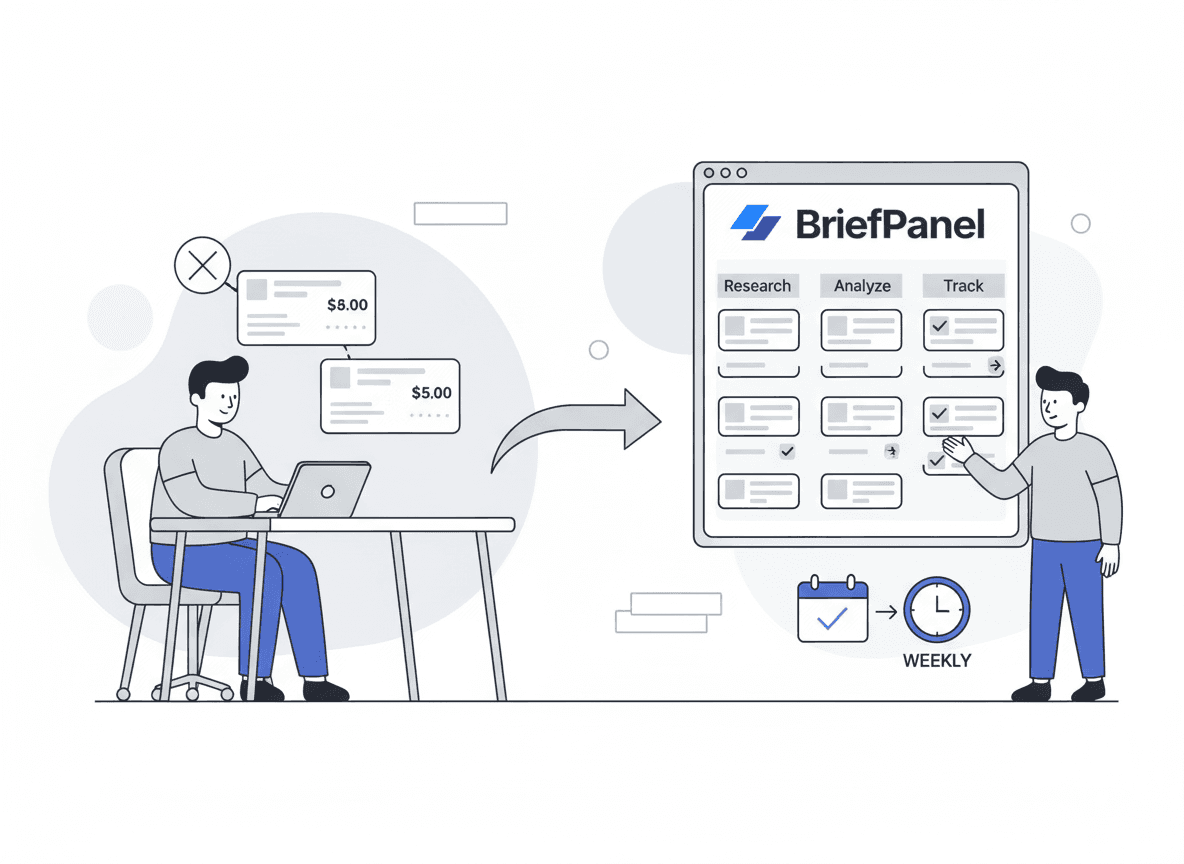
In BriefPanel a source is checked every 30 minutes, 1 hour, 6 hours, or 24 hours. For slow pages, 24 hours is plenty: changes wait in the source’s history and in your daily or weekly digest until you review them.
Three rules of thumb:
- Watch deprecation timelines, not just release notes. The deprecation is your lead time; the removal is the deadline.
- Separate “must act” from “nice to know.” Security and breaking changes need a different channel than feature announcements.
- Watch the page, not the convention. If a vendor doesn’t publish a clean changelog or RSS feed, monitor the docs page directly for edits.
Common monitoring approaches (and where each one fails)
GitHub releases + watching repos
Great for open-source libraries and SDKs that publish releases consistently. Weak for API docs hosted outside GitHub, silent edits to migration guides, and changes that happen between tagged releases.
RSS feeds (when they exist)
Great for vendor blogs and public changelog feeds. Weak for the many doc sites with no RSS, edits to existing content, and extracting impact quickly — you still have to read it.
Dependency bots (Dependabot / Renovate)
Great for catching outdated and vulnerable packages automatically. Weak on signal-to-noise: as the monorepo example above shows, ungrouped updates can mean hundreds of PRs a week (Dependabot vs. Renovate). And they only cover your declared dependencies — not the third-party docs, pricing, or policy pages that also change underneath you.
Status pages + incident emails
Great for downtime awareness and major incidents. Weak for subtle policy changes, docs updates that affect integration behavior, and summarizing changes across many vendors.
Website change monitoring tools
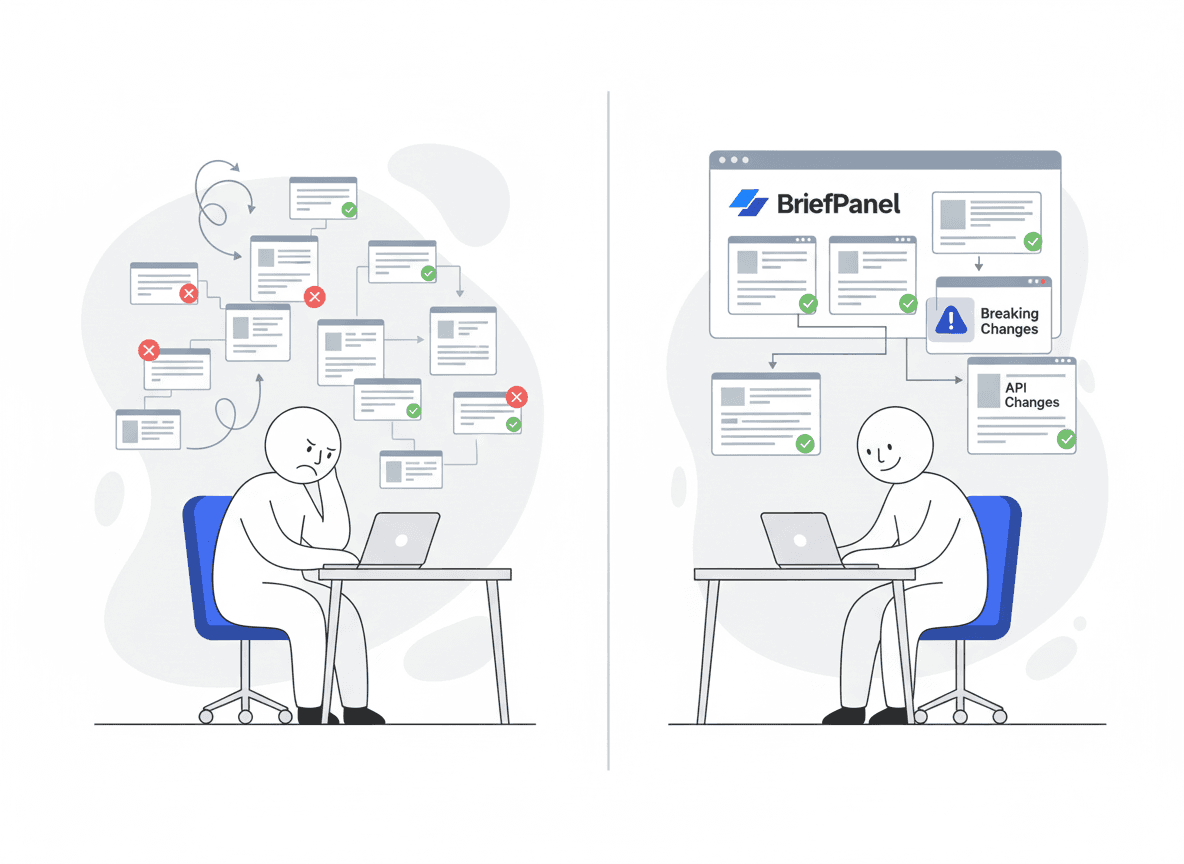
Tools like Visualping/Distill-style monitors reliably detect that a page changed. But engineers still lose time after detection: open the diff, decide what matters, write the internal summary, update the runbook. The gap isn’t detection — it’s interpretation.
BriefPanel’s advantage: change detection + typed fields
BriefPanel is built around a simple promise:
Turn website changes into typed fields, with the previous and current value.
Instead of dumping raw diffs on your team, it tracks each version, endpoint and rate limit as its own item and names the field that moved — and lets you steer which fields it watches with a prompt. It’s the layer that closes the gap between “a page changed” and “here’s what we need to do about it.”
Key capabilities:
- A history per item — each version, endpoint, or limit is an entry, recorded as new, modified, or removed, with the field that moved.
- Release pages, not just the list — when a changelog links each release to its own page, a check can follow those pages to read details the list leaves out. It can also read a long changelog’s next pages.
- Cadence per source — every 30 minutes, 1 hour, 6 hours, or 24 hours, so you can match cadence to blast radius.
- Update Sensitivity — set the detection threshold so layout noise doesn’t count as a change.
- Custom instructions — focus the tracked fields on breaking changes, deprecations, auth, limits, or security sections.
- "Don’t show updates like this" — teach a source what doesn’t matter to you; similar updates stay in the history but stop notifying.
- Alerts where your team works — instant email, push, a daily or weekly digest, and a Slack or Discord channel through a webhook. Each source has its own notification switch.
- Into your own tooling — signed outbound webhooks send a POST for each new, modified, or removed item, and the REST API and MCP server read the same history. Export a source as CSV, or ask the Assistant about it.
- Alerts in your language — summaries, digests, and alerts follow your app language.
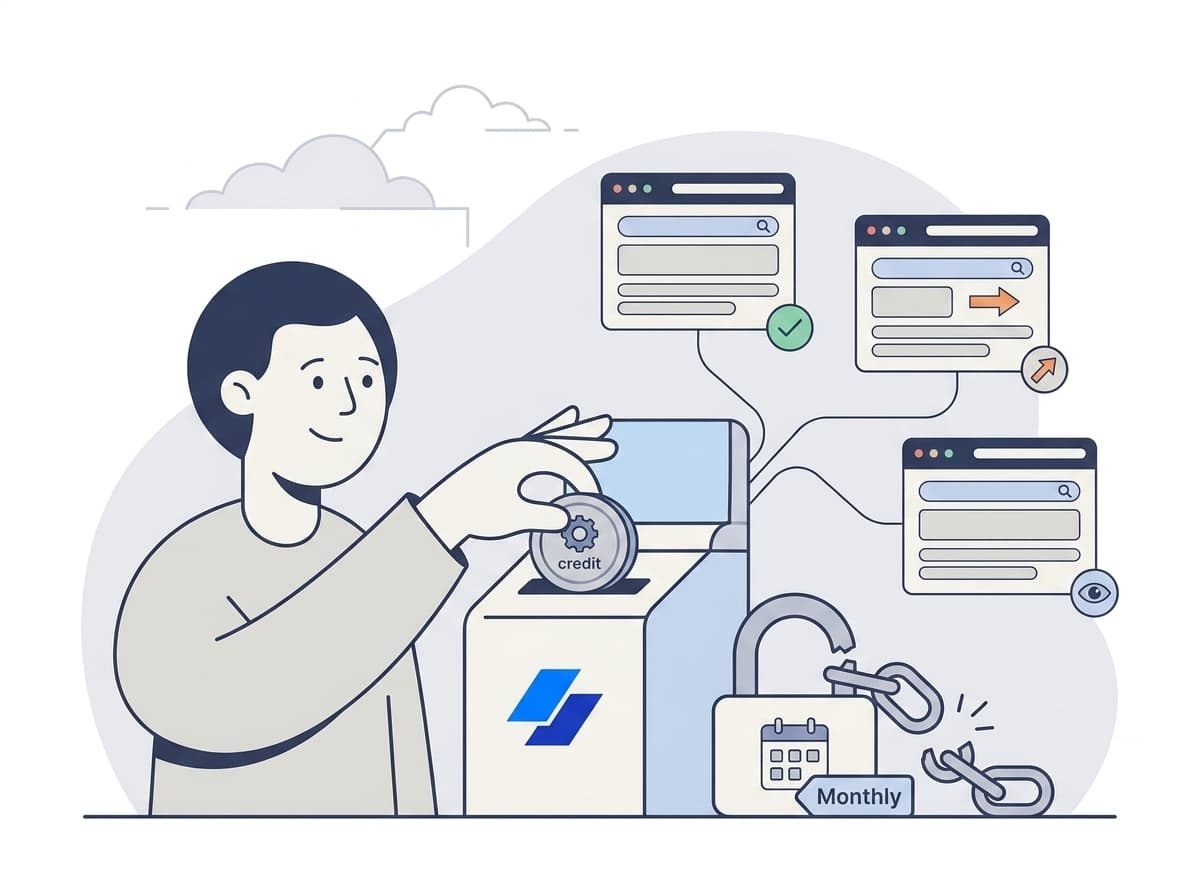
Billing is pay as you go: a check spends one credit per page it reads, up to a fixed ceiling, and a paused source spends nothing.
Want fewer surprises in production? See how BriefPanel tracks docs and changelogs →
Copy/paste prompt templates for engineers
Breaking-change prompt
"Track changes that impact integration behavior: renamed/removed fields, new required parameters, auth changes, rate limit changes, error code changes, deprecations, and migration steps. Ignore navigation, footer, and layout edits."
Deprecation & EOL prompt
"Highlight any new deprecation notices, end-of-life dates, removed APIs, and the migration path. State the deadline and the recommended target version. Keep it short."
Security advisory prompt
"Highlight security-related changes, CVE references, severity, affected versions, mitigations, and timelines. Keep it short and actionable."
Limits and pricing prompt
"Track usage limits, quotas, pricing, and plan entitlements, with the old and new number, plus any new enforcement language. Ignore layout edits."
A 10-minute setup for a safer stack
- List your stack — frameworks, SDKs, runtimes, and external services you depend on.
- Add key URLs — changelog, docs home, auth page, rate-limits page, deprecation/EOL page, status page.
- Set cadence — security and fast-moving vendors more often (down to every 30 minutes); stable runtime pages every 24 hours.
- Add instructions tailored to your risk (breaking changes vs. EOL vs. security vs. billing).
- Send changes to the team — post them in an engineering channel through the Slack or Discord webhook, or into your own tooling through signed webhooks, the REST API, or MCP, so triage is a team habit, not one person’s tab graveyard.
When to use what (decision framework)
| Your need | Best tool | Why |
|---|---|---|
| Track releases for open-source repos | GitHub watching | Clear release events |
| Auto-update declared dependencies | Dependabot/Renovate | Automated PRs for your packages |
| Track blog announcements | RSS/newsletters | Great for discovery |
| Detect changes to specific docs pages | Website monitors | Reliable change detection |
| Detect changes and get the field that moved | BriefPanel | Typed fields + prompts + digests |
FAQ
How is this different from Dependabot or Renovate? Those bots watch the dependencies you’ve declared in a manifest and open update PRs. BriefPanel watches any web page — third-party API docs, pricing, deprecation timelines, status pages, policy pages — and turns edits into typed fields with both values. They’re complementary: bots for your package tree, BriefPanel for everything else that changes underneath you.
What if a vendor doesn’t publish a changelog or RSS feed? That’s exactly the gap BriefPanel fills. Point it at the live docs or changelog page and it detects edits directly, then names the field that moved — no feed required.
How do I avoid alert fatigue? Use Update Sensitivity to ignore layout noise, write instructions that focus only on breaking/security changes, and click "Don’t show updates like this" on an update you don’t care about so similar ones stop notifying. Check low-priority sources every 24 hours and lean on the daily or weekly digest. Turn a source’s notifications off when you only want its history in the app.
Can I tell what actually broke versus a cosmetic edit? Yes — that’s the point of the custom prompt. Ask it to call out renamed/removed fields, new required parameters, auth changes, and deprecations, and to ignore navigation and footer edits.
How often should I check for changes? Match cadence to blast radius: every 1–24 hours for security and fast-moving APIs, every 24 hours for stable runtime EOL pages. The fastest option is every 30 minutes; save it for status pages and the few sources that can’t wait. See the framework table above.
Get ahead of breaking changes
You don’t need more alerts. You need a monitoring workflow that produces typed fields with both values your team can actually read — across dependencies, docs, and the policies that quietly shape your runtime.
Start tracking docs and changelogs → · API, MCP, and webhooks →
Related guides
Sources
- 2024 Stack Overflow Developer Survey and Stack Overflow’s results write-up
- GitHub — Improving the developer experience for Dependabot alerts and GitHub Advisory Database
- Dependabot vs. Renovate (PullNotifier)
- Semantic Versioning 2.0.0
- Keep a Changelog 1.1.0
- Node.js end-of-life schedule (endoflife.date)
- Python end-of-life schedule (endoflife.date)
- React v19 release and React 19 upgrade guide