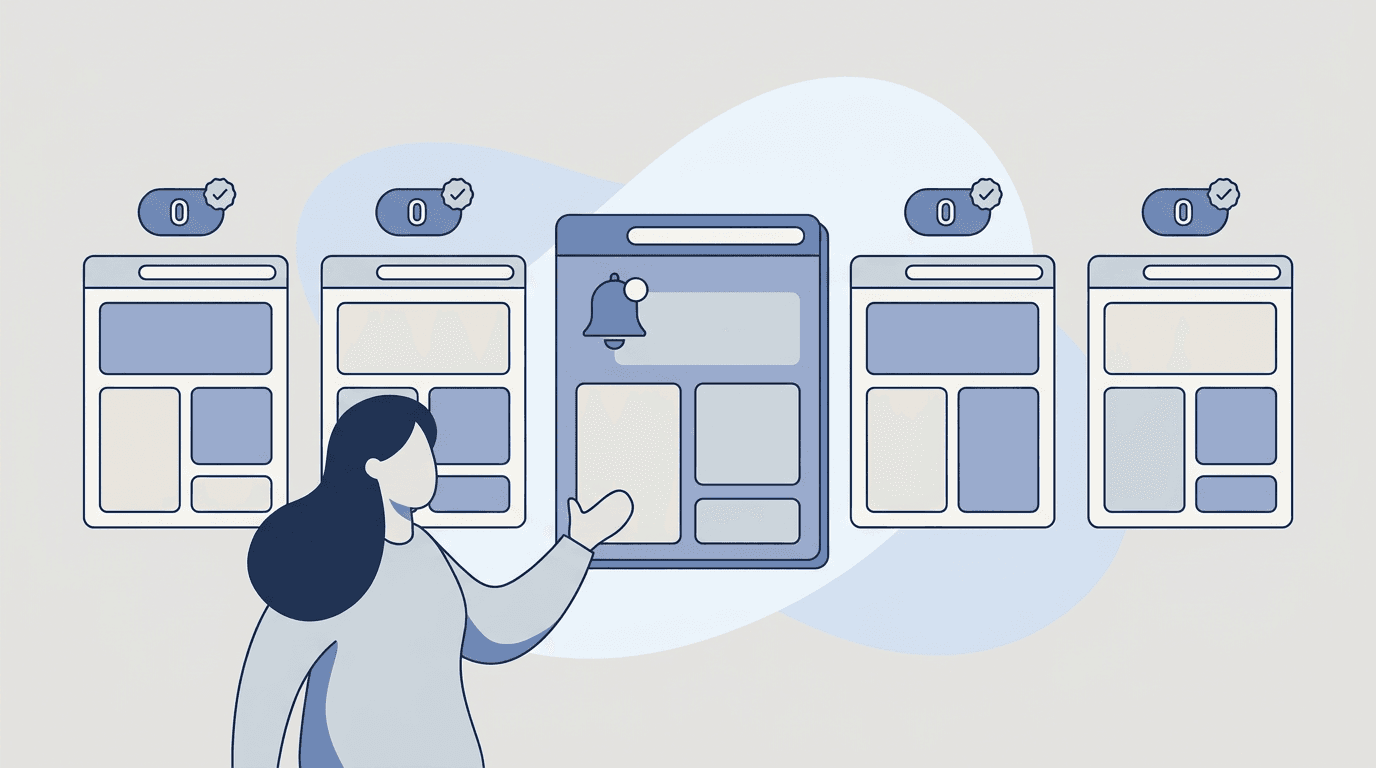
Procurement opportunities don’t always show up with a clean announcement.
A tender page gets updated with a new attachment. A deadline changes. A scope line is revised. And the teams who win are usually the teams who notice early.
This guide shows how to monitor procurement, RFP, and tender pages reliably—and how to catch each new opportunity and the field that moved on the ones you're bidding—deadline, status, scope—with BriefPanel.
Why this matters: what the data shows
Public procurement is one of the largest, most time-sensitive markets in the world—and it’s moving online fast.
- It’s a multi-trillion-euro market. Public procurement accounts for roughly 14% of EU GDP—over €2 trillion every year—spent by some 250,000 public authorities, according to the European Commission.
- The volume is enormous. The EU’s Tenders Electronic Daily (TED) publishes around 700,000 contract notices a year—more than 3,000 every working day—in all 24 official EU languages. No human can manually watch that flow.
- Procurement is going fully digital. In September 2024 the EU launched the Public Procurement Data Space (PPDS), connecting TED with national procurement portals—part of a broader shift the OECD documents in its 2025 report on the digital transformation of public procurement. More opportunities now live on web portals you can monitor directly.
- Bids are winnable—if you respond well. Industry benchmarks compiled in Loopio’s RFP Trends report show the average RFP win rate rose from 43% in 2024 to 45% in 2025, with median response turnaround around 25 hours and AI adoption among proposal teams climbing past 68%. Speed and accuracy are now table stakes.
The takeaway: there are more opportunities than ever, they change after they’re posted, and the teams that respond fastest and most accurately win more. Catching changes early is a direct lever on win rate.
What changes on tender pages (that people miss)
Even when a posting already exists, the details evolve:
- submission deadlines and Q&A windows
- document attachments (new versions)
- eligibility requirements
- scope and deliverables
- contact details
- evaluation criteria
If you’re only checking “new postings,” you’ll miss edits that can change whether you qualify—or disqualify you outright.
The SAM.gov problem is a perfect example. On the U.S. federal portal SAM.gov, agencies post clarifications, Q&A responses, and requirement changes as amendments throughout the solicitation period. Two things make this dangerous if you’re not watching closely:
- A new URL is assigned every time a solicitation is updated, so a link you saved last week may not reflect the current version.
- Missing an amendment that changes the deadline or adds a requirement can disqualify your proposal—no matter how strong the technical content is. Guidance for federal contractors recommends checking each active opportunity at least twice a week until submission (GovDash).
That manual “check twice a week” rule is exactly the kind of repetitive vigilance software should handle for you.
The main ways to monitor procurement pages
1) Manual checking
Works until you’re tracking multiple portals. Then it becomes a calendar full of reminders—and SAM.gov’s “twice a week per opportunity” guidance multiplies fast across 20–50 active tenders.
2) Email or “Follow” updates
Some portals offer alerts. SAM.gov has a Follow feature for registered users, and many EU national portals send notifications. But coverage is uneven: alerts are often delayed, only fire on certain field types, or don’t exist for the specific page you care about.
3) RSS
Rare for procurement sites and often incomplete.
4) Website change monitoring (best for specific URLs)
Monitoring the exact posting URLs is the most reliable way to catch changes—including the silent edits that portal alerts skip.
The remaining gap is interpretation: what changed, and what should we do now?
The workflow upgrade: monitoring + typed fields
BriefPanel is designed to make changes easy to act on.
You add the tender pages you care about and BriefPanel:
- detects changes reliably
- reduces boilerplate noise
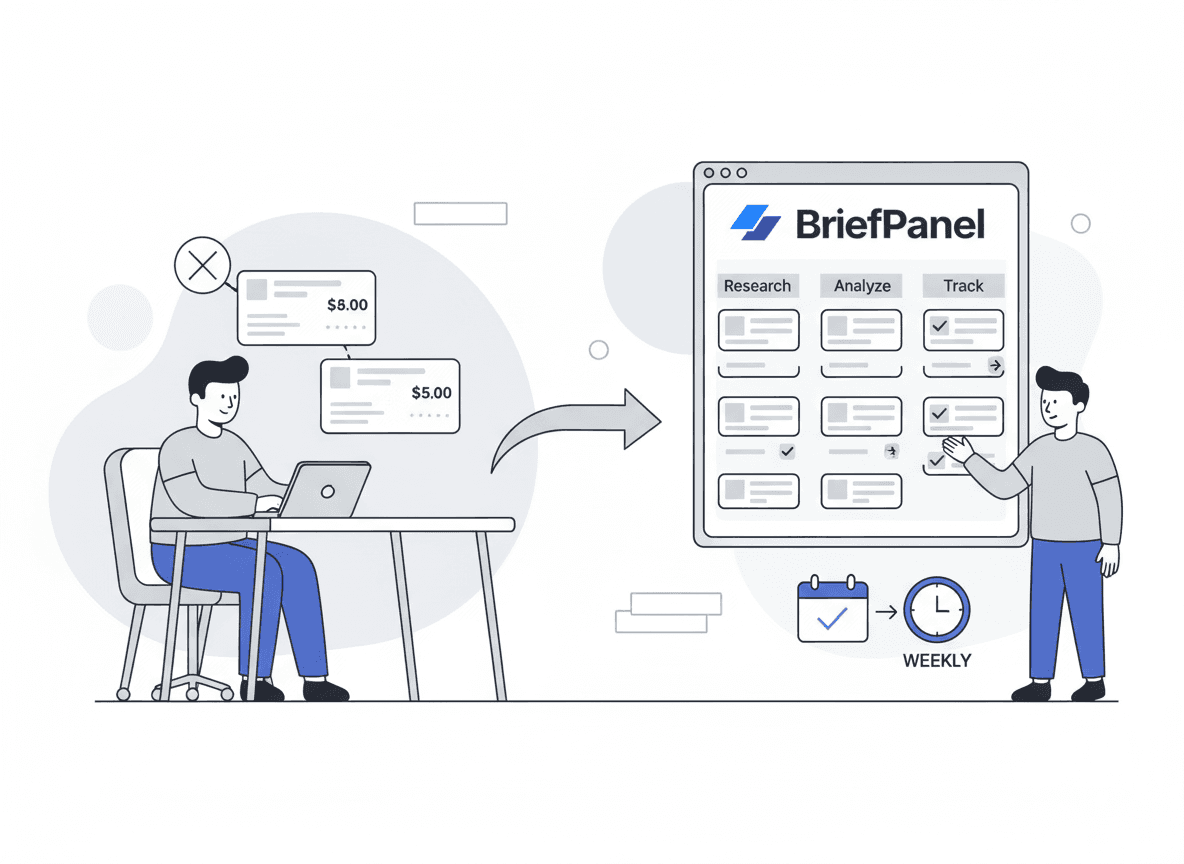
- tracks each opportunity as its own item — new, amended or withdrawn — with the fields you named on a change: deadline, status, scope
Instead of re-reading a 40-page solicitation to find the one revised line, your team gets the fields that moved, each with its previous and current value: “Deadline: March 14 → March 7. Attachment: added ‘Pricing Schedule v2’. Insurance requirement: $1M → $2M.”
Want to stop missing silent edits and deadlines? See how compliance and procurement teams use BriefPanel →
A best-practice framework for procurement monitoring
A reliable monitoring program has four parts. Map your portals onto each:
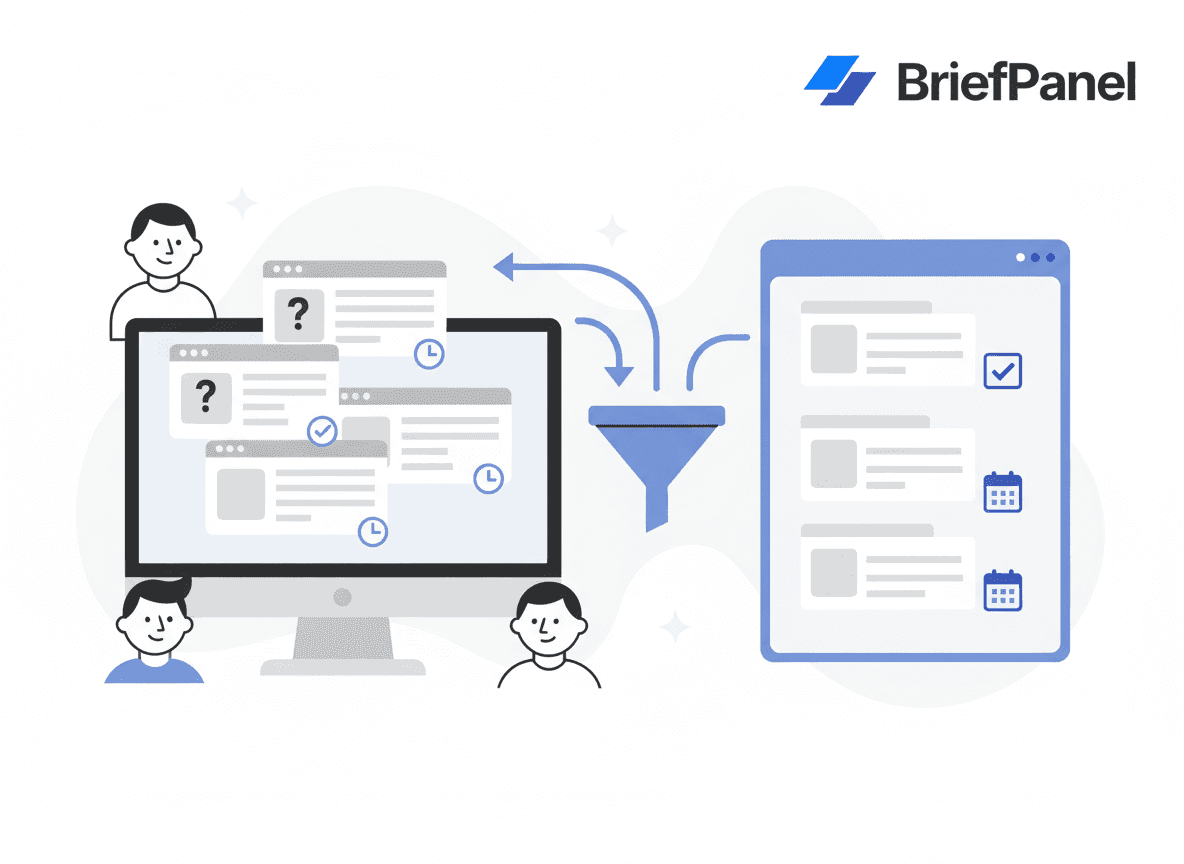
- Discover. Add each search or category page (e.g., a SAM.gov keyword search, a TED filtered feed, a state portal’s “new opportunities” list) as one source. A check can also read the next page or two of results, so new postings arrive as new items without you adding a URL per tender.
- Watch. That same source can follow a few opportunity pages per check, up to a fixed ceiling, to read what the list doesn’t show—deadline, attachments, eligibility—and an amendment shows up as the field that moved on that opportunity. For the bids you are writing right now, add the opportunity page as its own source, so every check reads it.
- Interpret. Read the field that moved instead of the diff—what changed, and whether it affects eligibility, pricing, or your go/no-go decision.
- Distribute. Route the changes to the right people—capture managers, proposal leads, pricing—so nothing waits in one person’s inbox: a shared digest, a Slack or Discord channel through a webhook, or your bid CRM through a signed webhook or the REST API. Export a source’s current opportunities as CSV for the pipeline sheet.
The selectivity data backs this up: the same benchmark research notes that teams who are more deliberate about which RFPs they pursue tend to win a higher share of the bids they submit. Good monitoring frees up the hours you’d otherwise burn on manual checking and lets you reinvest them in the bids you’re most likely to win.
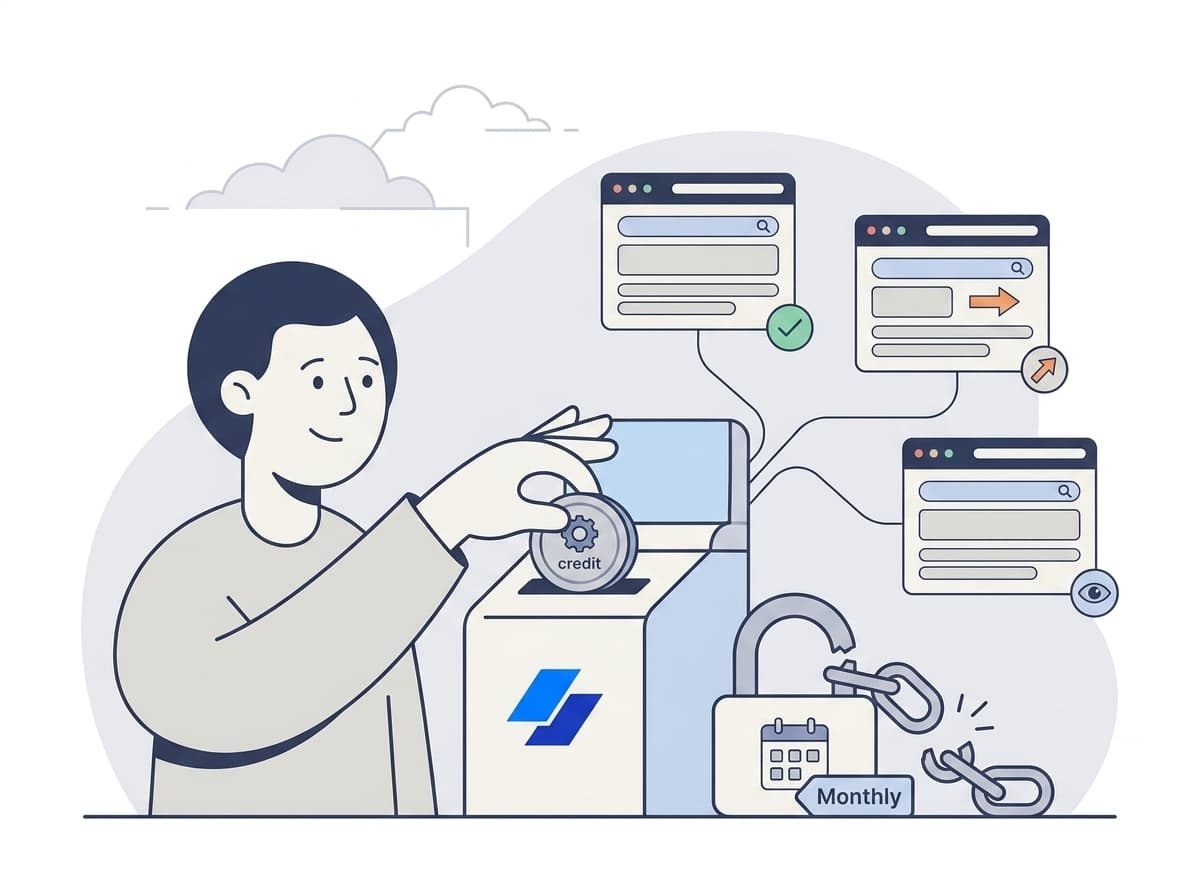
What it costs. Billing is pay as you go with credits, with no subscription. A check spends one credit for every page it reads: the search page, each next page of results, and each opportunity page it follows, up to a fixed ceiling per check. A source’s settings show what one of its checks costs, and the pricing calculator shows current prices.
Instructions template: procurement monitoring
When you add a search or tender page, give it AI Instructions like these:
"Track each opportunity as its own item, with its deadline, status, scope, eligibility requirements, attachments/documents, contact info, evaluation criteria, and submission instructions. Treat a change to any of those as an update, and call out numeric and date changes explicitly. Flag anything that affects eligibility or pricing. Ignore navigation, cookie banners, and formatting."
Cadence and sensitivity are set per source: check background search and category pages every 24 hours, and the tenders you are actively bidding on every 6 to 24 hours with higher sensitivity.
Real-world use cases
- Federal contractor (US). Adds two SAM.gov keyword searches as sources. Each check reads the first pages of results and can follow a few opportunity pages, so new solicitations and amendments arrive as items in a daily digest—replacing most of the manual “check twice a week” routine.
- Supplier bidding into the EU. Watches filtered TED result pages and a handful of national portals, with multilingual alerts so a single analyst can cover opportunities posted in several languages.
- Enterprise BD team. Monitors a list of large customers’ and partners’ supplier/vendor opportunity pages, getting a new item on the next check (as often as every 30 minutes) when a new RFP or pre-solicitation notice appears.
10-minute setup
- Add each portal’s search or category page as one source. Add a single tender page only for a bid you are actively writing.
- Set cadence:
- every 24 hours for background search and category pages
- every 6 to 24 hours for active tenders
- Use the procurement instructions above.
- Set sensitivity higher on pages where small numeric edits matter (deadlines, dollar thresholds).
- Share a daily digest with the bid team, or send updates to its Slack or Discord channel.
FAQ
Can BriefPanel monitor pages behind a login? BriefPanel monitors publicly accessible URLs. Most procurement opportunity and search pages on SAM.gov, TED, and national portals are public, which is exactly where new postings and amendments appear.
How is this different from a portal’s own email alerts? Portal alerts are inconsistent—delayed, limited to certain fields, or unavailable for a given page. URL-level change monitoring catches any edit on the page you’re watching, then BriefPanel names the field that moved so you can tell whether it actually matters.
Will I get spammed by tiny formatting changes? No. BriefPanel reduces boilerplate noise, and your AI Instructions tell it to ignore navigation and formatting and surface only substantive changes. On any update you don’t care about, “Don’t show updates like this” keeps similar ones from notifying you again.
Can it handle non-English tenders? Yes. BriefPanel can write your alerts in your preferred language, so you can monitor TED or national portals across multiple languages from one place.
How many pages should I track? Start with one or two search pages per market. One source covers the first pages of results plus a few opportunity pages per check, so narrow each search (keyword, agency, region) until its results fit, and add the bids you are writing as their own sources. Cost follows the pages a check reads, so a long result list checked often costs more than a short one checked daily.
Start monitoring procurement pages proactively
In procurement, the advantage is simple: you see changes first. With portals publishing hundreds of thousands of notices a year—and quietly amending them after the fact—catching the right change at the right moment is a real edge.
See BriefPanel for compliance and procurement teams →
Related guides
- Top 10 ways to track website changes
- Monitor competitor pricing
- Monitor competitor pricing and packaging
- Competitive intelligence for product managers
Sources
- European Commission — Public procurement (overview & indicators)
- European Commission — Tenders Electronic Daily (TED)
- European Commission — Public Procurement Data Space (PPDS)
- OECD — Digital Transformation of Public Procurement (2025)
- Loopio — RFP Statistics & Win Rates
- SAM.gov — Contract Opportunities
- GovDash — How to use SAM.gov to find and win government contracts