Competitor intelligence is one of those PM responsibilities that never gets a dedicated slot on the roadmap—yet it shows up everywhere: pricing conversations, positioning updates, feature launches, and executive readouts.
Most teams treat it as a single task ("watch the competitors"). But the teams that actually move win rates treat it as a stack: distinct layers that each do one job and hand off cleanly to the next. This post is about that architecture—how the layers fit together, what to build versus buy, and where automated page monitoring sits as the foundation.
If you want the end-to-end PM workflow and a side-by-side tool comparison, read the companion guide, Competitive Intelligence for Product Managers. This post is the structural counterpart: how to assemble the stack rather than how to run the weekly routine.
What the data shows
Before you spend a dollar or an afternoon, it helps to know what a working CI program actually looks like in 2024–2025.
- Competition is the default, not the exception. In Crayon's annual State of Competitive Intelligence research, roughly 65% of the average software company's deals are competitive—buyers are almost always evaluating you against someone. (Crayon)
- Freshness beats volume. Crayon's data shows teams that update their battlecards monthly see up to a 59% lift in win rate versus teams that let them go stale. The intelligence isn't valuable because it exists—it's valuable because it's current. (Crayon)
- CI is shrinking and leaning on automation. The share of companies with CI teams of three or more people dropped from 34% to 25%, while AI adoption on competitive teams jumped 76% year over year, with about 60% now using AI daily. Smaller teams, more tooling. (Crayon)
- Structured win/loss compounds. In Clozd's 2025 data, 63% of companies report win-rate increases from win/loss analysis—and that climbs to 84% for programs that have run more than two years. Gartner has put the ceiling on rigorous, ongoing win/loss programs at up to a 50% improvement in win rate. (Clozd)
- Process beats platform. Forrester's review of market and competitive intelligence programs concludes that teams should invest in processes before tools—platforms streamline strong research methods but can't substitute for them. (Forrester)
The throughline: a competitive stack succeeds when it's current, structured, and process-led—not when it's the most expensive. That's exactly why thinking in layers matters.
The CI stack: three layers
A useful way to design a competitive intelligence stack is to borrow from data pipelines. Raw signal flows in, gets refined into something a human can act on, then gets pushed to the people who close deals and ship features. Three layers:
1. Signal collection   →  raw changes & events (the firehose)
2. Analysis            →  filtered, scored, interpreted intelligence
3. Enablement          →  battlecards, briefs, alerts in the tools people use
Most failed CI programs collapse all three into one ad-hoc activity—someone occasionally opening competitor sites and pasting screenshots into Slack. The value comes from keeping the layers separate, because each has a different cadence, owner, and tooling profile.
Layer 1 — Signal collection (the foundation)
This is the firehose: everything that changes about a competitor. It splits into a few independent streams, because no single tool covers them all.
- Web page changes — pricing, packaging, positioning, feature/platform pages, changelogs, docs. This is the highest-density signal for a PM: a competitor's own published pages are the ground truth for what they sell and how they frame it. Crayon-class platforms claim to watch 100+ channels per competitor, but the website is the one channel that's authoritative.
- Reviews & voice-of-customer — G2/Capterra movement, review themes, public roadmap requests.
- Mentions & conversations — Reddit, X, LinkedIn, communities (keyword/subreddit alerts).
- Ads & creative — Meta Ad Library, TikTok Creative Center, checked on a schedule.
- Hiring & org signals — job posts hinting at new product bets or market moves.
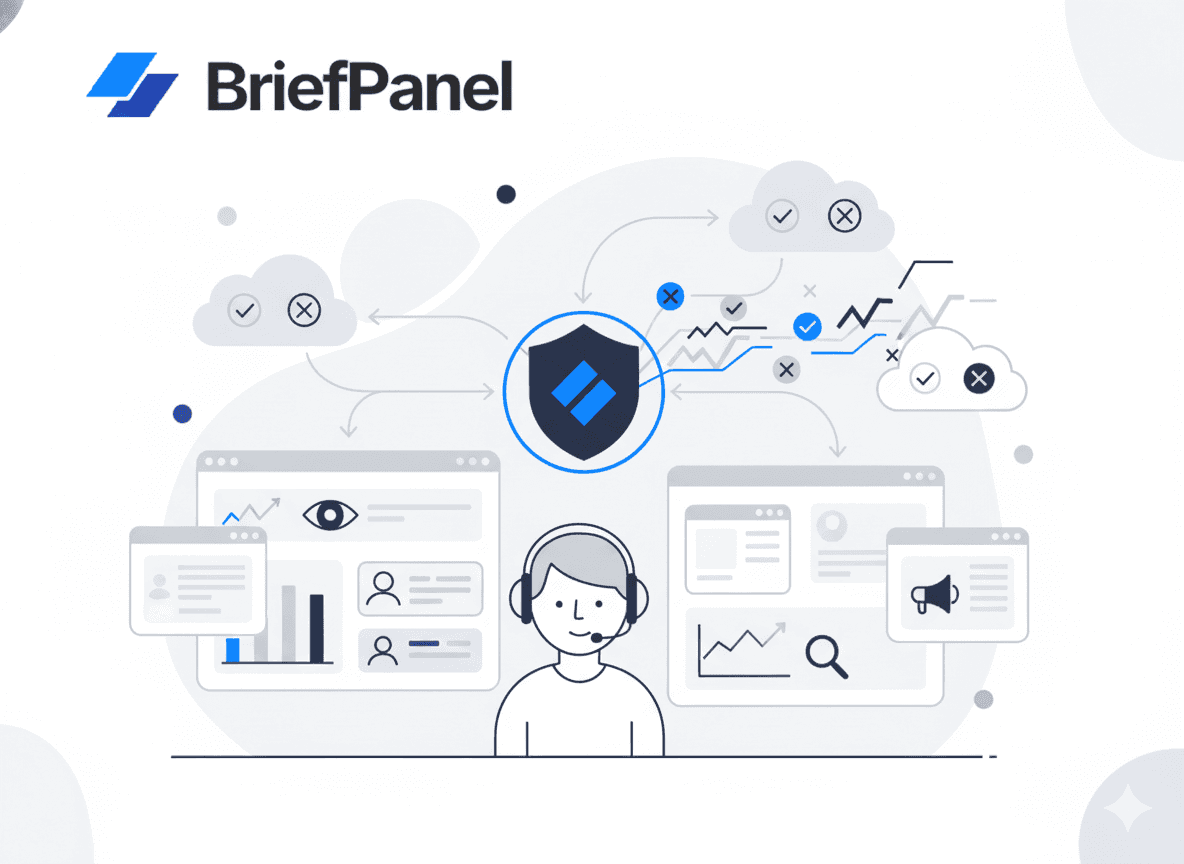
Page monitoring is the foundation layer for a reason: it's the cheapest, most reliable, and most directly tied to PM decisions (pricing, positioning, roadmap). If you only build one collection stream, build this one. This is exactly where BriefPanel sits—turning raw page changes into something the analysis layer can use, instead of a wall of diffs.
Layer 2 — Analysis (filtering, scoring, interpretation)
Collection produces noise. The analysis layer's only job is to separate signal from noise before a human is involved. Forrester's research is blunt here: the most valued CI deliverables are interpretive—competitive profiles, SWOTs, landscapes, product comparisons—not raw collection. (Forrester)
You don't need machine learning to start. A lightweight scorecard works. When something changes, score it:
- Reach (1–5): how visible/material is this change?
- Recency (1–5): is it new this week?
- Impact (1–5): does it touch positioning, conversion, pricing, or roadmap?
Then route by total:
- 0–6: log it, don't alert
- 7–10: include in the weekly brief
- 11–15: alert immediately
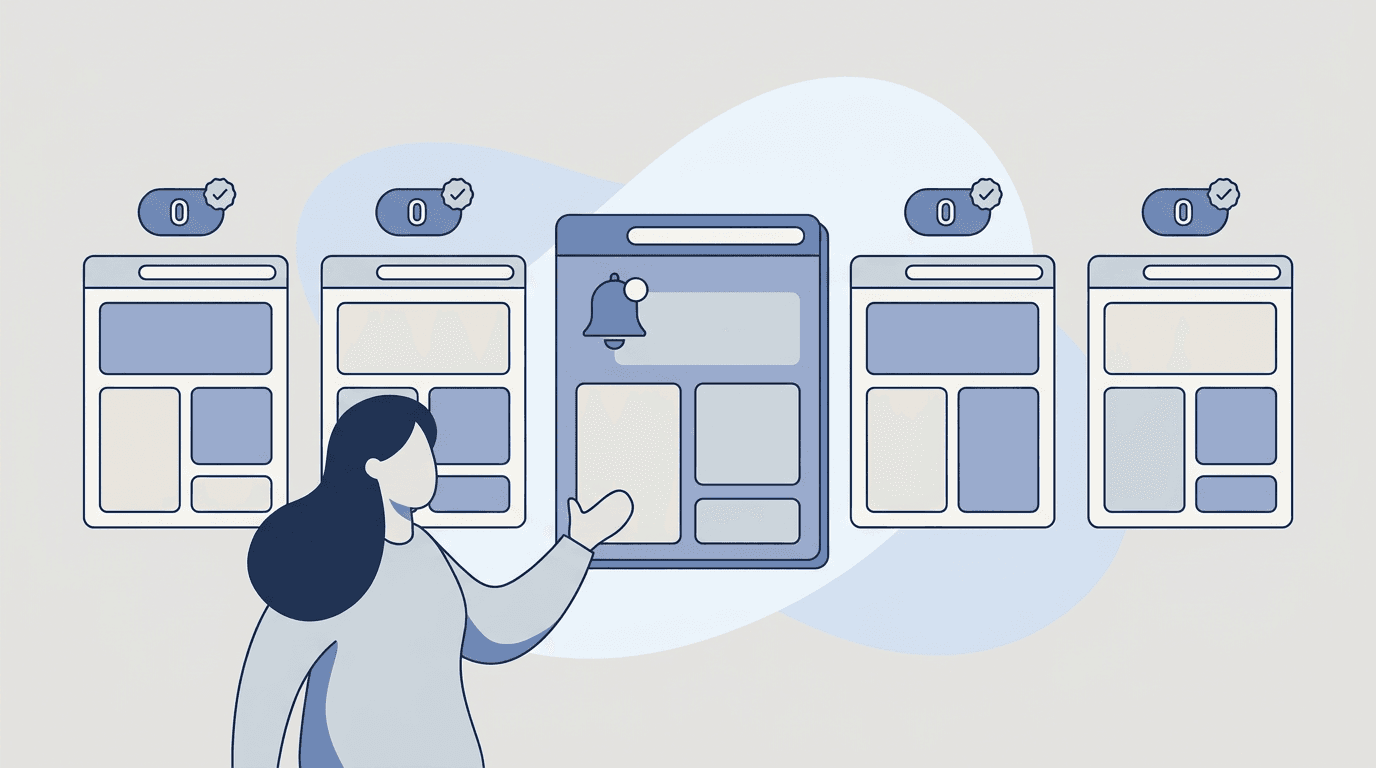
This is also where AI earns its place. Good instructions on a monitored page ("track each plan's price, limits, and CTA wording; ignore layout") name the fields to track on each item, so an update arrives as the field that moved, with its old and new value instead of a raw diff—the first pass of analysis done at the moment of collection. Given that 60% of CI teams now use AI daily, this layer is where the "AI-first" CI platforms (Klue's Compete Agent, Crayon, Kompyte) are concentrating their bets: living, continuously-refreshed analysis rather than static quarterly docs.
Layer 3 — Enablement & distribution
Intelligence that nobody reads is a cost, not an asset. The enablement layer pushes refined intelligence into the surfaces where people already work:
- Battlecards for sales (the canonical CI deliverable—and remember the 59% freshness premium).
- Weekly briefs for PMs, leadership, and GTM—easy to forward, predictable, forces prioritization.
- Inline alerts in Slack, Discord, or email for the rare "drop everything" change.
- Win/loss feedback loops that flow back into Layer 1 priorities.
The mistake here is defaulting to a dashboard. Dashboards are pull; briefs and alerts are push. A surprising amount of CI dies because it became a dashboard nobody opened. Favor push formats with a clear owner and cadence.
Build vs. buy: deciding layer by layer
The build-vs-buy question is wrong when asked about the whole stack. Ask it per layer.
| Layer | Lean buy when… | Lean build/DIY when… |
|---|---|---|
| Collection | You track many competitors across many channels; you need ad/review/social coverage too | You track a handful of competitors and the website is your main battleground |
| Analysis | You have a dedicated CI/PMM team and need shared, auditable profiles | A scorecard + AI prompts get you 80% of the value at a fraction of the cost |
| Enablement | Sales adoption is the goal and you need battlecards in the CRM | Your audience is a few PMs/leaders who just need a reliable weekly brief |
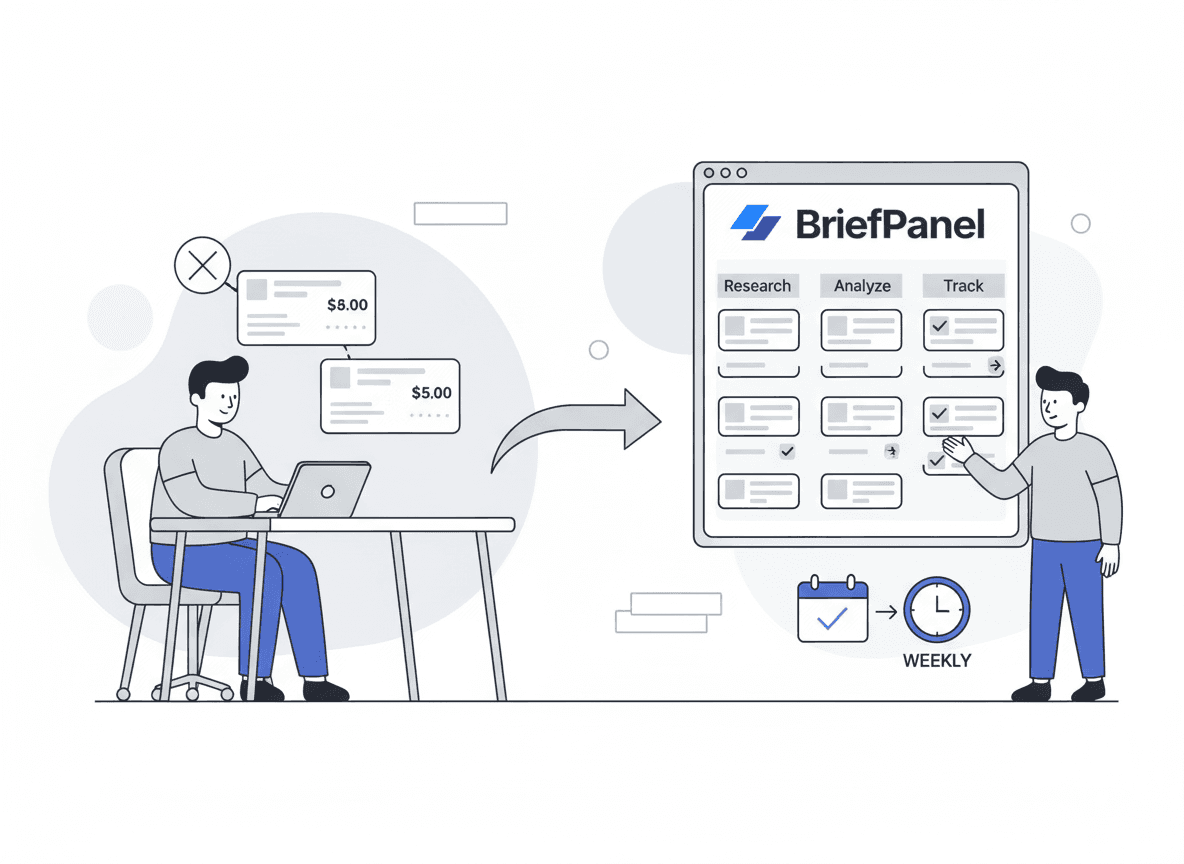
A practical pattern for product teams: buy the foundation (automated page monitoring), DIY the analysis with a scorecard + AI prompts, and start enablement as a simple weekly brief. Layer up to a full suite (Klue/Crayon/Kompyte) only once sales adoption and multi-channel coverage become the bottleneck. This matches Forrester's "process before platform" guidance—prove the workflow cheaply, then buy to scale it.
Two real anchors for the trade-off: enterprise CI platforms typically run $15K–$30K+/year (and AlphaSense-class market intel or large Crayon contracts can exceed $50K), while lightweight monitoring can start at little or nothing. The expensive end is justified when you're arming a sales org across 100+ channels; it's overkill when you're a PM keeping tabs on five competitors' pricing and positioning.
Where page monitoring fits: the foundation, done right
Because the website is the authoritative collection stream, it's worth getting right. BriefPanel is built specifically for this foundation layer—the "what changed on their site?" stream feeding the rest of the stack:
- monitor any public URL (pricing, landing pages, feature/platform pages, changelogs, docs)
- set a per-page cadence (every 30 minutes, hour, 6 hours, or 24 hours)
- write AI Instructions per page that name the items and fields to track and what to ignore
- get each plan or claim on the page as its own item — new, changed or gone — with both values of the fields you named when one changes—the first analysis pass at the point of collection
- lower Update Sensitivity, the detection threshold, so very small edits don't count as updates, and press "Don't show updates like this" on an update you don't need
- receive email/push notifications, daily/weekly digests, and alerts in Slack or Discord through a webhook (your enablement layer, ready-made)
- send each new, changed, or removed item to your own tools through signed outbound webhooks, or read it through the REST API and MCP server
- ask the Assistant questions across your sources and get cited answers, a bar chart of updates per source, or a line chart of one field's history
- export a source's items as CSV for a battlecard or a spreadsheet
- choose your preferred language for alerts
A practical foundation setup
- Pricing page: hourly (or every 6 hours) — see also tracking competitor pricing and pricing & packaging monitoring
- Homepage / key landing page: daily
- Changelog / release notes: daily
- Docs: every 24 hours, the longest interval (enough unless docs are your battleground)
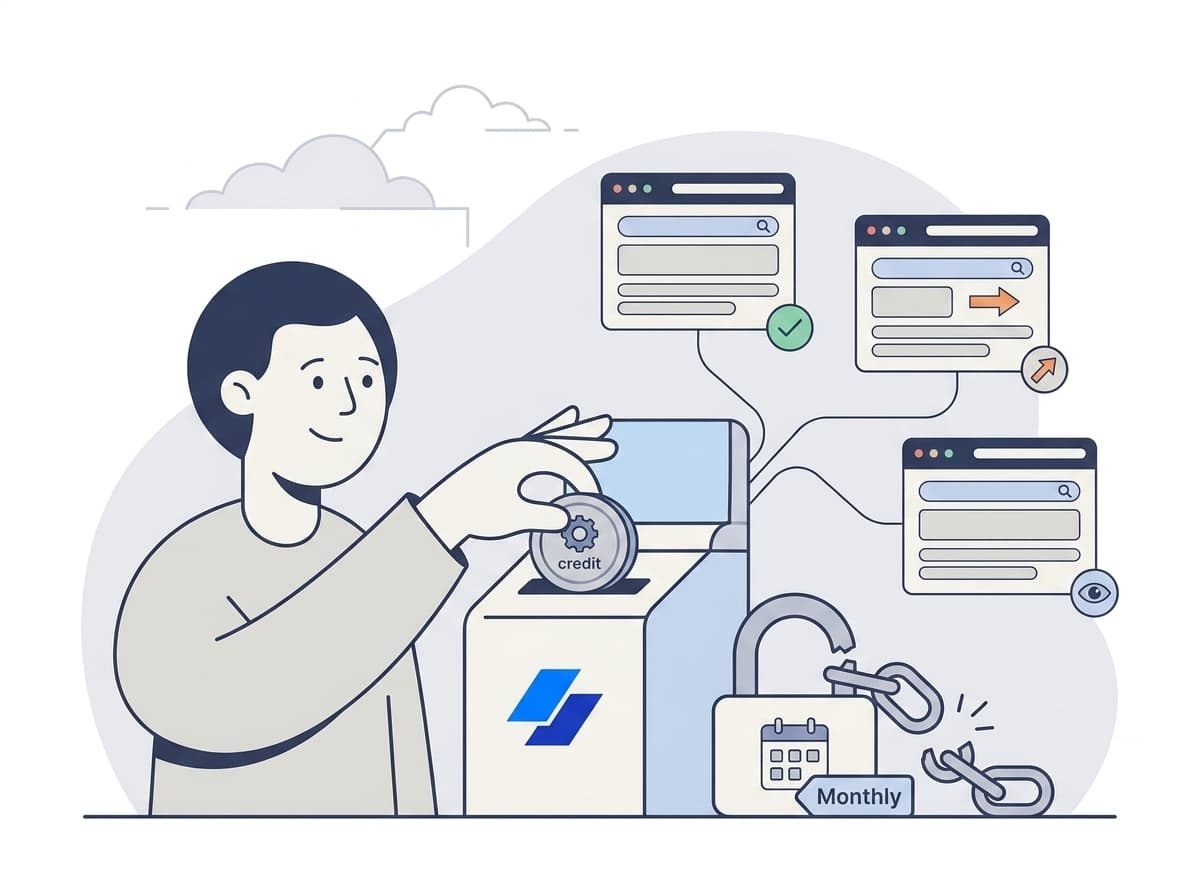
Each check spends one credit for every page it reads, so an hourly pricing page runs 24 checks a day against one for a daily check. Save hourly checks for the pages that move deals; a source's settings show what one of its checks costs.
AI Instructions examples (copy/paste)
AI Instructions push Layer-2 analysis into Layer-1 collection:
- Pricing page: "Track each plan as its own item, with its name, price, plan limits, seat minimum, add-ons, and CTA text. Ignore layout and navigation."
- Landing page: "Track the headline, ICP, value proposition, proof points, and each comparison claim. Ignore testimonials and footer links."
For more on the monitoring layer itself, see the top ways to track website changes.
FAQ
What is a competitive intelligence stack? It's the set of layers and tools a team uses to turn raw competitor signals into decisions: collection (gathering changes/events), analysis (filtering, scoring, interpreting), and enablement (battlecards, briefs, alerts). Thinking in layers—rather than "a CI tool"—is what keeps the system current and low-noise.
Where should a PM start when budget is tight? Start with the foundation layer: automated monitoring of competitors' pricing, positioning, and changelog pages. It's the cheapest, highest-signal stream and maps directly to PM decisions. Add a scorecard for analysis and a weekly brief for distribution before buying a full suite.
Do I need a platform like Crayon, Klue, or Kompyte? Not to begin with. Those suites shine when you're arming a sales org with battlecards across many channels and competitors—and the data backs battlecards (up to a 59% win-rate lift when kept monthly-fresh). If you're a PM tracking a handful of competitors' websites, a monitoring tool plus a brief is often enough until sales adoption becomes the bottleneck.
How does win/loss analysis fit into the stack? It's both a collection stream (why you win/lose) and a feedback loop into your priorities. Programs that run it consistently see compounding gains—63% report win-rate increases, rising to 84% after two years. (Clozd)
How often should intelligence be refreshed? Match cadence to volatility: pricing pages hourly to daily, landing pages and docs daily. The recurring lesson from the research is that freshness is the value—stale intelligence underperforms no matter how comprehensive it was when it was written.
Where does AI actually help? Mostly in Layer 2: collapsing raw diffs and documents into interpreted, scored summaries—the work that used to require an analyst. With ~60% of CI teams now using AI daily, the trend is toward "living" intelligence that refreshes continuously instead of static quarterly artifacts.
Wrap-up
A strong competitor intelligence stack isn't a single tool—it's three layers that hand off cleanly:
- collection (with page monitoring as the foundation),
- analysis (scoring + AI interpretation),
- enablement (briefs, battlecards, alerts).
Buy where coverage and adoption demand it; DIY where a scorecard and a weekly brief get you most of the value. And keep it fresh—that's the variable the data keeps rewarding.
If you want to automate the foundation—"what changed on their site?" across pricing and positioning—start here:
https://briefpanel.com/landing-pages/competitor-intelligence
For the end-to-end PM workflow and tool comparison, see Competitive Intelligence for Product Managers.