If you monitor vendor security advisories, this case is worth a second look. In early March 2026, Cisco patched CVE-2026-20079 in Secure Firewall Management Center and said it had no evidence of exploitation. Plenty of IT teams read that, logged it, and put the upgrade in the next quarterly maintenance window. Reasonable call.
On July 29, Cisco revised the same advisory to add indicators of compromise. On September 9, it revised it again to say its PSIRT had become aware of active exploitation in August. CISA added the flaw to its Known Exploited Vulnerabilities catalog that day and gave federal agencies until September 12 to fix it.
Same URL, same advisory ID. Nothing new showed up in the "latest advisories" list, because the advisory wasn't new. If your process is "read each advisory once when it lands," you read this one in March and never again.
This guide shows how to monitor vendor security advisories after the first post: which pages to watch, how to tell a cosmetic edit from a revision that changes your patch date, and how to get an alert that names what moved.
Want to try it on your own vendors? Start monitoring in the Briefpanel app → Free credits to start, no card.
What the data shows: advisories change after they're published
The Cisco case is not unusual. It's how disclosure works. A vendor publishes what it knows, then learns more: a second affected product, a fixed release, a workaround that doesn't work, signs of exploitation. Each of those lands as a revision on a page you may have closed months ago.
Three facts make this worth a process:
- Exploitation status is a moving field. The SecurityWeek report on CVE-2026-20079 notes that the July update added IoCs "but did not explicitly warn of active exploitation." The confirmation came six weeks later. Teams that waited for a loud headline lost those weeks.
- The clock starts at KEV, not at publication. As of November 24, 2026, CISA's Known Exploited Vulnerabilities catalog lists 1,792 entries. A flaw that moves onto it gets a due date for federal agencies, and many private teams copy that urgency into their own policy.
- Deadlines got shorter in 2026. BOD 26-04, issued June 10, 2026, supersedes BOD 22-01. It ranks fixes by four factors (public exposure, KEV status, whether exploitation can be automated, and technical impact) and its top tier requires remediation within three days. A three-day window doesn't survive a monthly review of old advisories.
Most vendors offer some channel for new posts. AWS's own guidance says to monitor its security bulletins "on a regular and frequent basis" and offers an RSS feed. That helps with new bulletins. It doesn't tell you which existing one just got worse.
Nobody publishes a cross-vendor rate of advisory revisions, so be wary of anyone quoting one. Watch your top ten vendors for a quarter and you'll have your own.
Which revisions should change your plan
Not every edit matters. A typo fix or a new translation is noise. These are the fields worth an alert, roughly in order of how often they should change your patch date:
| Field on the advisory | Why it matters | Typical action |
|---|---|---|
| Exploitation status ("aware of active exploitation") | Moves the fix from routine to urgent | Re-rank today, check logs for the IoCs |
| Affected products or versions | A product you own may now be in scope | Check your asset inventory |
| Fixed release or hotfix | A fix you were waiting for exists | Schedule the change |
| Workarounds | One may be withdrawn or added | Re-check compensating controls |
| Indicators of compromise | You can now hunt for prior abuse | Hand to the SOC |
| CVSS score or severity | Shifts priority, rarely on its own | Note it, re-rank if your policy says so |
A modified date on its own tells you only that something changed. The field tells you whether to care.
How to monitor vendor security advisories without a tool
- Start from your asset inventory. List the vendors whose products sit on the internet edge or hold customer data: firewalls, VPNs, remote access, identity, backup, email. That's tier 1. Everything else is tier 2.
- Find each vendor's advisory page. Look for "security advisories", "security bulletins" or "PSIRT" in the support footer. Save the listing URL and, for open issues you care about, the URL of each advisory.
- Subscribe to what exists. RSS, mailing lists, a customer portal. Route them to a shared mailbox or channel, never one person.
- Re-read open advisories on a schedule. For tier 1, re-check every advisory you haven't fully closed at least daily. For tier 2, weekly. "Closed" means patched everywhere, not "read".
- Write down the trigger. A change to exploitation status, affected products or fixed release opens or re-opens a ticket. A severity tweak gets a note. Wording changes get nothing.
- Keep the before and after. When an auditor or your board asks when you learned a flaw was exploited, the answer should be a date and a saved copy, not a guess.
Step 4 is where manual processes break. Re-reading thirty open advisories every morning is the job nobody keeps doing past week two. A tool that compares the whole page fails the other way: it flags every footer and cookie banner change, and people stop reading the alerts.
How Briefpanel does it
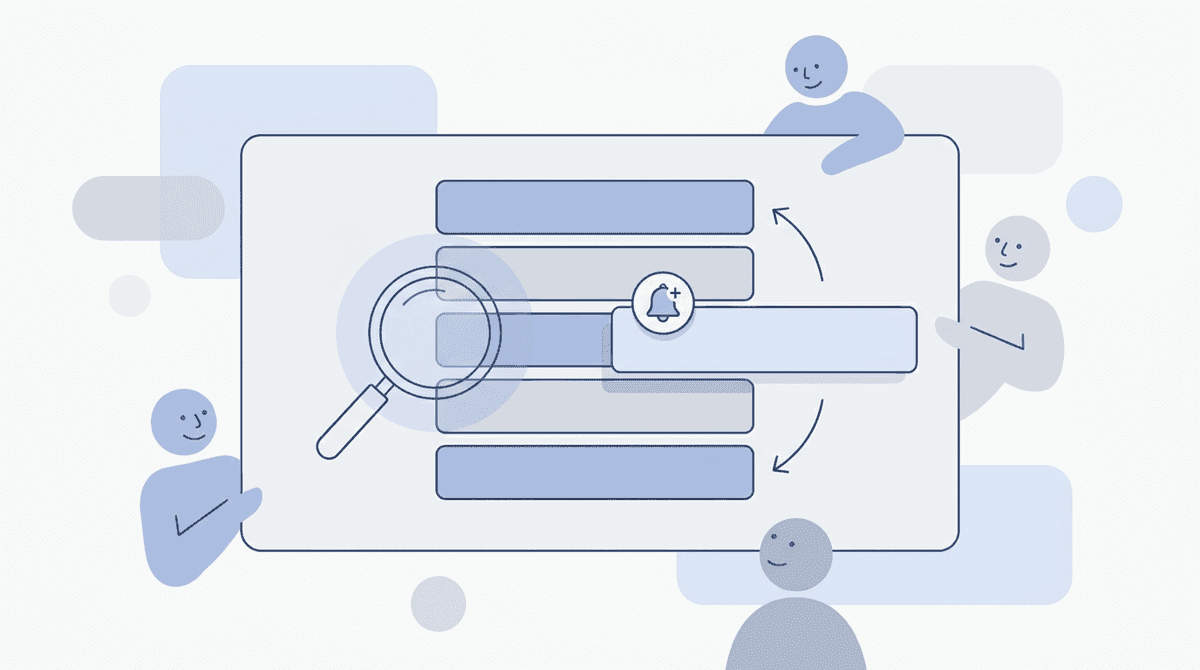
An advisory listing is a list, and Briefpanel reads it as one. You add the vendor's public advisory page as a source. Each advisory becomes its own tracked item, and Briefpanel can follow each item's own page, so a revision inside an advisory shows up on that item: which field moved, the previous value and the current one.
In practice:
- A new advisory arrives as a new item.
- A revision arrives as a change on an existing item, for example "Exploitation: no evidence → aware of active exploitation", with the date it was seen.
- Each advisory keeps a dated history, so the before-and-after for an audit builds itself.
- Alerts go where your team works: email (on each change or as a daily or weekly digest), browser push, Slack or Discord.
- An instruction you write tells Briefpanel what matters, so it can ignore formatting and stress the fields in the table above.
- The Assistant can answer across vendors, for example "Which advisories changed exploitation status this month?", citing the items it used.
Cost: billing is by credit, pay as you go, with no subscription. A check uses one credit for every page it reads: the listing page, plus each advisory page it follows, up to a fixed ceiling per check. A vendor that puts everything on one page costs about one credit per check; one where each advisory has its own page costs more, and the source's settings show what one check costs. Current free credits and packs are in the pricing section.
Limits worth knowing: Briefpanel reads public pages, so advisories behind a customer login are out of reach. It doesn't scan your network or know which versions you run. It tells you the advisory changed; matching that to your assets stays with your team or your vulnerability scanner.
Set it up in ten minutes
- Open the Briefpanel app and add a tier 1 vendor's security advisory page as a source.
- Set a check every 6 hours for tier 1 vendors and daily for tier 2.
- Add an instruction. A template to start from:
Track each security advisory as an item. Report new advisories and any change to exploitation status, affected products or versions, fixed releases, workarounds, indicators of compromise and severity. Ignore wording edits, translations and page layout. Say in one line whether the change should move the patch date.
- Send alerts to the channel your on-call or SOC already watches.
- Repeat for your other tier 1 vendors, then add status pages for the same vendors. The guide to monitoring status pages and incidents covers that side.
For the contract side of the same vendors, watch their subprocessor lists and Terms of Service as separate sources.
FAQ
How do I monitor vendor security advisories automatically?
Subscribe to each vendor's feed or mailing list for new advisories, then watch the advisory pages themselves for revisions. A monitor that tracks each advisory as an item can alert you when a field such as exploitation status or affected versions changes, not only when a new advisory appears.
Why would a vendor update a security advisory after publishing it?
Because it learned more. Common revisions add affected products, a fixed release, a workaround, indicators of compromise, or confirmation of active exploitation. Cisco's CVE-2026-20079 advisory, first published in March 2026, was revised in July and again in September.
How often should I check security advisories?
With a tool, every 6 hours is a fair default for tier 1 (edge devices, identity) and daily for tier 2. By hand, re-read open tier 1 advisories at least daily and tier 2 weekly. If your policy follows BOD 26-04's top tier, a three-day remediation window leaves little room for a weekly review of tier 1.
What is the CISA KEV catalog?
The Known Exploited Vulnerabilities catalog is CISA's list of flaws with evidence of active exploitation. Federal civilian agencies must fix listed flaws by a due date, and many companies use it to rank their own patching.
Is an RSS feed enough to track security bulletins?
It's enough for new bulletins. Most feeds don't announce that an old advisory was revised, so pair the feed with something that re-reads the advisories you still have open.
Catch the second version
The first version of an advisory tells you a flaw exists. The later versions tell you whether someone is using it against you. Watch the page, not only the feed, and let the revision reach you as a ticket with a date.
Start monitoring a vendor's security advisories in the app →
See Briefpanel for compliance teams →
Related guides
- How to monitor status pages and incident updates
- Monitor vendor subprocessor list changes
- How to monitor Terms of Service changes
- Monitor external docs, APIs, and changelogs
Sources
- SecurityWeek — Organizations Warned of Cisco Secure FMC Exploitation
- BleepingComputer — Cisco confirms CVE-2026-20079 Secure FMC flaw exploited in attacks
- CISA — Known Exploited Vulnerabilities Catalog
- CISA — BOD 26-04: Prioritizing Security Updates Based on Risk
- AWS Prescriptive Guidance — Monitor AWS security bulletins