
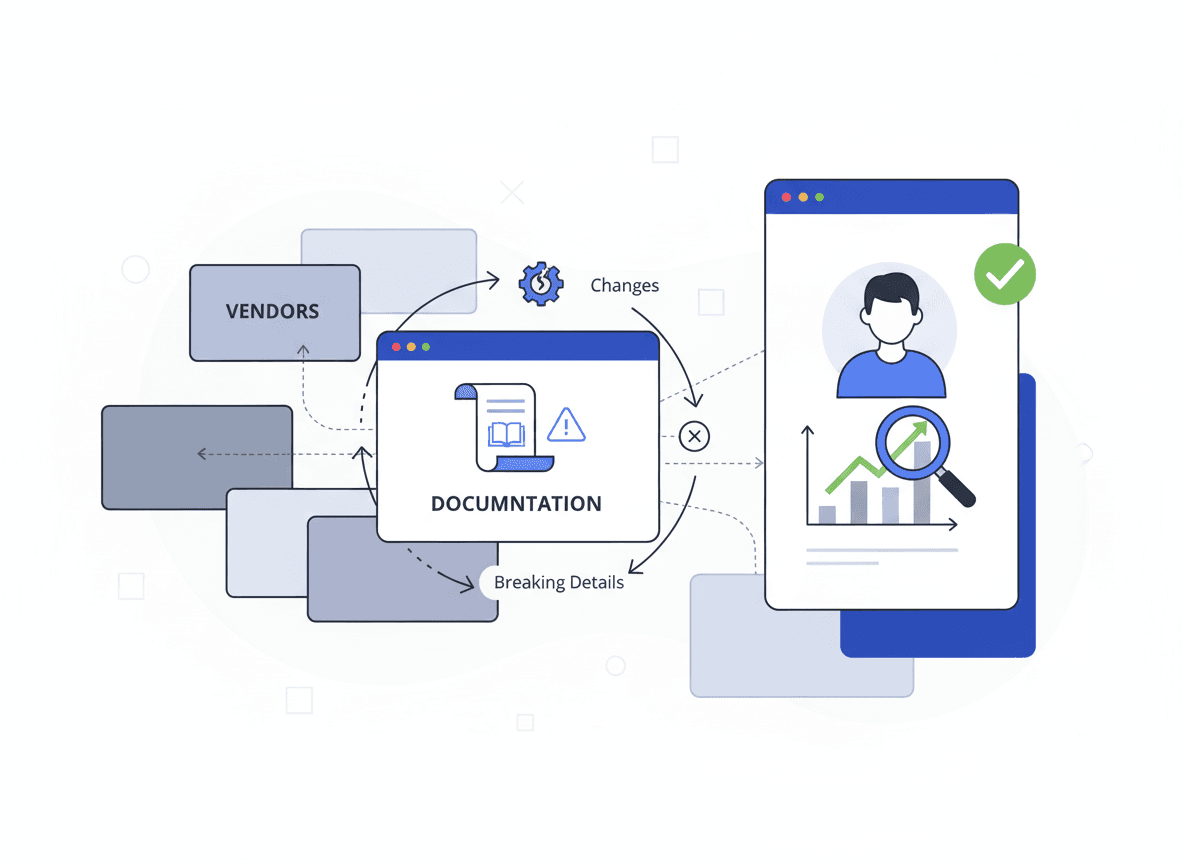
If you rely on external APIs, docs are part of your runtime.
The most expensive changes aren’t always in release notes. They’re quiet edits to:
- auth requirements
- rate limits
- parameter definitions
- error code tables
- migration guides
This guide shows how to track documentation changes across vendors reliably—plus a lightweight workflow to convert updates into clear briefs with BriefPanel.
What to monitor for each vendor
Start with a consistent set of URLs:
- docs home
- authentication page
- rate limits/quotas page
- changelog (if any)
- migration guides
- pricing/limits pages
- status page
Don’t forget “FAQ” and “troubleshooting” sections—these often change without notice.
Common approaches
1) GitHub watching
Great for open source repos, weak for hosted docs.
2) RSS/newsletters
Good for announcements, weak for silent edits.
3) Manual reviews
Too slow and inconsistent.
4) Website change monitoring
Reliable detection for specific URLs.
The remaining problem: interpretation and prioritization.
The workflow upgrade: monitoring + impact briefs
BriefPanel helps teams reduce surprises by turning diffs into readable summaries.
Use it to:
- detect changes quickly
- summarize impact (breaking vs non-breaking)
- share updates with engineering
Want fewer surprises in production? Try BriefPanel free →
Prompt template: docs monitoring
"Summarize changes that impact integration behavior: auth changes, new required parameters, rate limit changes, error code updates, deprecations, and migration steps. Ignore navigation/footer and minor formatting changes."
10-minute setup
- List your top 10–30 vendors.
- Add the key doc URLs per vendor.
- Set cadence (daily for critical vendors).
- Use the docs prompt.
- Share a weekly digest in your engineering updates.
Start monitoring docs like an adult
Docs change. The only question is whether you find out early.