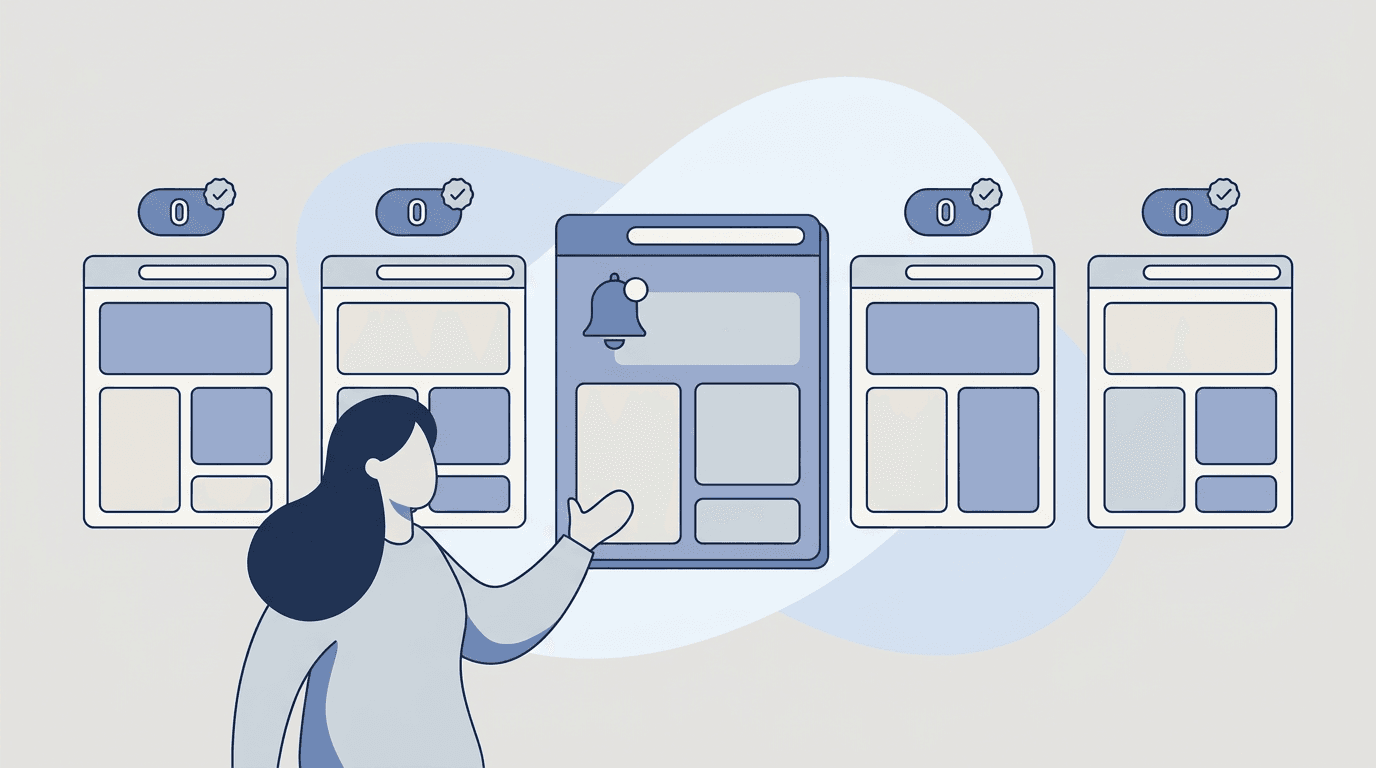
Misalignment is rarely caused by a lack of meetings.
It’s caused by silent changes:
- a dependency squad updates scope
- a partner changes requirements
- a spec doc gets revised
- an OKR shifts
- a decision log gets a new entry
And you only find out after work has already started.
This post shows a practical workflow for PMs to monitor internal stakeholder updates without chasing threads and notes — and why the data says this quiet coordination tax is bigger than most teams assume.
What the data shows: misalignment is expensive and mostly invisible
If catching changes feels like a full-time job, that’s because, statistically, a large slice of your week already goes to it.
-
Knowledge workers spend roughly a quarter of the workweek just hunting for information. Atlassian’s State of Teams 2025 found that executives and teams spend about 25% of their time searching for answers, and estimated that across the Fortune 500 this adds up to about 2.4 billion hours wasted every year (Atlassian, State of Teams 2025). McKinsey’s research has long put the same figure near one full day per week spent searching for and gathering information (McKinsey Global Institute, The Social Economy).
-
Most of the workday goes to coordination, not the work itself. Asana’s Anatomy of Work Index found that knowledge workers spend 60% of their time on "work about work" — chasing status, duplicating effort, and switching between tools — instead of skilled work. The same research pegged 209 hours a year, per worker, on duplicated work (Asana, Anatomy of Work).
-
When alignment slips, deadlines slip. Asana found that roughly 1 in 4 deadlines (26%) are missed each week, driven largely by unclear processes and unrealistic expectations (Asana, Anatomy of Work).
-
The work itself feels fragmented. Microsoft’s Work Trend Index analysis of Microsoft 365 signals found employees are interrupted by a meeting, email, or notification roughly every 2 minutes — about 275 times a day — and that 48% of employees (and 52% of leaders) say their work feels chaotic and fragmented (Microsoft, Breaking down the infinite workday).
-
People can’t connect their work to the goal. In Atlassian’s study, only 7% of executives said they know exactly how their teams’ work supports the company’s big goals, and "difficulty finding information" was named the number-one barrier to moving fast (Atlassian, State of Teams 2025).
The takeaway for PMs: misalignment isn’t a discipline problem you can meeting your way out of. It’s an information-flow problem. The sources of truth keep changing, and the cost of noticing those changes is quietly eating the week.
What “stakeholder monitoring” means in practice
You’re not monitoring people — you’re monitoring the sources where decisions and requirements live.
Common sources:
- roadmaps (team pages, internal wikis like Confluence or Notion)
- specs and PRDs
- dependency docs and integration checklists
- policy, security, and compliance pages
- partner portals and public status pages
- procurement and enablement docs
- decision logs / ADRs
The goal is simple: when one of these pages changes in a way that affects you, you find out the same day — not three sprints later in a retro.
Why internal alignment breaks
Internal alignment breaks because:
- changes are scattered across tools (the average employee also processes 117 emails and 153 chat messages a day — updates drown in the noise; Microsoft)
- docs are edited without a clear broadcast
- updates don’t reach the right audience
- the cost of “summarizing what changed” is too high, so nobody does it
- teams unknowingly duplicate work because no one saw the doc that already answered the question
If your team relies on “someone will tell us,” you will ship surprises.
A stakeholder-alignment framework: Sources → Cadence → Audience → Brief
You don’t need a new tool or a new ritual. You need a repeatable loop. The high-performing teams in Atlassian’s research share one pattern: they set clear goals, then track and plan work in a centralized place so the right information is easy to find. Here’s a lightweight version any PM can run.
1. Sources — pick the 10–30 URLs that actually move work
Most misalignment traces back to a small number of pages. Inventory the docs and portals where scope, dates, dependencies, and decisions live, and keep the list tight:
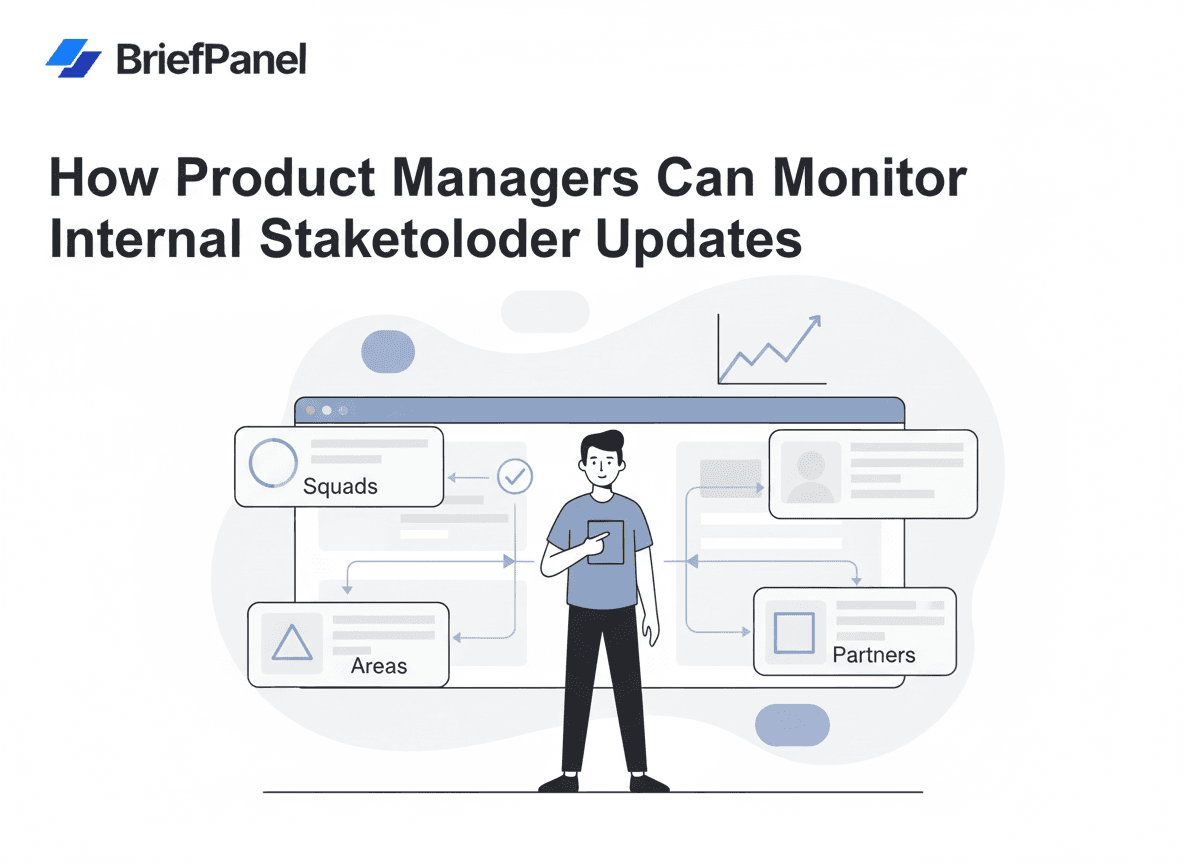
- Squad A roadmap + specs
- Squad B launch checklist
- Partner portal requirements
- The decision log / ADR index
- The one policy or security page that can block your release
2. Cadence — match checking frequency to how fast each page changes
- Every hour for live status and incident pages
- Every 24 hours for team roadmaps, launch checklists, specs, and policies
- Per-URL, not one-size-fits-all — a quarterly OKR page doesn’t need the same rhythm as a live status page
3. Audience — decide who gets each update before anything changes
- PMs and program managers
- Engineering / tech leads
- Ops, delivery, and QA
- Partner-facing or GTM owners when external requirements shift
Routing updates to the right people is the step most teams skip — and it’s exactly why 60% of time becomes "work about work": the update existed, it just never reached the person who needed it. Send each source’s updates where that audience already works: email or a digest, a Slack or Discord channel, or your own tools through signed webhooks and the API.
4. Brief — turn the raw diff into a decision-ready note
A change isn’t useful until someone summarizes what it means. Keep the format identical every time so it’s skimmable and forwardable:
- What changed (1–3 bullets)
- Why it matters (impact + who’s affected)
- Next step / owner
Copy/paste instructions template for internal monitoring
When you let an AI decide which changes reach you, give it a clear filter so it surfaces signal and ignores noise:
"Track milestones, dates, owners, scope, dependencies, new requirements, and decisions, each as its own item. Treat a change to any of those as an update. Ignore formatting, navigation, and minor wording."
This is the difference between a diff (which still needs a human to interpret) and a named field with its previous and current value (which a stakeholder can act on in 20 seconds).
Real use cases
Catching a silent scope change before sprint planning. A dependency squad quietly edits its roadmap page to push an integration milestone two weeks. Instead of finding out in standup after committing dependent work, the PM gets the moved fields the same day: scope changed, milestone date March 3 → March 17, here’s who’s affected. Planning adjusts before any code is written.
Watching a partner or vendor status/requirements page. Partner portals and public API/status pages change without sending you an email. Monitoring the page directly means you hear about a deprecated endpoint or a new compliance requirement on your timeline, not theirs.
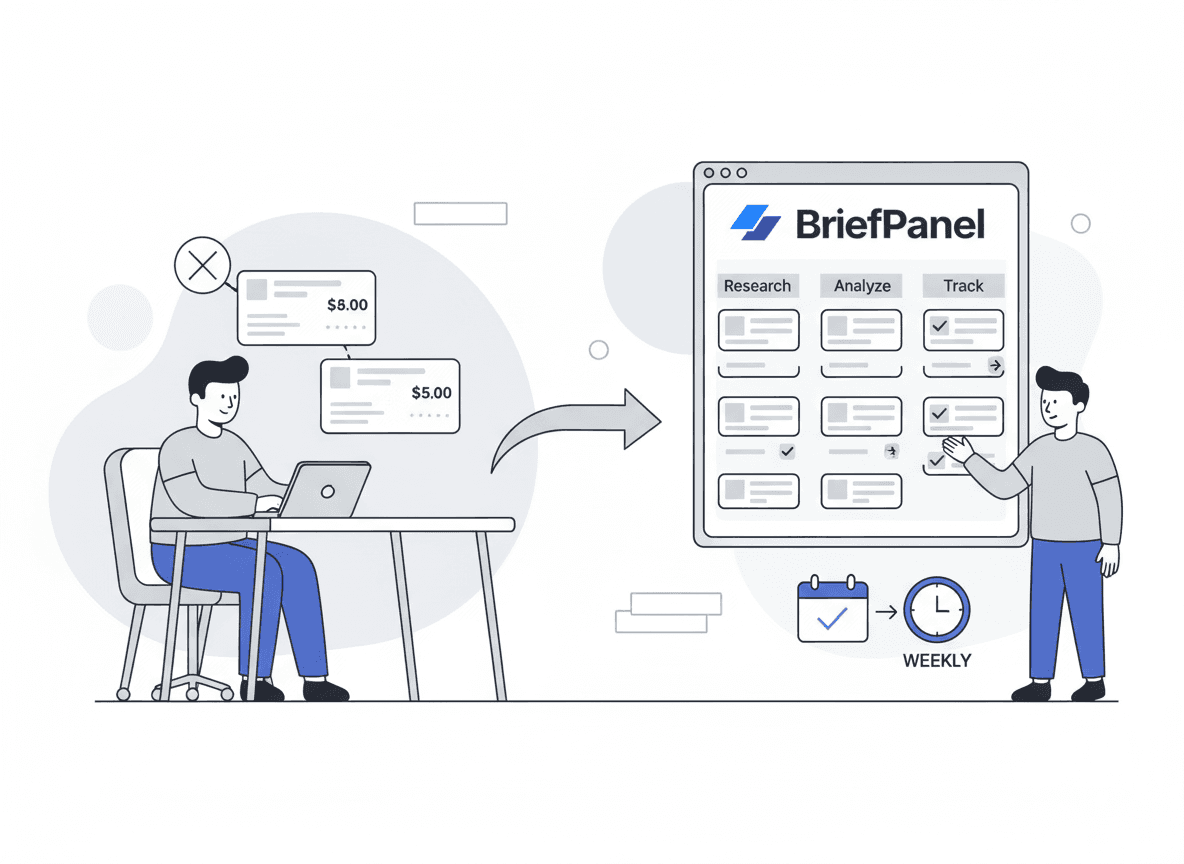
Keeping leadership aligned without another sync. A weekly digest of "what changed across our top 20 sources" replaces a standing alignment meeting — exactly the kind of "work about work" Asana found eats most of the week. Before a leadership review, ask the Assistant "What changed across our sources this week?" and get an answer that cites each update.
Competitive and market context. The same monitoring habit extends outward. If you also track external pages, see Top 10 ways to track website changes and the PM-focused competitive intelligence guide.
A faster workflow with BriefPanel
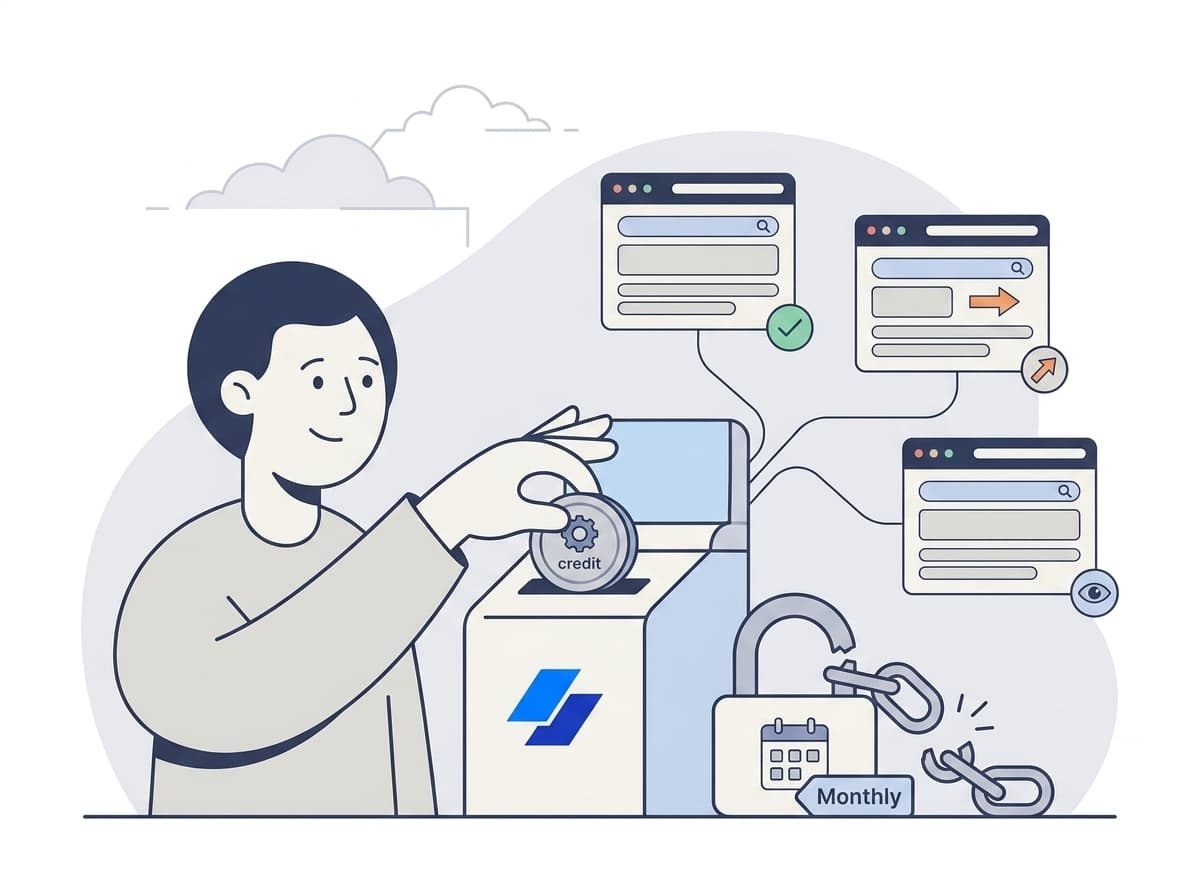
BriefPanel tracks each milestone, spec and decision on a monitored page as its own item — new, changed or dropped — with both values of the fields you named when one changes — ready to share:
- monitor the internal sources you choose
- detect changes reliably
- name the fields worth tracking with your own AI Instructions
- set a per-URL cadence and sensitivity so live status pages and quarterly docs each get the right rhythm
- deliver via email, push, or digest, or to a Slack or Discord channel, in your team’s language (multilingual alerts)
- send each new, changed, or removed item to your own tools through signed webhooks or the REST API and MCP server
One honest note: BriefPanel monitors publicly accessible pages. Many wikis, intranets, and SharePoint sites sit behind authentication, so it’s the best fit for the internal-ish sources that are reachable without login — published status pages, partner portals, public docs, policy and pricing pages, and any internal page you can expose on an accessible URL. For login-gated wikis, the same framework still applies; you’ll just route the "who gets notified" step through your own tools.
If you want fewer surprises across squads and partners:
See how teams use BriefPanel for internal stakeholder updates →
FAQ
Isn’t this just another notification stream to ignore? No — the point is to replace noise, not add to it. With per-URL cadence and focused AI Instructions, you get one decision-ready item instead of 275 daily pings. On any update you don’t care about, "Don’t show updates like this" keeps similar ones in the history but stops them from notifying you. Given that Microsoft found employees are already interrupted roughly every two minutes, fewer-but-better updates is the goal.
How many pages should I monitor? Start with 10–30. Most misalignment comes from a handful of high-traffic sources (roadmaps, specs, dependency docs, partner portals, decision logs). Adding hundreds of low-signal pages just recreates the overload you’re trying to escape.
Can BriefPanel monitor our Confluence or Notion wiki? Only if the specific page is publicly accessible without a login. BriefPanel monitors public URLs, so it works for published docs, status pages, and partner portals. For auth-gated wikis, use the Sources → Cadence → Audience → Brief framework with your internal tooling.
How is a tracked field different from a change diff? A diff shows you what changed character-by-character. A named field tells you which thing changed and both of its values — the milestone date moved from March 3 to March 17 — so a stakeholder can see the change without re-reading the whole page. The impact note (who’s affected, the next step) is what your triage adds on top.
What cadence should I use? Match it to how fast the page changes: every hour for live status pages, every 24 hours for squad roadmaps, specs, and policies. BriefPanel lets you set this per URL.
Related guides
- Top 10 ways to track website changes
- Competitive intelligence for product managers
- Monitor competitor pricing and packaging
Sources
- Atlassian — State of Teams 2025
- Asana — Anatomy of Work Index
- Microsoft — Breaking down the infinite workday (Work Trend Index)
- McKinsey Global Institute — The Social Economy: Unlocking Value and Productivity Through Social Technologies