
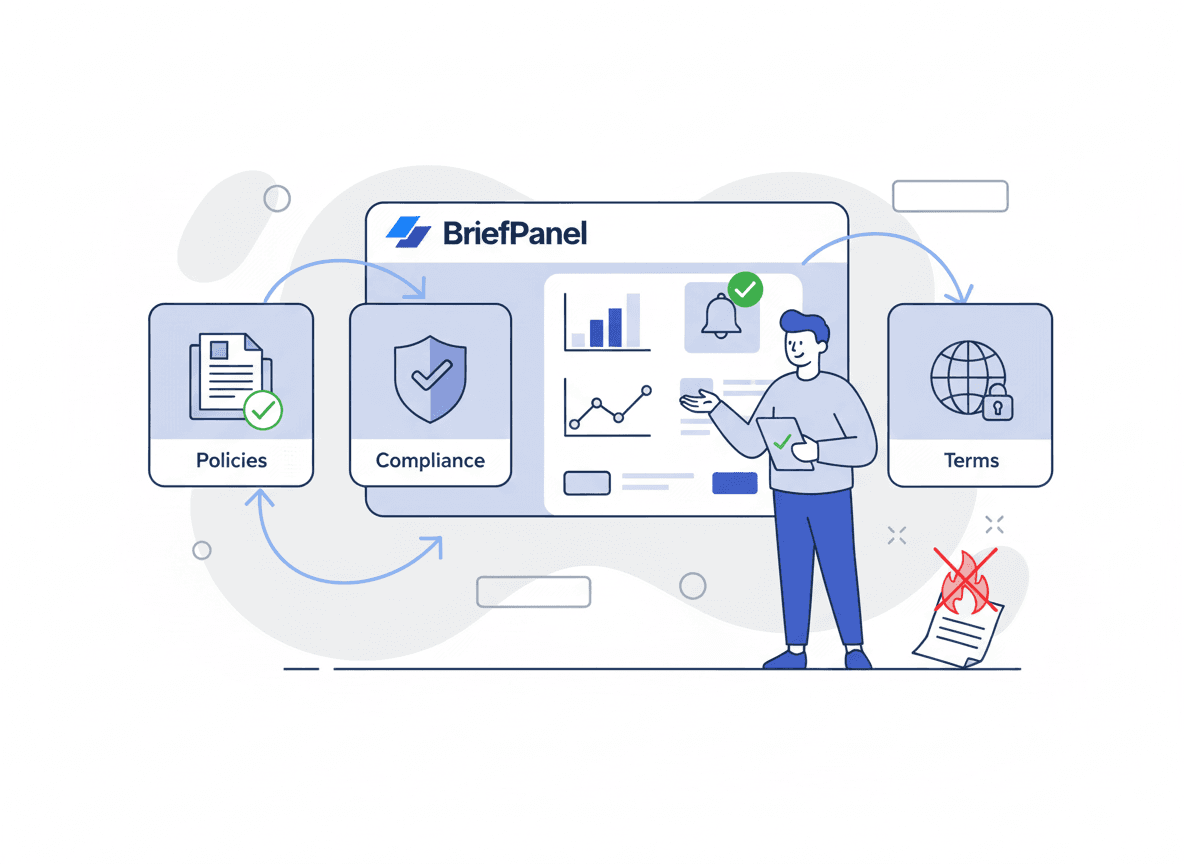
Policy pages rarely change with loud announcements.
A vendor updates data retention. A platform changes acceptable use language. A tool modifies liability limits.
If your product relies on third-party services, those changes become product risk — and the worst time to discover them is after the fact.
This guide explains what to monitor, how to set a cadence, and how to turn policy diffs into short, actionable briefs.
What to monitor (it’s never just one page)
Most vendors split legal/compliance terms across multiple URLs.
Track:
- Terms of Service
- Privacy Policy
- Acceptable Use Policy (AUP)
- Data Processing Addendum (DPA)
- Cookie Policy
- Security / Trust page
- Subprocessor list
- SLA / support policy
Tip: also monitor the vendor’s “Legal” hub page (new policy links often appear there first).
What changes matter most
Not all edits are equal. Focus on clauses that can affect:
- pricing and billing rules
- termination language
- data retention and sharing
- compliance references (GDPR, SOC 2, HIPAA)
- usage limits and enforcement
- liability and indemnification
A one-line change can shift obligations.
A lightweight workflow for policy monitoring
-
Pick your critical vendors and platforms.
-
Add the URLs above for each vendor.
-
Set a cadence:
- weekly for stable vendors
- daily for fast-moving platforms
- Use an impact-focused prompt.
Copy/paste prompt template
"Summarize only meaningful policy changes. Highlight pricing/billing, data retention, data sharing, liability/indemnification, termination, usage limits, and compliance language. Ignore navigation, formatting, and footer changes. Quote the exact clauses that changed if available."
A faster workflow with BriefPanel
BriefPanel helps you monitor policy pages and get AI-written briefs:
- detect changes reliably
- summarize what changed and why it matters
- keep an audit-friendly history via digests
If you want to reduce compliance surprises without adding busywork: